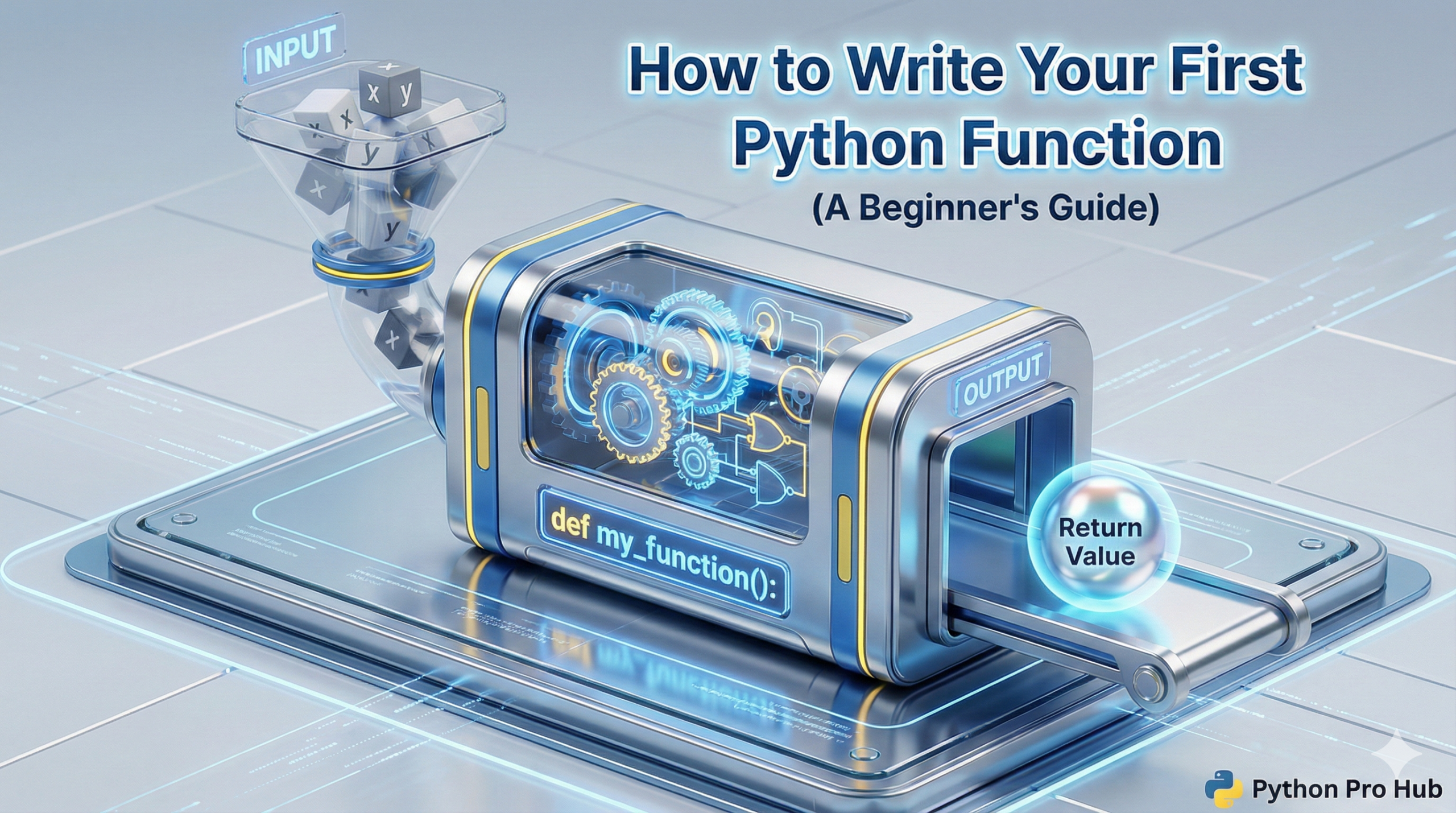
So far, you’ve learned to write code that runs from top to bottom. But what if you need to perform a specific task multiple times in your programme? This is where a Python function comes in handy. You’d have to copy and paste your code, which is messy and hard to update.
The solution is a Python Function.
A function is a reusable, named block of code that performs a specific task. This is the last core concept in our Python Basics foundation, building on what you learned in our Loops and Data Structures guides.
Why Use a Function? (The “D.R.Y.” Principle)
Functions follow the D.R.Y. principle: Don’t Repeat Yourself. Borrowing a function from Python to simplify your code makes this principle a reality.
- It’s Reusable: Write the code once, and “call” it (run it) as many times as you want.
- It’s Organized: It gives a name to a block of code, making your programme read like a story (e.g.,
calculate_tax(),send_email()). - It’s Maintainable: If you need to fix a bug or make a change, you only have to fix it in one place—inside the function.
Part 1: Defining and Calling Your First Function
You create a function using the def keyword (short for “define”). Defining a Python function is the crucial first step.
The Syntax:
def function_name(parameter1, parameter2):
  # Code block
  # ...
  return some_value
Let’s make the simplest function possible.
# 1. Define the function
def greet():
  print("Hello! Welcome to Python Pro Hub.")
  print("This is inside the function.")

# 2. Call the function to make it run
print("This is outside, before the call.")
greet()
print("This is outside, after the call.")
Output:
This is outside, before the call.
Hello! Welcome to Python Pro Hub.
This is inside the function.
This is outside, after the call.
Notice how the code inside greet() only ran when we called it with greet().
Part 2: Parameters vs. Arguments (How to Pass in Data)
This is the most important concept. What if we want our greet() function to say hello to a specific person? We need to pass data into it. Understanding Python function parameters helps tailor functions to specific needs.
- A Parameter is the variable inside the function definition (the placeholder).
- An Argument is the actual value you pass in when you call the function.
Example:
# 'name' is a parameter
def greet_user(name):
  print(f"Hello, {name}! Welcome.")

# "Alice" is the argument
greet_user("Alice")

# "Bob" is the argument
greet_user("Bob")
Output:
Hello, Alice! Welcome.
Hello, Bob! Welcome.
We can now reuse this function for any name!
Type Hinting (Modern Python)
You can “hint” at what data type your parameter should be. This is optional but highly recommended for clean code, especially when defining functions within Python.
# This tells other devs that 'name' should be a string (str)
def greet_user(name: str):
  print(f"Hello, {name}! Welcome.")
Part 3: The return Keyword (How to Get Data Out)
What if you want your function to give you a value back? For instance, consider a function within Python that adds two numbers. It shouldn’t just print the result, but return it so you can save it in a variable.
The return keyword does two things:
- Immediately stops the function.
- Sends one value back out.
Example:
# This function takes two 'int' parameters
# and returns (->) an 'int' result
def add_numbers(num1: int, num2: int) -> int:
  total = num1 + num2
  return total

# Call the function and SAVE the returned value
sum_result = add_numbers(5, 10)

print(sum_result)
print(sum_result * 2)
Output:
15
30
Because we returned the value 15, we could save it to sum_result and use it in the rest of our programme. If we had used print(total) inside the function, we could not have done this.
A Full Example
Here is a function that combines everything:
def- Parameters with type hints
- A
returnvalue
def is_even(number: int) -> bool:
  """
  A docstring explains what the function does.
  Returns True if a number is even, False if odd.
  """
  if number % 2 == 0:
    return True
  else:
    return False

# Now we can use it!
print(f"Is 10 even? {is_even(10)}")
print(f"Is 7 even? {is_even(7)}")
Output:
Is 10 even? True
Is 7 even? False
Conclusion
You’ve now mastered the core foundations of Python Basics. You know:
- Variables (to store data)
- Data Structures (to organise data)
- Loops (to repeat actions)
- Functions (to make code reusable)
With these four pillars, you are ready to move from a beginner to a specialist. Your next step is to pick a path. Why not start with our Guide to Python for Web Development?