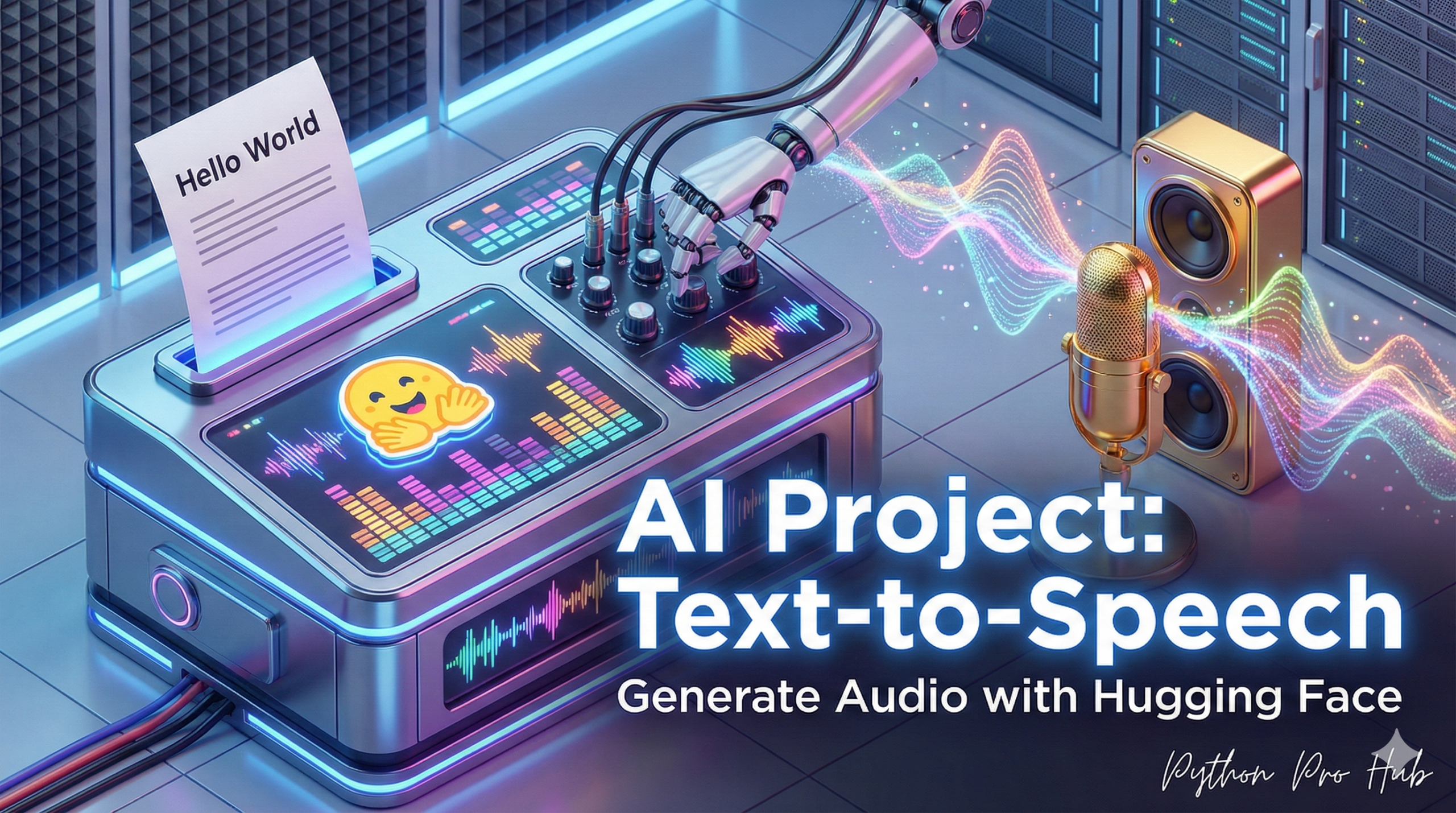
This is the final piece of the audio puzzle. We’ve used Whisper to transcribe speech, now let’s generate it. The tool Hugging Face Text to Speech makes this step possible.
Text-to-Speech (TTS) is a powerful AI task. We’ll use the transformers library to load a model that can read any text you give it.
Step 1: Installation
You’ll need transformers, torch, and a library to save the audio file.
pip install transformers torch
pip install soundfile
Step 2: The Code
We will load a SpeechT5 model, which also requires a “vocoder” (to make the voice sound natural) and “embeddings” (to define the speaker’s voice).
from transformers import SpeechT5Processor, SpeechT5ForTextToSpeech, SpeechT5HifiGan
from datasets import load_dataset
import torch
import soundfile as sf

# 1. Load the processor (tokenizer)
processor = SpeechT5Processor.from_pretrained("microsoft/speecht5_tts")
# 2. Load the model
model = SpeechT5ForTextToSpeech.from_pretrained("microsoft/speecht5_tts")
# 3. Load the vocoder (makes the voice human-like)
vocoder = SpeechT5HifiGan.from_pretrained("microsoft/speecht5_hifigan")

# 4. Load a speaker "voice" (xvector)
# We'll use a sample from a built-in dataset
embeddings_dataset = load_dataset("Matthijs/cmu-arctic-xvectors", split="validation")
speaker_embeddings = torch.tensor(embeddings_dataset[7306]["xvector"]).unsqueeze(0)

# 5. Define your text
text = "Hello from your new AI assistant. I can speak!"

# 6. Tokenize the text
inputs = processor(text=text, return_tensors="pt")

# 7. Generate the speech "spectrogram"
speech = model.generate_speech(inputs["input_ids"], speaker_embeddings, vocoder=vocoder)

# 8. Save the audio to a file
sf.write("output.wav", speech.numpy(), samplerate=16000)

print("Audio saved to output.wav!")
Go play the output.wav file in your folder. You just generated realistic, human-sounding speech from a string of text!
Key Takeaways
- The article discusses generating speech using Hugging Face Text to Speech with the transformers library.
- Installation requires transformers, torch, and an audio-saving library.
- The SpeechT5 model needs a vocoder for natural voice and embeddings for the speaker’s voice.
- After running the code, you can listen to the realistic speech in the output.wav file.