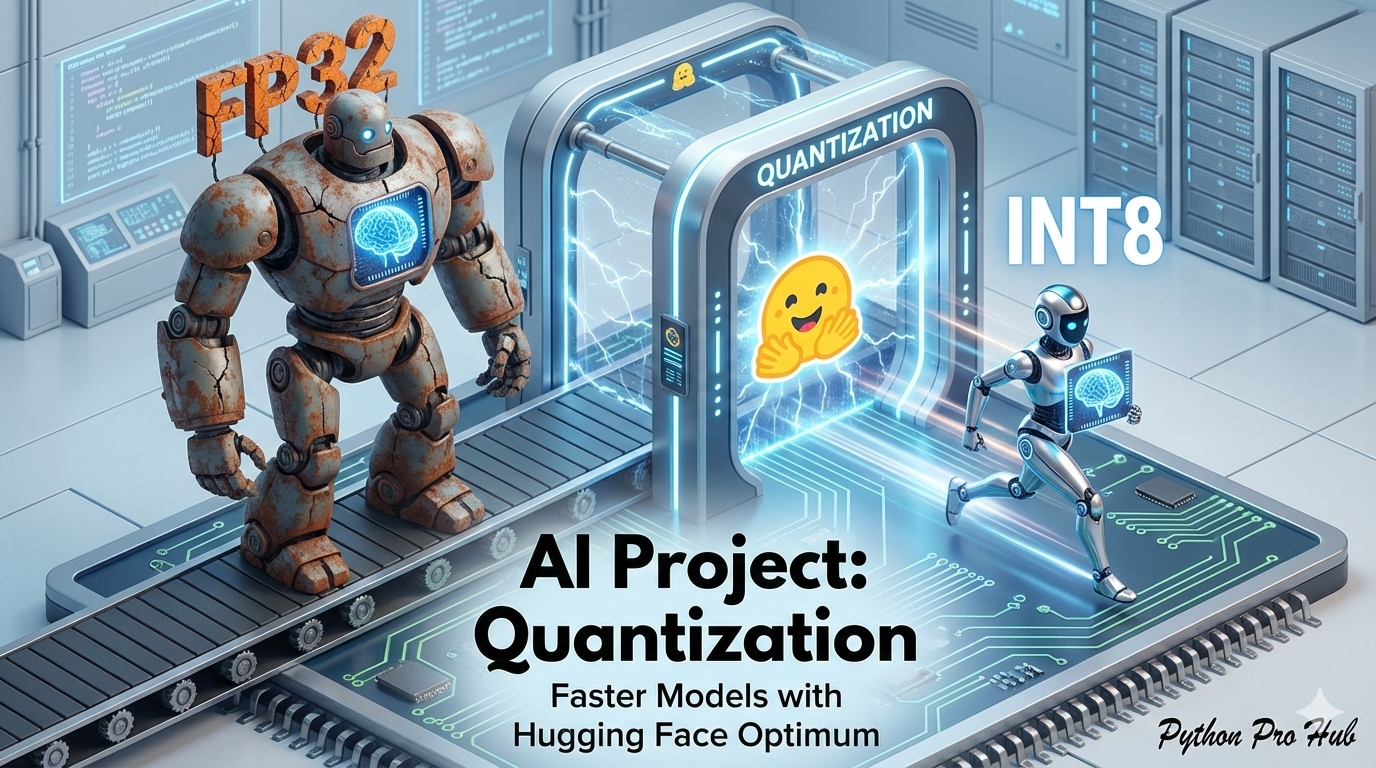
You’ve built amazing AI models, but they’re huge and slow. A model like gpt-2 can be 500MB+ and slow to run on a CPU. Hugging Face Quantization offers a powerful solution to these problems.
Quantization is the process of shrinking a model. It converts the model’s weights from 32-bit numbers (like 3.14159265) to 8-bit integers (like 127). This makes the model:
- 4x smaller on disk.
- 2-4x faster to run, especially on a CPU.
The optimum library from Hugging Face makes this easy.
Step 1: Installation
pip install transformers optimum
Step 2: The Code
We’ll load a normal model, “quantize” it, and save the new, smaller version.
from transformers import AutoModelForSequenceClassification, AutoTokenizer
from optimum.onnxruntime import ORTQuantizer, ORTModelForSequenceClassification
from optimum.onnxruntime.configuration import QuantizationConfig

model_name = "distilbert-base-uncased-finetuned-sst-2-english"
onnx_path = "onnx_model/"
quantized_path = "quantized_model/"

# 1. Load your standard model and tokenizer
tokenizer = AutoTokenizer.from_pretrained(model_name)
model = AutoModelForSequenceClassification.from_pretrained(model_name)

# 2. Save it in "ONNX" format (a standard AI model format)
model.save_pretrained(onnx_path)
tokenizer.save_pretrained(onnx_path)

# 3. Create a quantizer and a config
quantizer = ORTQuantizer.from_pretrained(model_name)
qconfig = QuantizationConfig(
    is_static=False,
    per_channel=True,
    quantization_approach="dynamic" # Dynamic quantization is easiest
)

# 4. Apply quantization!
quantizer.export(
    onnx_model_path=onnx_path,
    onnx_quantized_model_output_path=quantized_path,
    quantization_config=qconfig,
)
Step 3: Use Your Fast Model
Your quantized_model/ folder now contains a tiny, fast version. You can load it with ORTModelForSequenceClassification instead.
from transformers import pipeline

# Load the FAST model
fast_model = ORTModelForSequenceClassification.from_pretrained(quantized_path)

classifier = pipeline(
    "sentiment-analysis",
    model=fast_model,
    tokenizer=tokenizer
)

print(classifier("This is so much faster!"))
Key Takeaways
- AI models are large and slow, like gpt-2, which exceeds 500MB and runs slowly on CPUs.
- Hugging Face Quantization shrinks model size by converting weights from 32-bit to 8-bit integers, making the model 4x smaller.
- Quantization also improves speed, making models 2-4x faster to run, particularly on CPUs.
- Installation of the optimum library from Hugging Face simplifies the quantization process.
- After quantization, use the fast model with ORTModelForSequenceClassification from the quantized_model folder.