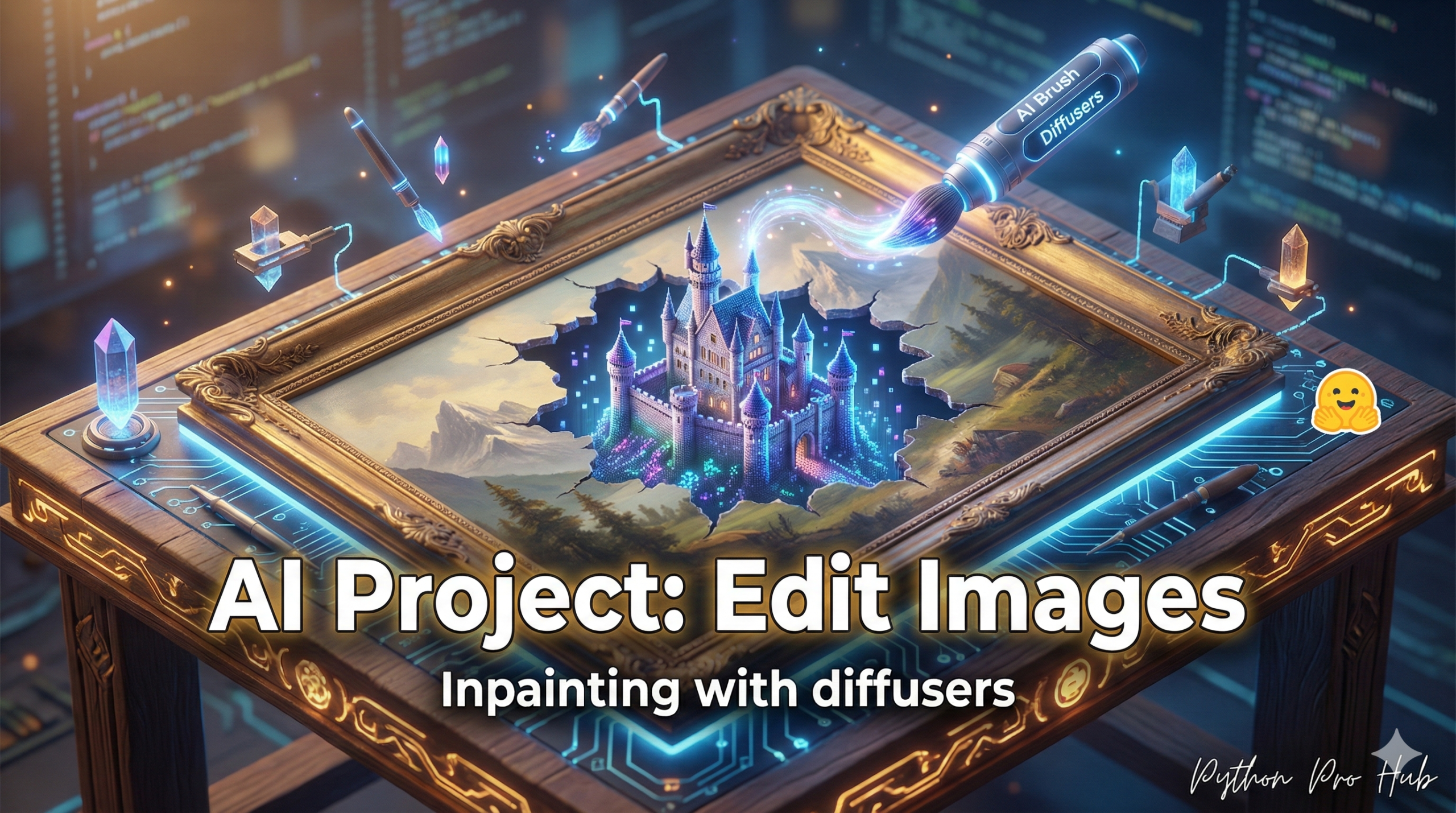
We’ve used Stable Diffusion to create images. Now, let’s use it to edit them. In this guide, we’ll explore Hugging Face Inpainting and how it can enhance your image editing workflow.
Inpainting is the process of “filling in” a masked part of an image. You provide an image, a “mask” (the area to edit), and a prompt (what to fill it with).
⚠️ WARNING: High VRAM Required
Like our previous diffusers project, you must have a modern NVIDIA GPU with at least 8GB of VRAM to run this code.
Step 1: Installation
pip install diffusers transformers torch pillow
Step 2: The Setup (Image and Mask)
You need three things:
- A Base Image: The photo you want to edit.
- A Mask Image: A black and white image where white is the area you want the AI to replace, and black is the area to keep. (You can make this in any photo editor, even MS Paint).
- A Prompt: What you want the AI to draw in the white area.
Step 3: The Code
We’ll use a special StableDiffusionInpaintPipeline.
import torch
from diffusers import StableDiffusionInpaintPipeline
from PIL import Image

# 1. Load the special Inpainting model
pipe = StableDiffusionInpaintPipeline.from_pretrained(
    "runwayml/stable-diffusion-inpainting",
    torch_dtype=torch.float16
)
pipe = pipe.to("cuda")

# 2. Load your images
# (Make sure they are the same size)
init_image = Image.open("dog_on_sofa.png").resize((512, 512))
mask_image = Image.open("sofa_mask.png").resize((512, 512))

# 3. Your prompt
prompt = "A red cat sleeping on a sofa"

# 4. Run the pipeline!
image = pipe(prompt=prompt, image=init_image, mask_image=mask_image).images[0]

# 5. Save the result
image.save("cat_on_sofa.png")
print("Image edited and saved!")
You’ve just built an AI-powered “content-aware fill” tool, just like in Photoshop!
Key Takeaways
- Use Stable Diffusion for image editing through a process called inpainting.
- Inpainting fills in a masked part of an image using a base image, mask, and prompt.
- Ensure you have an NVIDIA GPU with at least 8GB of VRAM to run the code.
- Create a mask image where white indicates the area to replace and black indicates what to keep.
- Use the StableDiffusionInpaintPipeline to build an AI-powered content-aware fill tool.