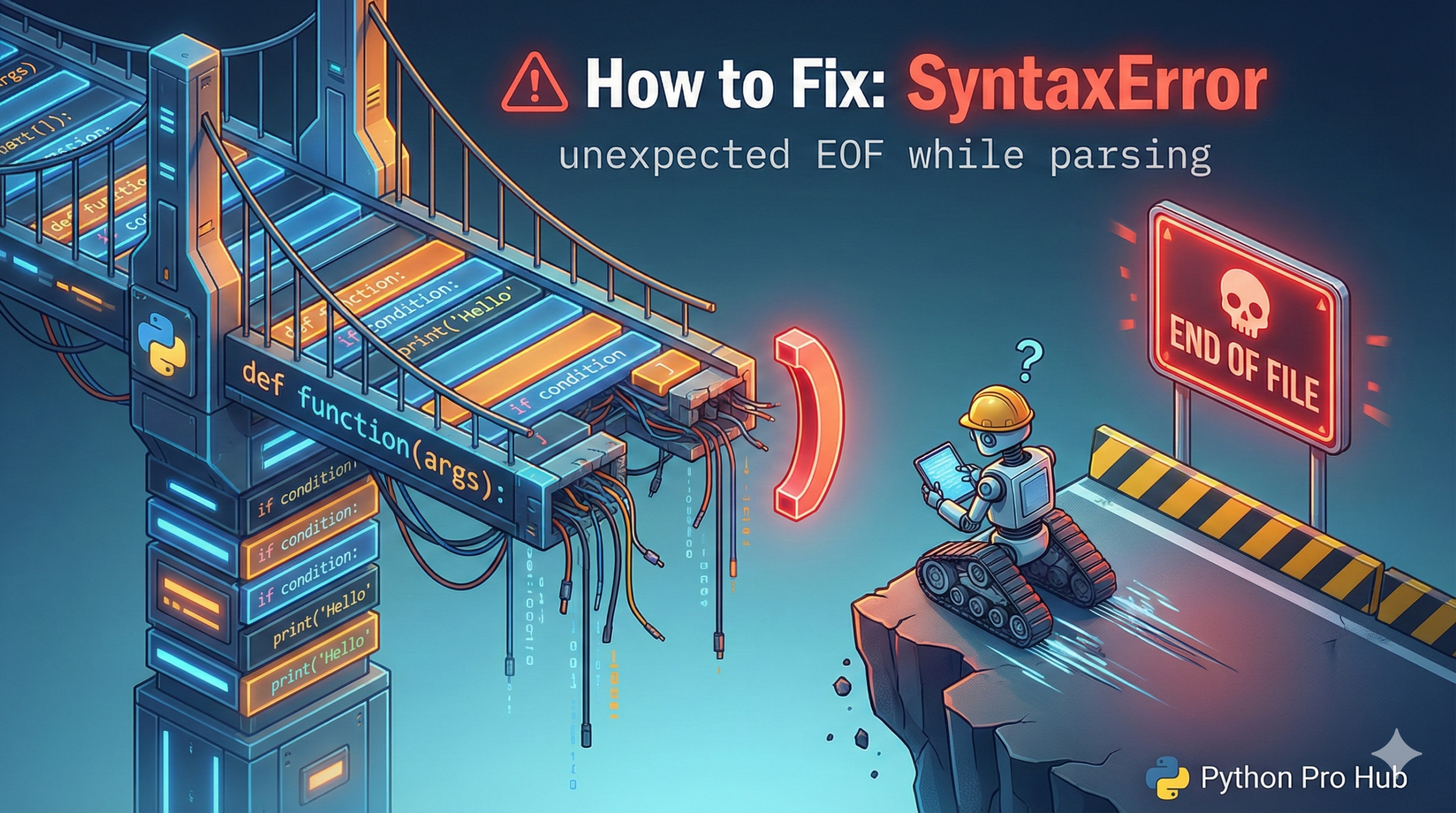
This is a classic “invisible” error that drives beginners out of control. One common example is the SyntaxError unexpected EOF message, which can be confusing when you’re not sure where things went wrong.
- EOF stands for “End of File”.
- The error means: “Python read your entire script, but it was still in the middle of a statement.”
⚡ Quick Fix: SyntaxError: unexpected EOF while parsing — Python Unclosed Bracket, Parenthesis, and Brace Fix for Multi-line Statements
Python read your entire file and still found an open (, [, or { with no matching closer — it hit the end of the file mid-statement and crashed.
# WRONG — missing closing ] on a multi-line list
users = [
    {"name": "Alice", "age": 20},
    {"name": "Bob",   "age": 30}
    # SyntaxError: unexpected EOF while parsing — ] never arrived

# WRONG — missing closing ) on a multi-line function call
result = some_function(
    argument_one,
    argument_two
    # SyntaxError fires at end of file — ) never arrived

# WRONG — empty function body with no pass
def my_function():
    # SyntaxError: unexpected EOF while parsing — body expected, nothing found

# RIGHT — every opener has a closer, every body has content
users = [
    {"name": "Alice", "age": 20},
    {"name": "Bob",   "age": 30}
]

result = some_function(
    argument_one,
    argument_two
)

def my_function():
    pass    # placeholder until you add the real body
Work backwards from the last line of your file — the first unmatched (, [, or { you find is the cause.
The Cause: Unmatched Brackets
This error happens 99.9% of the time because you forgot to close a parenthesis (, bracket [, or brace {.
Python is smart enough to let you spread statements over multiple lines if you’re inside brackets.
Problem Code:
# We are creating a list of dictionaries
users = [
    {"name": "Alice", "age": 20},
    {"name": "Bob", "age": 30} # <-- Oops! Forgot the closing ]
# Python hits the end of the file here, still looking for the ']', and crashes.
Error: SyntaxError: unexpected EOF while parsing
The Fix
Look at the line where Python reports the error (it will always be the very last line of your file). This tells you the error ended there.
Now, work backwards from the end of your file, checking every (, [, and {. The first one you find that doesn’t have a matching partner is your culprit.
A good code editor (like VS Code or PyCharm) will highlight matching brackets for you, making this error much easier to find.
SyntaxError: unexpected EOF while parsing — Three Causes, One Search Direction, Fixed in 60 Seconds
SyntaxError: unexpected EOF while parsing always points at the last line of your file. Python isn’t saying the bug lives there — it’s saying the file ended before it found the closing character it needed. The real bug sits earlier, at the first unmatched bracket.
Work backwards from the bottom of your file. The first (, [, or { without a matching ), ], or } is your culprit. In a file with nested brackets, count opens and closes on the same line — if the counts don’t match, the missing closer is on that block.
Three patterns generate this error.
A missing closing bracket on a multi-line list, dict, or tuple. Python allows statements to span lines inside brackets — it keeps reading until it finds the closer. Forget the ] on a 50-line list definition and the error fires at line 51, not line 1.
A missing closing parenthesis on a multi-line function call or definition. Same mechanism — Python waits for ) across as many lines as it takes. The error lands at EOF, not at the def or the call site.
An empty function, class, or if block with no body. Python expects at least one statement after a colon. A block with nothing in it — not even a comment — fires unexpected EOF. Add pass as a placeholder: it costs one word and satisfies Python’s body requirement completely.
Your editor fixes all three permanently. VS Code and PyCharm highlight matching brackets in real time and flag unclosed ones before you save the file. Enable bracket pair colorization in VS Code settings — it colour-codes every nested level and makes a missing closer visible at a glance without running the code.