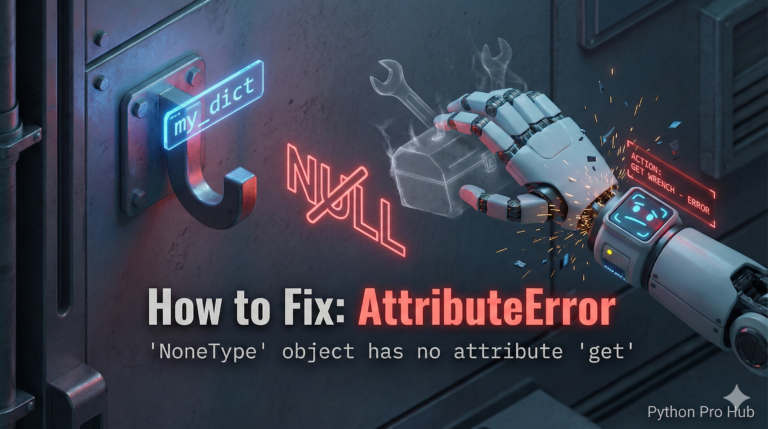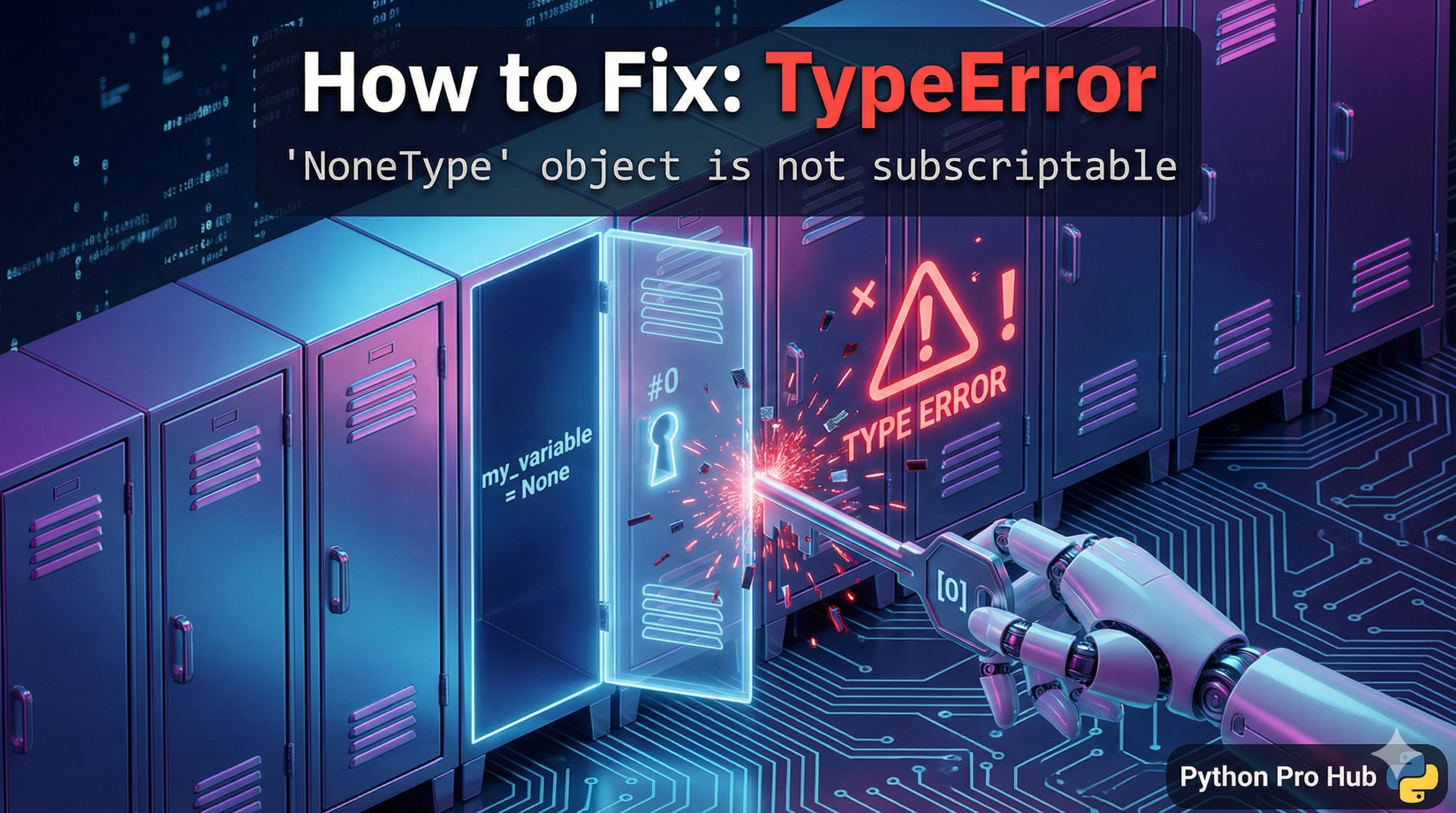
This error is a close cousin to AttributeError: 'NoneType', In Python, the error message NoneType object is not subscriptable usually appears if you try to access an item from a variable that is None using brackets instead of a dot.
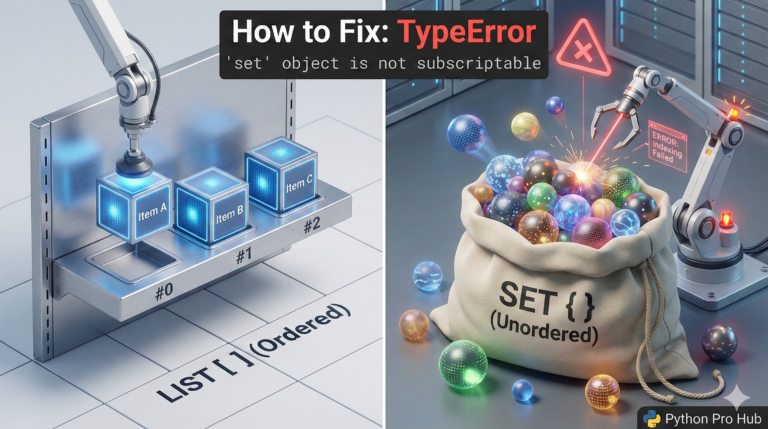
“Subscriptable” means “able to use square brackets to get an item,” like a Dictionary or a List.
This error means: You are trying to do my_variable['key'], but my_variable is None.
⚡ Quick Fix: TypeError: ‘NoneType’ object is not subscriptable — Python None Return Value Check and Dictionary Key Access Fix
Your variable holds None — a function returned nothing, and you immediately tried to access it with square brackets as if it were a list or dictionary.
# WRONG — function returns None when user isn't found, bracket access crashes
def get_user_data(user_id):
    if user_id == 1:
        return {"name": "Alice", "age": 30}
    # no return for other IDs — Python implicitly returns None

user = get_user_data(2)
print(user['name'])          # TypeError: 'NoneType' object is not subscriptable

# WRONG — in-place list methods return None, not the modified list
my_list = [3, 1, 2]
result = my_list.sort()      # .sort() returns None, not the sorted list
print(result[0])             # TypeError: 'NoneType' object is not subscriptable

# RIGHT — check for None before using bracket access
user = get_user_data(2)
if user is not None:
    print(user['name'])
else:
    print("User not found.")

# RIGHT — call .sort() as a standalone statement, keep using the original list
my_list.sort()
print(my_list[0])            # Output: 1
The two causes below show every form this error takes — including the API response pattern where None arrives silently from an external source.
The Cause
This most often happens when you use a function that might return data, but sometimes returns None (nothing).
Problem Code:
def get_user_data(user_id):
    if user_id == 1:
        return {"name": "Alice", "age": 30}
    else:
        return None  # User not found

# This user exists, it works fine
user_1 = get_user_data(1)
print(user_1['name']) # Output: Alice

# This user doesn't exist
user_2 = get_user_data(2)
print(user_2)        # Output: None
print(user_2['name'])  # CRASH! TypeError: 'NoneType' object is not subscriptable
The Fix: Check for None First
Never assume a function will succeed. Always check its return value before you try to use it.
user_2 = get_user_data(2)

if user_2 is not None:
    print(user_2['name'])
else:
    print("User was not found.")
This simple if check prevents your entire program from crashing.
TypeError: ‘NoneType’ object is not subscriptable — How to Trace None Back to Its Source and Fix It Permanently
TypeError: ‘NoneType’ object is not subscriptable fires at the bracket — but the bug lives at the assignment. The variable held None before you ever touched the brackets.
Locate the assignment line first. Add print(type(your_variable)) directly above the crash line. If it prints , trace the variable back through your code to find where it got assigned. The fix always lives at the source, not at the access point.
Three sources produce None silently.
A function with no return statement hands None to every caller. A function that returns None only in some branches — like a database lookup that finds no record — hands None to callers in those cases. Add an explicit return value or check the result before accessing it.
In-place list methods — .sort(), .reverse(), .append(), .extend() — modify the list directly and return None. Never assign their result to a variable. Call them as standalone statements and keep using the original list.
External data sources — API calls, database queries, re.search(), dict.get() — return None when a match, record, or key doesn’t exist. Always check before accessing: if result is not None: before any result[‘key’] or result[0].
The one-line defensive pattern for any function that might return None:
user = get_user_data(user_id) or {}
print(user.get(‘name’, ‘Unknown’))
user or {} replaces None with an empty dict. .get() with a default eliminates the KeyError. Two lines, zero crashes.