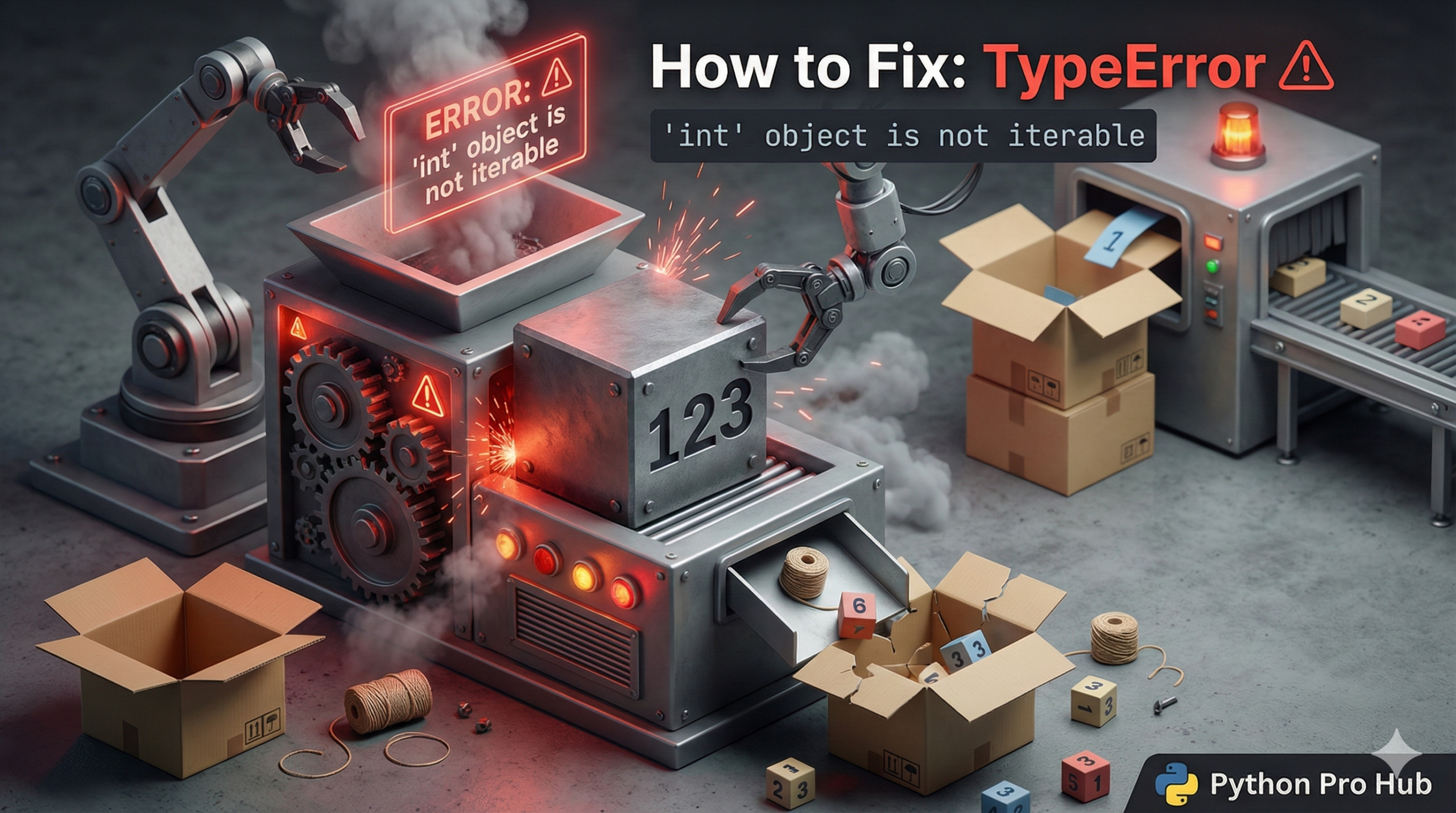
“Iterable” means “capable of being returned one at a time”. Lists, strings, and ranges are iterable. A single number (integer) is not, which is why you might encounter the error “TypeError int object is not iterable” when trying to iterate over an integer.
⚡ Quick Fix: TypeError: ‘int’ object is not iterable — Python range() Fix for for Loop Over Integer and Overwritten List Variable
You handed a for loop a single integer — Python needs an iterable like a list, range, or string to loop through, not a bare number.
# WRONG — looping directly over an integer crashes immediately
n = 5
for i in n:          # TypeError: 'int' object is not iterable
    print("Hello")

# WRONG — variable started as a list, got overwritten with an integer later in the code
numbers = [1, 2, 3]
numbers = 100        # overwrites the list silently
for num in numbers:  # TypeError fires here, not at the overwrite line
    print(num)

# RIGHT — wrap the integer in range() to loop n times
n = 5
for i in range(n):   # range(5) produces 0, 1, 2, 3, 4
    print("Hello")

# RIGHT — use a different variable name to avoid overwriting the list
numbers = [1, 2, 3]
count = 100          # separate variable, list stays intact
for num in numbers:
    print(num)
The two scenarios below break down each cause and show you how to trace which one hit your code.
The Cause
You tried to loop over a number directly.
Problem Code:
n = 5
for i in n:  # CRASH! You can't loop THROUGH the number 5.
    print("Hello")
The Fix: Use range()
If you want to loop n times, you must use the range() function.
n = 5
for i in range(n):  # Correct! range(5) creates [0, 1, 2, 3, 4]
    print("Hello")
Another Common Scenario
Sometimes you accidentally overwrite a list with a number.
numbers = [1, 2, 3]
# ... later in code ...
numbers = 100  # Oops, we overwrote the list!

for num in numbers: # CRASH!
    print(num)
Always be careful when reusing variable names!
TypeError: ‘int’ object is not iterable — Two Causes, Two Checks, Fixed in 60 Seconds
TypeError: ‘int’ object is not iterable fires the moment Python’s for loop tries to call iter() on your variable and gets an integer back. Integers have no iter() method. Python stops immediately.
Run print(type(your_variable)) on the variable the loop targets. If it prints , you have one of two problems.
You passed a bare integer where range() belongs. for i in n: loops through nothing — n is a count, not a sequence. for i in range(n): creates the sequence Python needs. This fix covers 90% of cases on this page.
You overwrote a list variable with an integer somewhere above the loop. Python executes top to bottom — the overwrite happens silently, and the crash lands on the loop line, not the assignment line. Search your file for every place the variable name appears on the left side of an assignment. The one that assigns an integer is your bug. Rename that variable.
The same error fires with floats, booleans, and any other non-iterable type — not just integers. for i in 3.5:, for i in True:, and for i in None: all raise the same class of TypeError. The fix is always the same: check the type, wrap it in range() if it’s a count, or trace back to the assignment that replaced the iterable you intended to loop.