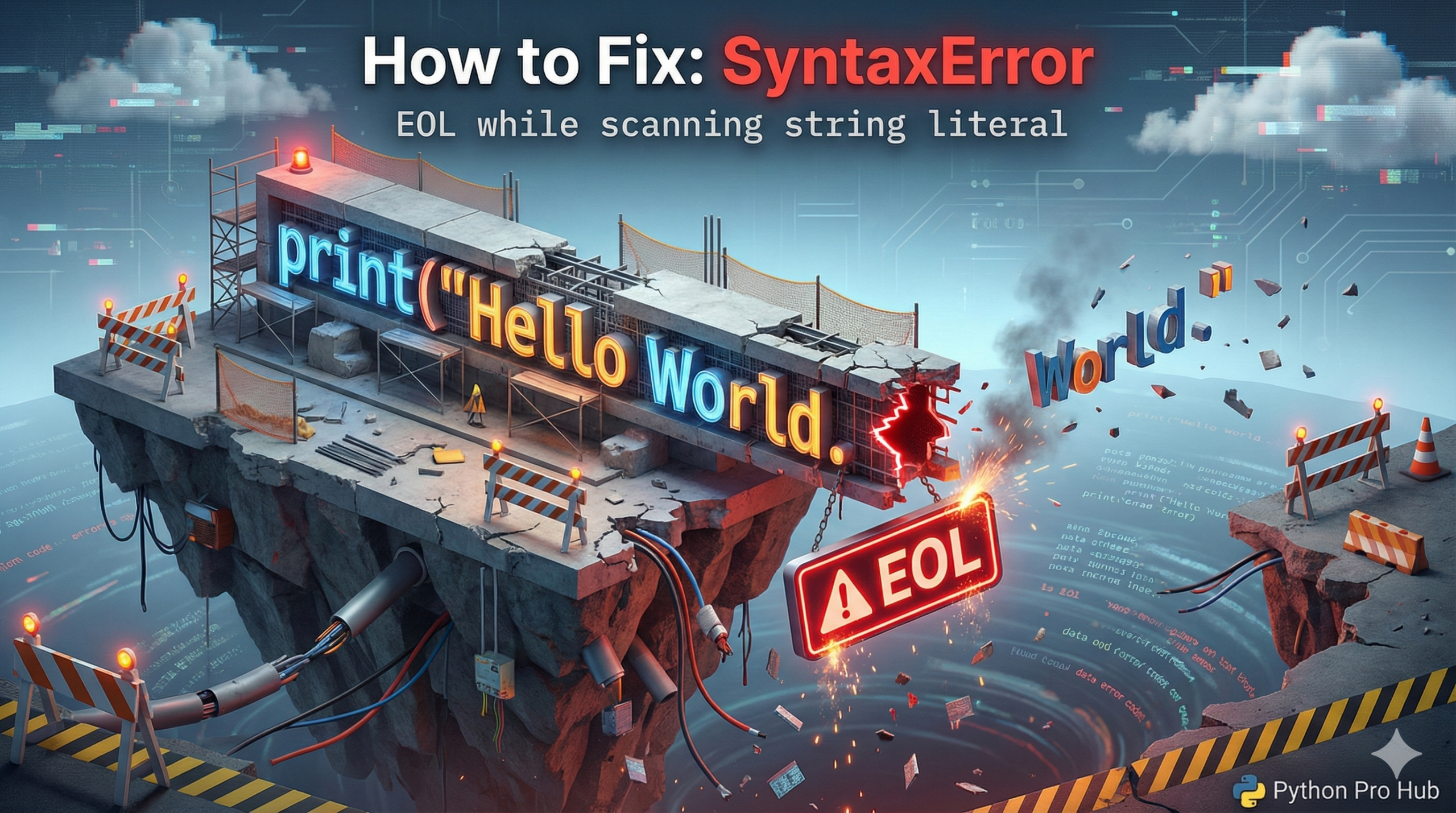
EOL stands for “End of Line”. The SyntaxError EOL indicates an error where “Python reached the end of the line, but you were still in the middle of a string”.
⚡ Quick Fix: SyntaxError: EOL while scanning string literal — Python Missing Closing Quote and Multi-Line String Triple Quote Fix
Python hit the end of the line while still inside an open string — you either forgot the closing quote, or you tried to split a standard string across two lines.
# WRONG — missing closing quote, Python scans to end of line and crashes
message = "Hello, world!
# SyntaxError: EOL while scanning string literal

# WRONG — standard strings cannot span multiple lines
my_text = "This is line one
and this is line two"
# SyntaxError: EOL while scanning string literal

# RIGHT — close the quote on the same line
message = "Hello, world!"

# RIGHT — use triple quotes for any string that spans multiple lines
my_text = """This is line one
and this is line two.
This works perfectly!"""
The two causes below show every form this error takes, including the mixed-quote trap that catches developers who switch between single and double quotes mid-string.
Cause 1: Missing Closing Quote (Most Common)
You started a string with ", but forgot to put one at the end before hitting Enter.
# CRASH! Missing the quote after 'world!'
message = "Hello, world!
Cause 2: Trying to make a multi-line string incorrectly
Standard strings in Python cannot go across multiple lines.
Problem Code:
my_text = "This is line one
and this is line two"
# CRASH! EOL error.
The Fix (Triple Quotes): If you need text across multiple lines, you MUST use triple quotes (""" or ''').
my_text = """This is line one
and this is line two.
This works perfectly!"""
SyntaxError: EOL while scanning string literal — The Two String Rules That Kill This Error Permanently
SyntaxError: EOL while scanning string literal fires before Python runs a single line of your code. The interpreter scans the file first, hits an unclosed string, and stops dead.
Two rules prevent it permanently.
Close every quote on the same line you opened it. A string that starts with ” ends with “. A string that starts with ‘ ends with ‘. Mix them — open with ” and close with ‘ — and Python treats the closing quote as part of the string content, not the string terminator. Your editor’s syntax highlighting exposes this instantly: if the color doesn’t reset at the quote you intended as the closer, the quote type is wrong.
Use triple quotes for every multi-line string. “”” and ”’ tell Python the string spans as many lines as needed until the matching triple quote appears. Use triple quotes for SQL queries, HTML templates, long messages, and any string where line breaks are part of the content.
The one edge case worth knowing: a backslash at the end of a line continues a single-line string to the next line without triple quotes.
message = “This is a very long string that \
continues on the next line.”
This works but triple quotes are cleaner and easier to read. Reserve the backslash continuation for cases where you need a single-line string value with no embedded newline character.