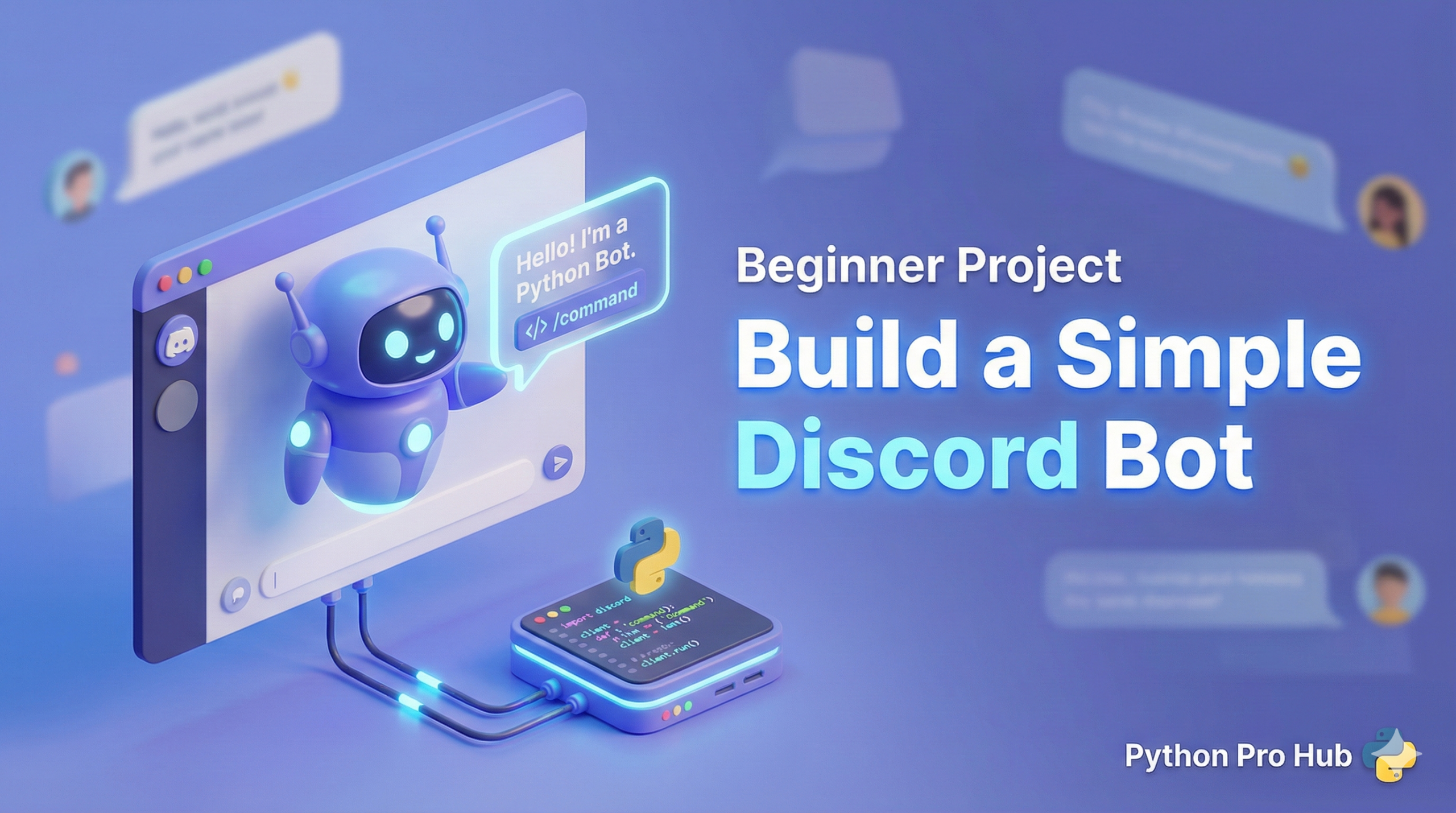
Bots are awesome. With Discord Bot Python, they can moderate chat, play music, or just tell jokes. Today, we’ll build a bot that replies when you say “hello!”.
Note: You need a Discord account and your own server (it’s free to create one) to test this.
Step 1: Get Your Bot Token
- Go to the Discord Developer Portal.
- Click “New Application” and give it a name.
- Go to the “Bot” tab and click “Add Bot”.
- Copy the Token. (Keep this secret! It’s your bot’s password).
Step 2: Install the Library
pip install discord.py
Step 3: The Code
We need to connect to Discord and “listen” for messages.
import discord
from discord.ext import commands

# You must enable 'Message Content Intent' in the Developer Portal for this to work!
intents = discord.Intents.default()
intents.message_content = True

bot = commands.Bot(command_prefix='!', intents=intents)

@bot.event
async def on_ready():
    print(f'Bot connected as {bot.user}')

@bot.command()
async def hello(ctx):
    # 'ctx' stands for Context (info about the message)
    await ctx.send(f'Hello there, {ctx.author.name}!')

# PASTE YOUR TOKEN HERE
bot.run('YOUR_SECRET_TOKEN')
Step 4: Invite & Run
- Go back to the Developer Portal -> OAuth2 -> URL Generator.
- Check “bot” scope and “Send Messages” permission.
- Copy the generated URL and open it to invite the bot to your server.
- Run your Python script.
- Type
!helloin your Discord server!
Key Takeaways
- Bots enhance Discord experiences using Discord Bot Python for various tasks like moderation and entertainment.
- First, get your bot token from the Discord Developer Portal by creating a new application and adding a bot.
- Next, install the necessary library to connect your bot to Discord and start listening for messages.
- Then, invite your bot to your server using the OAuth2 URL generator and ensure it has the correct permissions.
- Finally, run your Python script and test your bot by typing !hello in your Discord server.