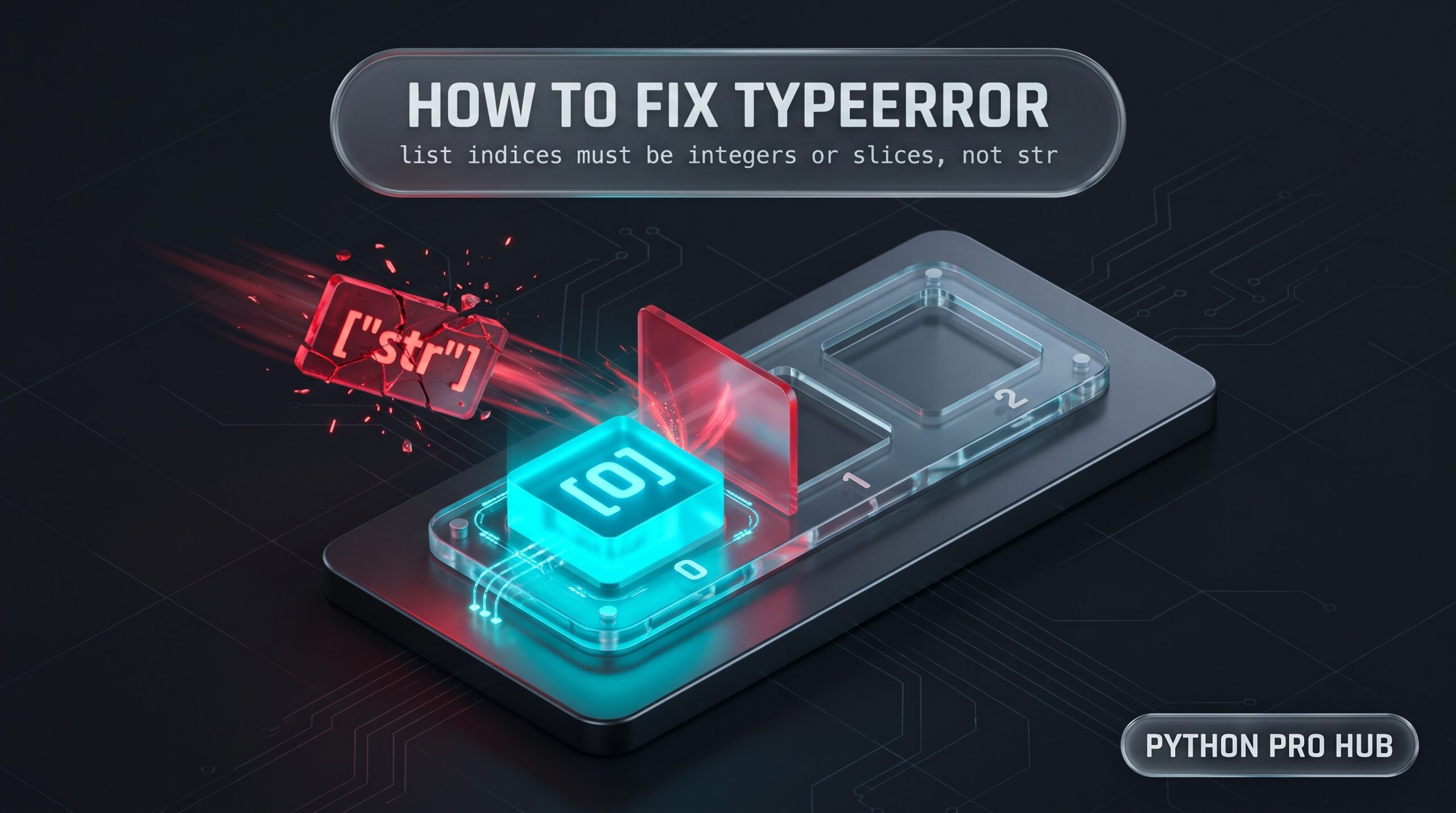
Parsing a JSON API response is the #1 place developers hit this wall. You write users["name"] expecting a dictionary, only to get TypeError: list indices must be integers or slices, not str because users is actually a list of dictionaries ([{"name": "Alice"}]).
Python lists only accept whole-number positions (users[0]) or slices (users[0:2]). Passing a string key—or an index number accidentally stored as a string like "0" from input()—triggers an immediate TypeError. This error is the exact mirror image of KeyError: 0, where a dictionary is mistakenly indexed like a list.
Reading the List Index TypeError Traceback
Read the traceback from the bottom up. The final line tells you two facts: the container on the left of the square brackets is a list, and the value inside the square brackets evaluated to a str.
Traceback (most recent call last):
  File "/var/www/app/main.py", line 2, in <module>
    print(users["name"])
TypeError: list indices must be integers or slices, not str
(Note: In Python 3.11+, the traceback adds ~~~~~^^^^^^^^ carets directly under the failing bracket lookup, which helps isolate the exact bracket when you chain lookups like data["users"]["name"] on a single line).
Tested Environment: Python 3.10.16 (Linux) | Python 3.11+ traceback carets and string-index message updates noted.
Part of: The Ultimate Python Debugging Guide
⚡ The Quick Fix: Index the List First, or Convert with int()
Look at the expression container[index] on the failing line and apply whichever fix matches your intent:
Scenario A: You Have a List of Dictionaries (JSON / API Data) If users is a list containing dictionaries, you must select a specific dictionary by its integer position ([0])—or loop through the list—before looking up the string key:
users = [{"id": 1, "name": "Alice"}, {"id": 2, "name": "Bob"}]

# Fails: 'users' is a list, not a dict
print(users["name"])

# Fix 1: Access the first dictionary at index 0, then grab "name"
print(users[0]["name"])  # Prints: Alice

# Fix 2: Loop through every dictionary in the list
for user in users:
    print(user["name"])
Scenario B: Your Index Number Is Stored as a String ("0" Instead of 0) If you got the index from input(), a URL query string, or a CSV file, it is a string ("1"). Wrap it in int():
options = ["Start", "Load", "Quit"]
choice = "1"  # e.g., returned by input()

# Fails: "1" is a str
print(options[choice])

# Fix: Convert the string to an integer first
print(options[int(choice)])  # Prints: Load
Table of contents
- Reading the List Index TypeError Traceback
- ⚡ The Quick Fix: Index the List First, or Convert with int()
- Inspect Nested JSON Structures Before Indexing
- Common Causes of list indices must be integers or slices, not str
- Related Index TypeError Variants ( float , tuple , NoneType , and str )
- Prevent List Index TypeErrors with Type Hints and Linters
- Worked Example: Fixing json.loads() on a List of Dictionaries
- Frequently Asked Questions
- Official Documentation & Related Fixes
Inspect Nested JSON Structures Before Indexing
When working with deeply nested API responses, it is easy to lose track of whether a level in the JSON hierarchy is a dictionary {} or a list [].
Drop this 3-line diagnostic right above the crash to print the outer container type and inspect its first element:
payload = [{"id": 101, "name": "Alice"}, {"id": 102, "name": "Bob"}]

print("Outer type:", type(payload), "| Length:", len(payload))
if isinstance(payload, list) and payload:
    print("First item type:", type(payload[0]), "| Sample:", payload[0])
Verified Output (Python 3.10.16):
Outer type: <class 'list'> | Length: 2
First item type: <class 'dict'> | Sample: {'id': 101, 'name': 'Alice'}
Seeing Outer type: <class 'list'> and First item type: <class 'dict'> immediately confirms you need payload[0]["name"] rather than payload["name"].
Common Causes of list indices must be integers or slices, not str
Here are the five most common ways this error appears in real codebases.
1. Indexing a JSON Array or List-Returning Function as a Dict
Many REST APIs wrap their payload in a top-level JSON array ([ {...} ]) or store nested records inside a list under a key like "results". Similarly, built-in and standard library functions like sorted(d.items()), re.findall(), str.split(), and os.listdir() always return a list—even when you started with a dictionary.
- The Trigger:
response = {"status": "ok", "results": [{"temp": 22.5}]}
# Fails: response["results"] is a list, so ["temp"] fails
current_temp = response["results"]["temp"]

# Also fails: sorted(d.items()) returns a list of (key, value) tuples, not a dict!
scores = {"bob": 20, "alice": 50}
sorted_scores = sorted(scores.items())
print(sorted_scores["alice"])- The Fix: For JSON arrays, index the list with
[0]before requesting the key (response["results"][0]["temp"]). If you sorted a dictionary withsorted(scores.items()), convert the resulting list of tuples back into a dictionary first:dict(sorted(scores.items()))["alice"]. - How to tell it’s this one: When you print the variable, it starts and ends with square brackets
[...]instead of curly braces{...}.
2. Using the Loop Item Instead of the Loop Index
If you come to Python from C, Java, or JavaScript, it is easy to write for x in my_list: and mistakenly treat x as a numerical loop counter. In Python, a for loop iterates directly over the elements of the list, not their integer indices.
- The Trigger:
fruits = ["apple", "banana", "cherry"]
for fruit in fruits:
    # Fails: 'fruit' is the string "apple", so fruits["apple"] crashes
    print(fruits[fruit])
The Fix: Print the loop variable directly (print(fruit)). If you also need the integer index, use enumerate():
for index, fruit in enumerate(fruits):
print(index, fruit)- How to tell it’s this one: The crash happens inside a
for x in list:block on an expression written aslist[x].
3. Passing input() Directly Into List Brackets
In Python 3, the built-in input() function always returns a str, even if the user types digits like 0 or 2.
- The Trigger:
servers = ["us-east", "eu-west", "ap-south"]
idx = input("Select server (0-2): ")
selected = servers[idx] # Fails: idx is '0' (str), not 0 (int)- The Fix: Convert the input to an integer with
int(idx). (Note: If the user types non-digits like"abc",int()will raise aValueError, which you can catch withtry/except ValueError:). - How to tell it’s this one: The variable inside the square brackets comes from
input(),os.getenv(), orsys.argv.
4. Reading Rows with csv.reader Instead of csv.DictReader
Python’s standard csv module has two readers. csv.reader() yields each row as a list of strings (['1', 'Alice']), whereas csv.DictReader() yields each row as a dict keyed by the header row ({'id': '1', 'name': 'Alice'}).
- The Trigger:
import csv, io

raw_csv = "id,name\n1,Alice\n"
reader = csv.reader(io.StringIO(raw_csv))
for row in reader:
print(row["name"]) # Fails: 'row' is a list- The Fix: Replace
csv.reader(...)withcsv.DictReader(...)if you want to look up columns by name, or use integer indices (row[1]) withcsv.reader. - How to tell it’s this one: The crash occurs inside a loop over a CSV file or database cursor where each
rowis a sequence rather than a mapping.
5. Missing a Comma Between Nested Lists in a Multi-Line List
When defining a list of lists across multiple lines, forgetting a trailing comma after one of the inner lists causes Python to interpret the next inner list as an index lookup (list_a[list_b]). If the second list contains a single string, Python evaluates ["admin", "editor"]["viewer"].
- The Trigger:
roles = [
    ["admin", "editor"]  # <-- Missing comma here!
    ["viewer"]
]
Verified Output (Python 3.10.16):
<string>:2: SyntaxWarning: list indices must be integers or slices, not str; perhaps you missed a comma?
Traceback (most recent call last):
  File "<string>", line 2, in <module>
TypeError: list indices must be integers or slices, not str
- The Fix: Add the missing trailing comma at the end of the first inner list:
["admin", "editor"],. - How to tell it’s this one: Python prints a
SyntaxWarning: ... perhaps you missed a comma?right above theTypeError, and the traceback points to a multi-line list or dictionary literal.
Related Index TypeError Variants (float, tuple, NoneType, and str)
Python raises variations of this exact TypeError depending on the sequence type (list, tuple, str) and the wrong index type you passed in:
| Error Message Variant | Typical Cause | The Fix |
list indices must be integers or slices, not float (Verified 3.10.16) | Using single-slash division / to calculate a midpoint (e.g., items[len(items) / 2]). In Python 3, / always returns a float (2.0). | Use floor division // so the result is an int: items[len(items) // 2]. |
list indices must be integers or slices, not tuple (Verified 3.10.16) | Indexing a 2D nested Python list using NumPy comma syntax (matrix[0, 1]). In Python, 0, 1 inside brackets creates the tuple (0, 1). | Chain separate brackets for standard Python lists (matrix[0][1]), or convert the list to a NumPy array (np.array(matrix)[0, 1]). |
list indices must be integers or slices, not NoneType (Verified 3.10.16) | Passing a variable into items[idx] when idx evaluated to None (e.g., from a function that forgot a return statement or a failed .get()). | Check if idx is not None: before indexing the list. |
tuple indices must be integers or slices, not str (Verified 3.10.16) | Trying to access a named field on a standard tuple (e.g., a database row from cursor.fetchall()). | Index by integer position (row[0]), or use collections.namedtuple / a dictionary cursor. |
string indices must be integers (Verified Python 3.10.16) | Calling data["key"] when data is still an unparsed JSON string, or iterating over a dict (for k in d:) and indexing k["subkey"]. | Parse the raw JSON string first with data = json.loads(data), or iterate over d.values() / d.items(). |
string indices must be integers, not 'str' (Python 3.11+ — not run by me) | Same cause as above; Python 3.11+ updated the str index error message to explicitly name the offending type (not 'str'). | Parse the JSON string with json.loads() or iterate over .values() / .items(). |
Prevent List Index TypeErrors with Type Hints and Linters
Because dynamic JSON payloads and untyped variables only fail at runtime, you can catch these bugs in your editor before running the script:
- Enable Ruff Rules
RUF016andCOM812: Ruff ruleRUF016(invalid-index-type) directly flags indexing alist,tuple, orstrwith a non-integer type like a string or float, whileCOM812(missing-trailing-comma) enforces trailing commas on multi-line collections. Furthermore, running Black or Ruff Format on a list with a missing comma collapses the two lines intoroles = [["admin", "editor"]["viewer"]], making the accidental subscript immediately visible. - Use Static Type Checkers (
MypyorPyright): Annotate functions that accept list vs. dict structures (e.g.,def process_users(users: list[dict[str, str]]) -> None:). If you writeusers["name"], Pyright (built into VS Code’s Pylance extension) and Mypy immediately underline"name"in red before you ever execute the file.
Worked Example: Fixing json.loads() on a List of Dictionaries
Let’s walk through a real traceback where a developer parses a JSON string from an e-commerce API and tries to read the price.
The Code (/var/www/app/main.py):
import json

raw_response = '[{"id": 1, "price": 29.99}, {"id": 2, "price": 49.99}]'

def get_first_price(json_str):
    products = json.loads(json_str)
    return products["price"]

print(get_first_price(raw_response))
Verified Traceback (Python 3.10.16):
Traceback (most recent call last):
  File "/var/www/app/main.py", line 9, in <module>
    print(get_first_price(raw_response))
  File "/var/www/app/main.py", line 7, in get_first_price
    return products["price"]
TypeError: list indices must be integers or slices, not str
The Thought Process & Fix:
- The crash happens on line 7:
return products["price"]. - Looking at
raw_responseon line 3, the JSON string starts with[and ends with]. That meansjson.loads(json_str)returned a Pythonlistcontaining two dictionaries, not a single dictionary. - The Result: To get the first product’s price safely (while guarding against an empty list that would raise an
IndexError), index element0first:
def get_first_price(json_str):
    products = json.loads(json_str)
    if not products:
        return None
    return products[0].get("price")
Frequently Asked Questions
list indices must be integers or slices?Besides single integers (items[0]), Python lists allow slice objects created with colons, such as items[0:3] or items[::-1] (or explicitly via items[slice(0, 3)]). Integers and slices are the only two types standard Python lists accept inside square brackets.
TypeError: string indices must be integers when reading JSON?If you get string indices must be integers (instead of list indices), your variable is still a raw str, not a parsed dictionary or list. This happens when you call response.text["key"] instead of response.json()["key"] with the requests library, or when a JSON file was double-encoded so json.loads() returned a string and needs to be parsed once more.
matrix[0, 1] fail on a Python list when it works in NumPy?In standard Python, putting a comma inside square brackets (matrix[0, 1]) passes the tuple (0, 1) to list.__getitem__(). Standard Python lists are 1-dimensional containers and do not support tuple indexing—you must write matrix[0][1]. NumPy arrays (numpy.ndarray) and Pandas .loc/.iloc indexers specifically override __getitem__ to accept tuples for multi-dimensional indexing.
items[len(items) / 2]) cause a TypeError?In Python 3, the / operator performs true floating-point division and always returns a float (so 4 / 2 evaluates to 2.0, not 2). Even though 2.0 is a whole number mathematically, Python refuses float indices and raises TypeError: list indices must be integers or slices, not float. Always use the floor division operator // (items[len(items) // 2]) when calculating indices.
"id")?Since you cannot write users["Alice"] on a list of dictionaries, use next() with a generator expression to find the matching dictionary safely:alice = next((u for u in users if u.get("name") == "Alice"), None)
This returns the first dictionary where "name" is "Alice", or None if no match exists.
Official Documentation & Related Fixes
- Master Guide: The Ultimate Python Debugging Guide: Tracebacks, Exceptions, and Fixes
- Related Error: How to Fix KeyError in Python (Dictionaries, JSON & Pandas)
- Related Error: How to Fix IndexError: list index out of range
- Related Error: How to Fix TypeError: ‘str’ object is not callable
- Official Python Docs: Python Common Sequence Operations