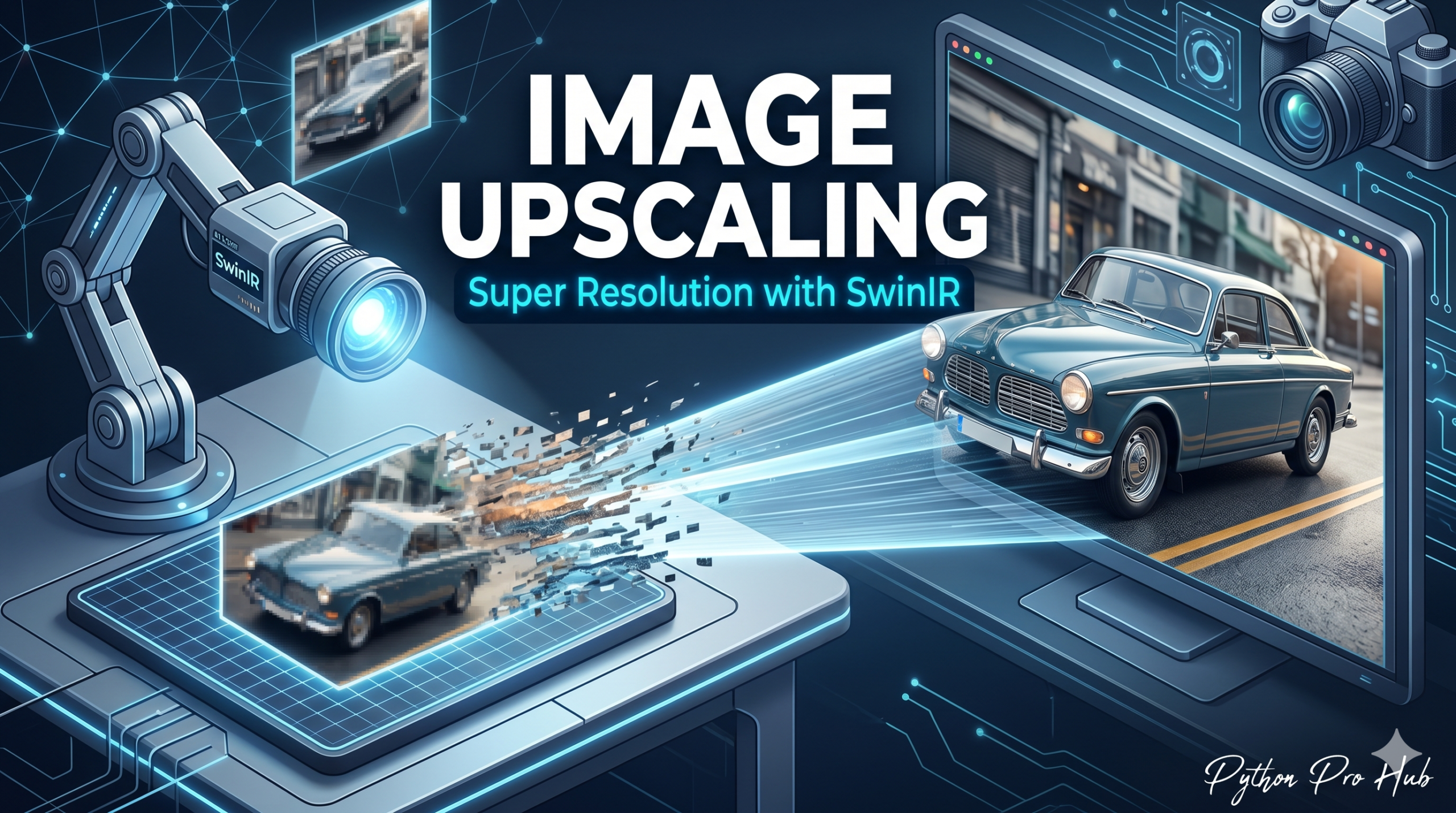
We’ve generated images from scratch, but what about fixing old ones? Hugging Face Image Upscaling offers a powerful solution for this. Super Resolution is the task of taking a small, low-quality image and using AI to “hallucinate” the missing details to create a crisp, high-resolution version.
We will use SwinIR, a powerful model available on Hugging Face.
Step 1: Installation
pip install transformers torch pillow
Step 2: The Code
We use the image-to-image pipeline (sometimes called super-resolution depending on the library version, but general image-to-image pipelines often handle this). We’ll load the specific SwinIR model.
from transformers import Pipeline, pipeline
from PIL import Image
import requests

# 1. Load the pipeline
# 'caidas/swin2SR-classical-sr-x2-64' scales images by 2x
upscaler = pipeline("image-to-image", model="caidas/swin2SR-classical-sr-x2-64")

# 2. Get a low-res image
# We'll use a tiny icon as a test
url = "https://huggingface.co/datasets/huggingface/documentation-images/resolve/main/transformers/tasks/cat.jpg"
img = Image.open(requests.get(url, stream=True).raw)

print(f"Original Size: {img.size}")

# 3. Run the Upscaler
result = upscaler(img)

# 4. Save and Check
upscaled_img = result[0]
print(f"New Size: {upscaled_img.size}")
upscaled_img.save("cat_hd.png")
Step 3: The Result
- Original: A blurry 200×200 pixel image.
- Result: A sharp 400×400 pixel image where the AI has filled in the fur details.
This is perfect for restoring old family photos or fixing low-quality assets for a website.
Key Takeaways
- Super Resolution uses AI to enhance low-quality images by generating missing details.
- We utilize the SwinIR model from Hugging Face to perform this image upscaling task.
- The process involves installing SwinIR, loading the model, and using the image-to-image pipeline.
- The output shows a significant improvement from a blurry 200×200 pixel image to a sharp 400×400 pixel image.
- This technique is ideal for restoring old photos or improving low-quality website assets.