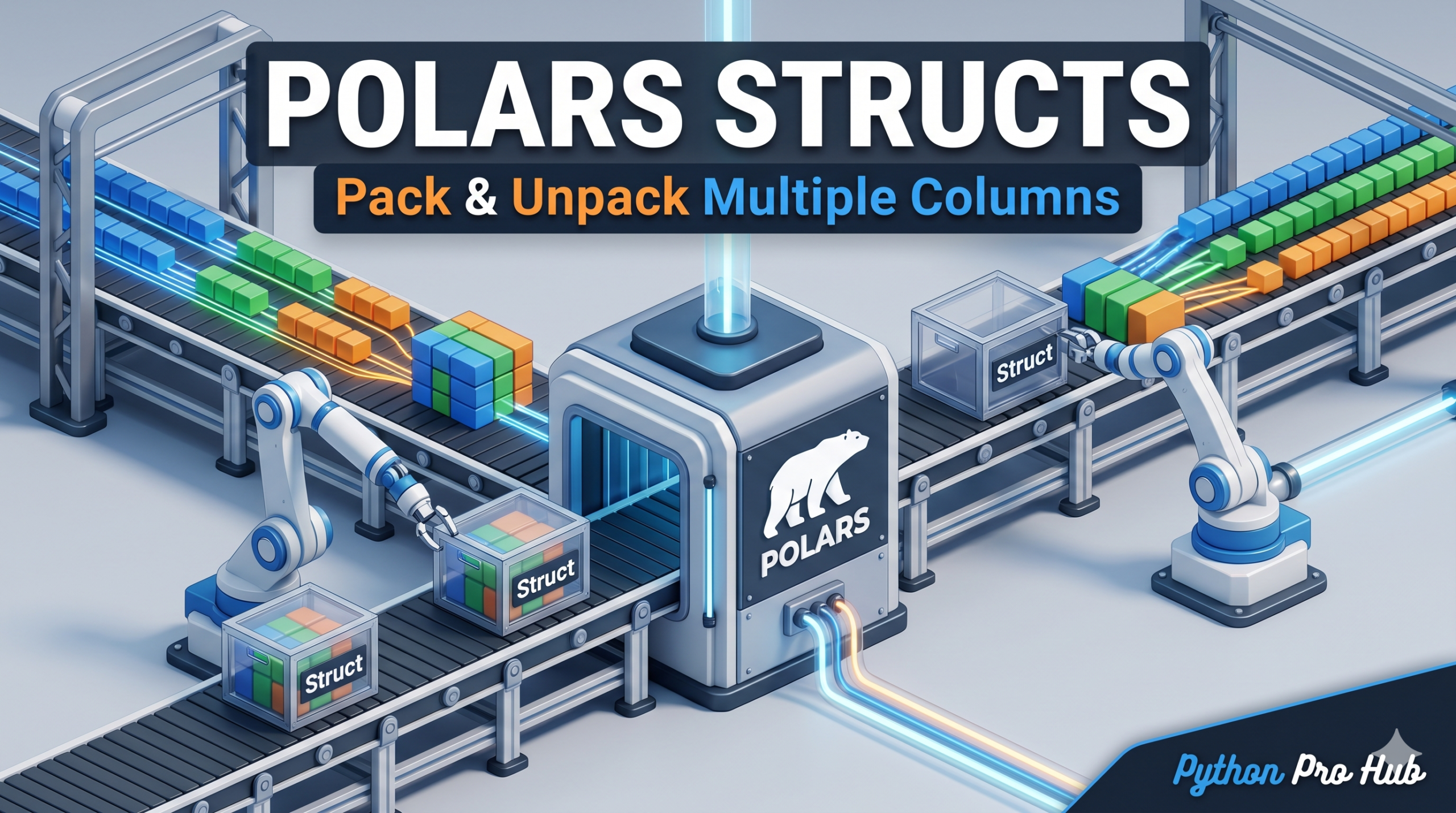
In Pandas, you are stuck with flat columns. In Polars, you can put columns inside other columns.
This is called a Struct (structure). It’s like having a Dictionary inside a DataFrame cell, but it’s strongly typed and incredibly fast.
Why use Structs?
Imagine you have x and y coordinates. Instead of managing two separate columns, you can pack them into a single point column.
1. Packing Columns (pl.struct)
import polars as pl

df = pl.DataFrame({
    "x": [1, 2, 3],
    "y": [10, 20, 30],
    "id": ["a", "b", "c"]
})

# Combine 'x' and 'y' into a 'point' struct
df_packed = df.select(
    "id",
    pl.struct(["x", "y"]).alias("point")
)
print(df_packed)
Output:
shape: (3, 2)
┌─────┬───────────┐
│ id  ┆ point     │
│ --- ┆ ---       │
│ str ┆ struct[2] │
╞═════╪═══════════╡
│ a   ┆ {1,10}    │
│ b   ┆ {2,20}    │
│ c   ┆ {3,30}    │
└─────┴───────────┘
2. Accessing Fields (struct.field)
You can run math on the fields inside the struct without unpacking them!
# Multiply x by 2 inside the struct
df_packed.select(
    pl.col("point").struct.field("x") * 2
)
Output:
shape: (3, 1)
┌─────┐
│ x   │
│ --- │
│ i64 │
╞═════╡
│ 2   │
│ 4   │
│ 6   │
└─────┘
3. Unpacking (unnest)
When you’re done, you can expand them back into columns.
df_unpacked = df_packed.unnest("point")
print(df_unpacked)
Output:
shape: (3, 3)
┌─────┬─────┬─────┐
│ id  ┆ x   ┆ y   │
│ --- ┆ --- ┆ --- │
│ str ┆ i64 ┆ i64 │
╞═════╪═════╪═════╡
│ a   ┆ 1   ┆ 10  │
│ b   ┆ 2   ┆ 20  │
│ c   ┆ 3   ┆ 30  │
└─────┴─────┴─────┘
This is crucial for handling complex JSON data or keeping related metrics tied together during a groupby. Let’s see how this pattern handles a real-world data pipeline payload.
4. Native JSON Parsing Into Structs
Instead of using slow Python loops (json.loads) which completely drop your performance back down to row-by-row speeds, Polars can natively decode complex JSON strings straight into a typed Struct column.
import polars as pl

# Mocking a raw API response dataset
df_json = pl.DataFrame({
    "user_id": [101, 102],
    "raw_meta": [
        '{"browser": "Chrome", "os": "Linux"}',
        '{"browser": "Safari", "os": "iOS"}'
    ]
})

# 1. Explicitly define the target schema for your JSON structure
json_schema = pl.Struct([
    pl.Field("browser", pl.String),
    pl.Field("os", pl.String)
])

# 2. Parse natively and unnest instantly for downstream consumption
df_processed = df_json.with_columns(
    pl.col("raw_meta").str.json_decode(dtype=json_schema)
).unnest("raw_meta")

print(df_processed)
Output:
shape: (2, 3)
┌═════════┬═════════┬═══════┐
│ user_id ┆ browser ┆ os    │
│ ---     ┆ ---     ┆ ---   │
│ i64     ┆ str     ┆ str   │
╞═════════╪═════════╪═══════╡
│ 101     ┆ Chrome  ┆ Linux │
│ 102     ┆ Safari  ┆ iOS   │
└═════════┴═════════┴═══════┘
Key Takeaways
- Polars allows for packed columns called Structs, enabling complex data management within DataFrames.
- Structs are efficient for combining related data like coordinates into a single column, enhancing performance.
- You can access fields within a struct for calculations without unpacking, streamlining data processing.
- Polars supports unnesting Structs, making it easy to expand data back into separate columns when needed.
- Native JSON parsing in Polars decodes complex strings directly into Structs, improving performance over traditional methods.