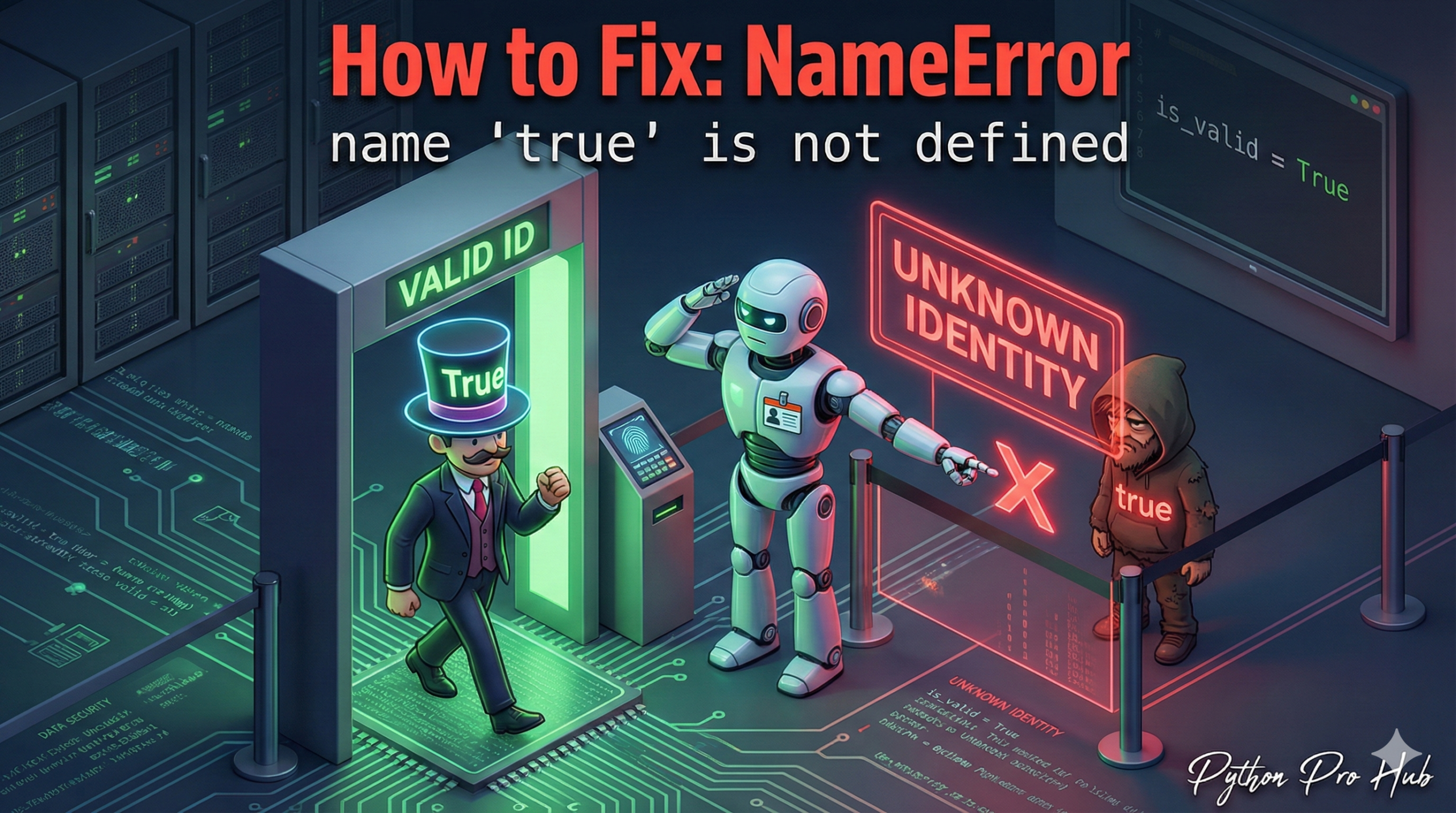
This is a very common NameError for developers coming from other languages like JavaScript, Java, C++, or PHP. The error NameError true not defined often confuses beginners when switching to Python from those languages.
It means: “You typed true (lowercase), but Python is looking for a variable with that name and can’t find one. The boolean keyword is True (uppercase)”.
⚡ Quick Fix: NameError: name ‘true’ is not defined (Python Boolean Capitalization Fix)
You used true instead of True — Python is case-sensitive and the boolean keyword requires a capital T.
# Fix — Use True, False, and None with capital first letters
is_active = True   # Not: true
is_disabled = False  # Not: false
value = None       # Not: null or nil

# Pythonic boolean check — no == True needed
if is_active:
    print("User is active.")
The rest of the article covers why Python’s capitalization rule exists and the cleaner patterns for working with booleans in production code.
The Cause
Python is case-sensitive. True is a built-in keyword, but true is just a variable name.
Problem Code:
is_active = true
# CRASH! NameError: name 'true' is not defined
Python thinks you’re trying to set is_active equal to another variable named true, which doesn’t exist.
The Fix: Use Capitalization
In Python, the boolean values are True and False (with a capital T and F). The “nothing” value is None (with a capital N), not null.
Correct Code:
is_active = True # Correct!

# This also works
if is_active == True:
    print("User is active.")
Pro Tip: “Pythonic” Booleans
In Python, you almost never need to write == True. Instead of this:
if is_active == True:
    ...
You can just write:
if is_active:
    ...
This is the cleaner, more “Pythonic” way to check for truthiness.
What This Error Exposes About Python’s Case-Sensitive Name Resolution
NameError: name 'true' is not defined is Python’s name resolution system working exactly as designed. Python treats every identifier as a variable lookup first — true, false, and null are not reserved words, they are just undefined variable names that happen to match boolean keywords from other languages. The interpreter searches local, enclosing, global, and built-in scopes, finds nothing registered under true, and raises NameError immediately.
The capitalization convention is not arbitrary. Python’s boolean keywords True, False, and None follow the same naming rule as all other Python built-in singletons — they are title-cased to signal that they are objects with identity, not primitive literals. True and False are actual instances of the bool class. None is the sole instance of NoneType. That object model is why is comparisons work reliably: x is None checks object identity, not equality, and always resolves correctly because None is a singleton.
The Pythonic pattern if is_active: rather than if is_active == True: is not just style preference — it evaluates truthiness through Python’s __bool__ protocol, which means the same pattern handles booleans, non-empty strings, non-zero integers, and non-empty lists without a single change. Build that habit early and your conditionals stay clean across every data type your code encounters.