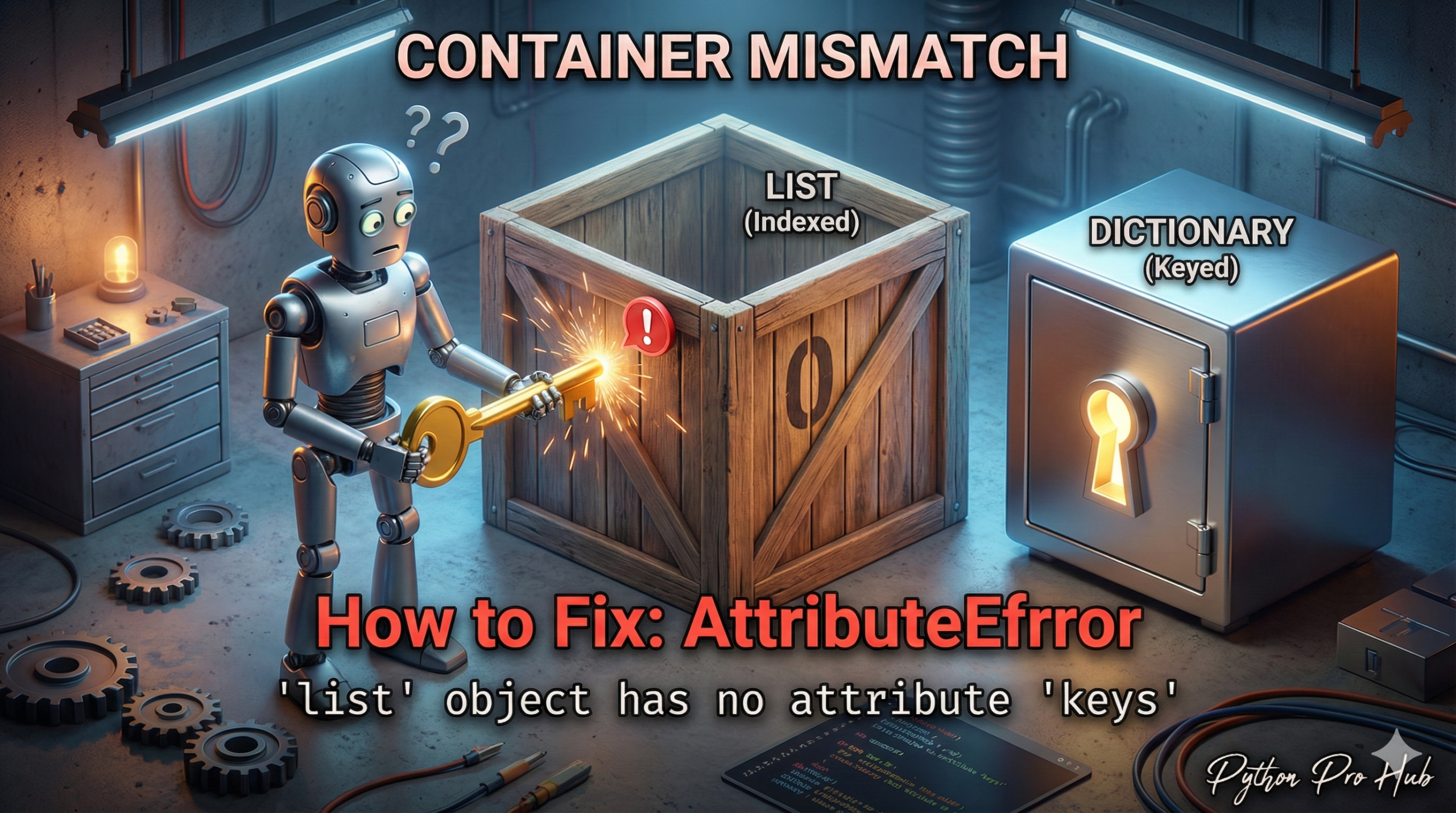
This AttributeError list keys issue is a classic “wrong data type” error. It means: “You are trying to use the .keys() method on a List, but .keys() only exists for Dictionaries.”
⚡ Quick Fix: AttributeError: ‘list’ object has no attribute ‘keys’ (Python List vs Dictionary Fix)
You called .keys() on a list — that method only exists on dictionaries, not on list objects.
# Fix 1 — Get keys from the first dictionary inside the list
json_data = [{"id": 1, "name": "Alice"}, {"id": 2, "name": "Bob"}]
first_item_keys = json_data[0].keys()  # Output: dict_keys(['id', 'name'])

# Fix 2 — Loop through the list to access each dictionary's keys
for item in json_data:
    print(item.keys())
The rest of the article breaks down exactly why this happens with JSON data and how to identify which fix matches your specific code structure.
- Dictionaries
{}_have keys.my_dict.keys()works. - Lists
[]_do not have keys. They have elements.my_list.keys()crashes.
The Cause
You have a variable that you think is a dictionary, but it’s actually a list.
Problem Code:
my_data = ["Alice", "Bob"]
keys = my_data.keys()
# CRASH! AttributeError: 'list' object has no attribute 'keys'
The Most Common Scenario: A List of Dictionaries
This error often happens when you’re working with JSON data. You have a list OF dictionaries, and you forget to loop through it first.
Problem Code (JSON):
# This entire thing is a LIST
json_data = [
    {"id": 1, "name": "Alice"},
    {"id": 2, "name": "Bob"}
]

# You try to get the keys of the LIST
keys = json_data.keys()
# CRASH!
The Fix: Loop First
You can’t get the keys of the list, but you can get the keys of each dictionary inside the list. You need to loop.
Correct Code:
json_data = [
    {"id": 1, "name": "Alice"},
    {"id": 2, "name": "Bob"}
]

# Get the keys of the FIRST item in the list
first_item_keys = json_data[0].keys()
print(first_item_keys)
# Output: dict_keys(['id', 'name'])

# Or loop through all items
for item in json_data:
    print(item.keys())
What This Error Exposes About Python’s JSON Data Structures
AttributeError: 'list' object has no attribute 'keys' is fundamentally a data shape mismatch — your code assumes a dictionary at a position where the actual structure holds a list. JSON is the primary trigger because the format freely mixes both types, and the outermost container is often a list of records rather than a single object. The moment an API response or json.loads() call returns [{...}, {...}] instead of {...}, every direct .keys() call on the top-level variable crashes immediately.
The structural rule that eliminates the confusion: square brackets [] in JSON map to Python lists, curly braces {} map to Python dictionaries. Before calling any dictionary method, check the outermost bracket in your data. A quick type(your_variable) or print(your_variable[0]) at the entry point confirms whether you are one level too high in the structure.
Two access patterns cover every real-world case. Use data[0].keys() when all records share the same schema and you need the field names once. Use a for item in data loop when you need to process or validate keys across every record individually. Both patterns treat the list as a container to iterate rather than a dictionary to query — that mental shift prevents this entire class of AttributeError from appearing anywhere in your data pipeline.