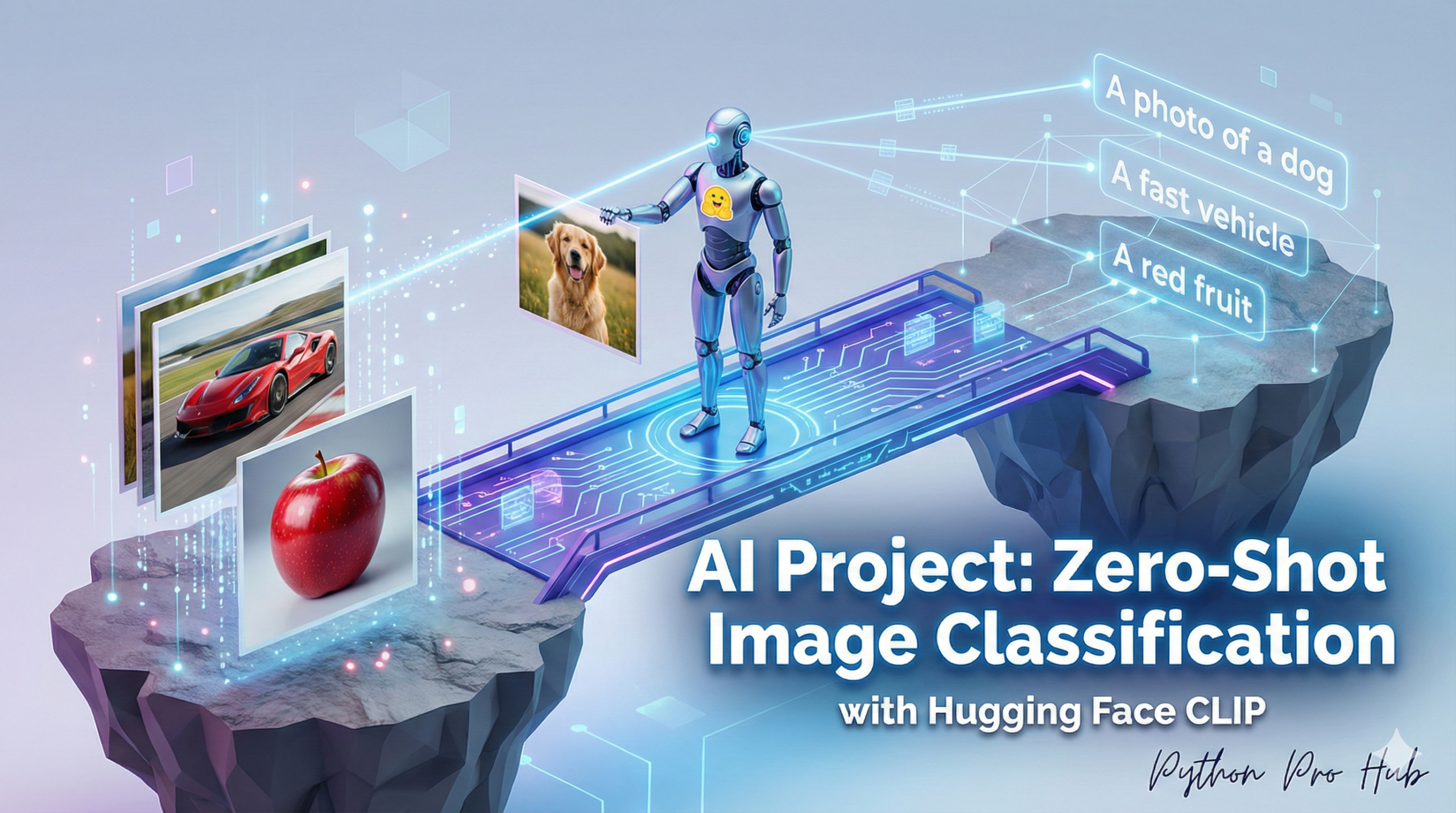
This is one of the most powerful and flexible AI tasks, the visual version of Zero-Shot Text Classification. Zero-Shot Image Classification is revolutionising how AI understands and labels visual data.
It works by comparing an image to a list of text labels you invent. The AI (using a model like CLIP) determines which text label best describes the image.
Step 1: Installation
You’ll need Pillow to handle images.
pip install transformers torch pillow
Step 2: The Code
We use the zero-shot-image-classification pipeline. You provide an image and your “candidate labels.”
from transformers import pipeline
from PIL import Image
import requests

# 1. Load the pipeline
# This will download a CLIP model from OpenAI
classifier = pipeline("zero-shot-image-classification")

# 2. Get an image
url = "http://images.cocodataset.org/val2017/000000039769.jpg" # (The image of two cats)
img = Image.open(requests.get(url, stream=True).raw)

# 3. Define your custom labels (you can invent any!)
my_labels = ["a photo of a dog", "a photo of a cat", "a painting of a house"]

# 4. Classify!
results = classifier(img, candidate_labels=my_labels)

# 5. Print the results
print("--- Zero-Shot Image Results ---")
for result in results:
    print(f"Label: {result['label']} | Score: {result['score']:.4f}")
Step 3: The Result
The model will return a score for each of your labels.
--- Zero-Shot Image Results ---
Label: a photo of a cat | Score: 0.9985
Label: a photo of a dog | Score: 0.0014
Label: a painting of a house | Score: 0.0001
It correctly identified the image is a “photo of a cat” with 99.8% confidence. You can change the labels to anything (e.g., “happy”, “sad”, “daytime”, “nighttime”) and it will find the best match.
Key Takeaways
- Zero-Shot Image Classification allows AI to compare images with user-defined text labels.
- To start, install the Pillow library for image handling.
- Use the zero-shot-image-classification pipeline to input an image and candidate labels.
- The model will provide a confidence score for each label, identifying the best match.
- For example, it accurately recognised an image as a ‘photo of a cat’ with 99.8% confidence.