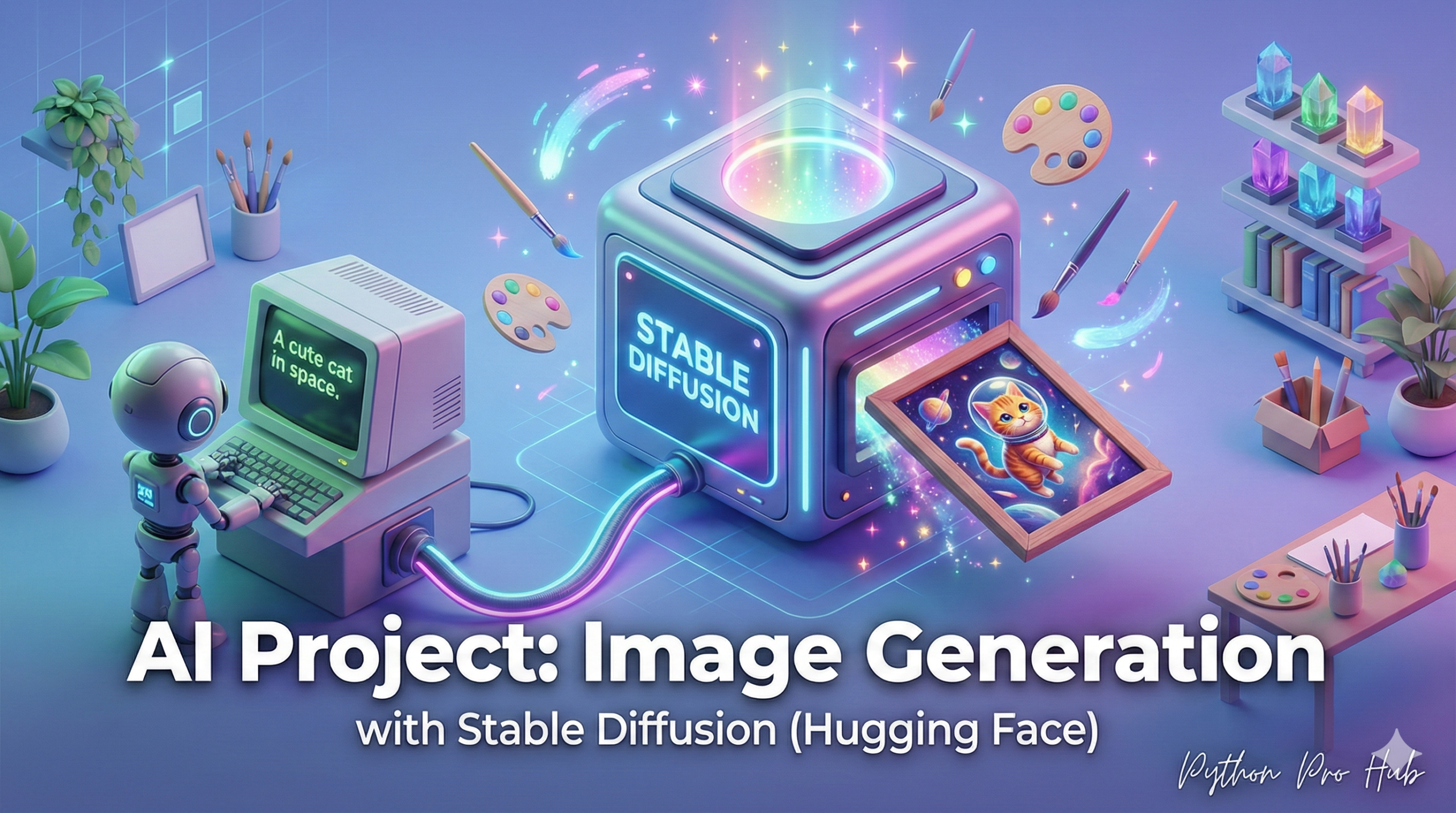
This is the project you’ve been waiting for. We’re going to write a Python script that generates a unique image from a text prompt (e.g., “An astronaut riding a horse on Mars”). We’ll be using Hugging Face Stable Diffusion for this image generation task.
The Hugging Face diffusers library is the standard for models like Stable Diffusion.
⚠️ WARNING: High VRAM Required
This is not like our other AI projects. You must have a modern NVIDIA GPU with at least 8GB of VRAM to run this code. If you don’t, you’ll get a CUDA out of memory error.
Step 1: Installation
pip install diffusers transformers torch
Step 2: The Code
We will load a pre-trained Stable Diffusion model, tell it to run on our GPU (.to("cuda")), and give it a prompt.
import torch
from diffusers import StableDiffusionPipeline

# 1. Load the model (This is a >2GB download the first time)
# We'll use the 'v1-5' model
model_id = "runwayml/stable-diffusion-v1-5"
pipe = StableDiffusionPipeline.from_pretrained(model_id, torch_dtype=torch.float16)

# 2. Tell it to use the GPU (CUDA)
pipe = pipe.to("cuda")

# 3. Your creative prompt!
prompt = "A high-resolution photo of an astronaut riding a horse on Mars."

# 4. Generate the image!
# This runs the AI model
image = pipe(prompt).images[0]

# 5. Save the result
image.save("astronaut_on_mars.png")
print("Image saved as 'astronaut_on_mars.png'!")
Step 3: The Result
Run this script, and in 10-30 seconds, you’ll have a brand new, AI-generated image in your folder! You’ve just built your own local AI art generator.
Key Takeaways
- The article explains how to write a Python script to generate unique images from text prompts using Hugging Face Stable Diffusion.
- Users need a modern NVIDIA GPU with at least 8GB of VRAM to run the code, or they will encounter CUDA out of memory errors.
- The process involves steps for installation, loading a pre-trained model, and running the script to create AI-generated images.