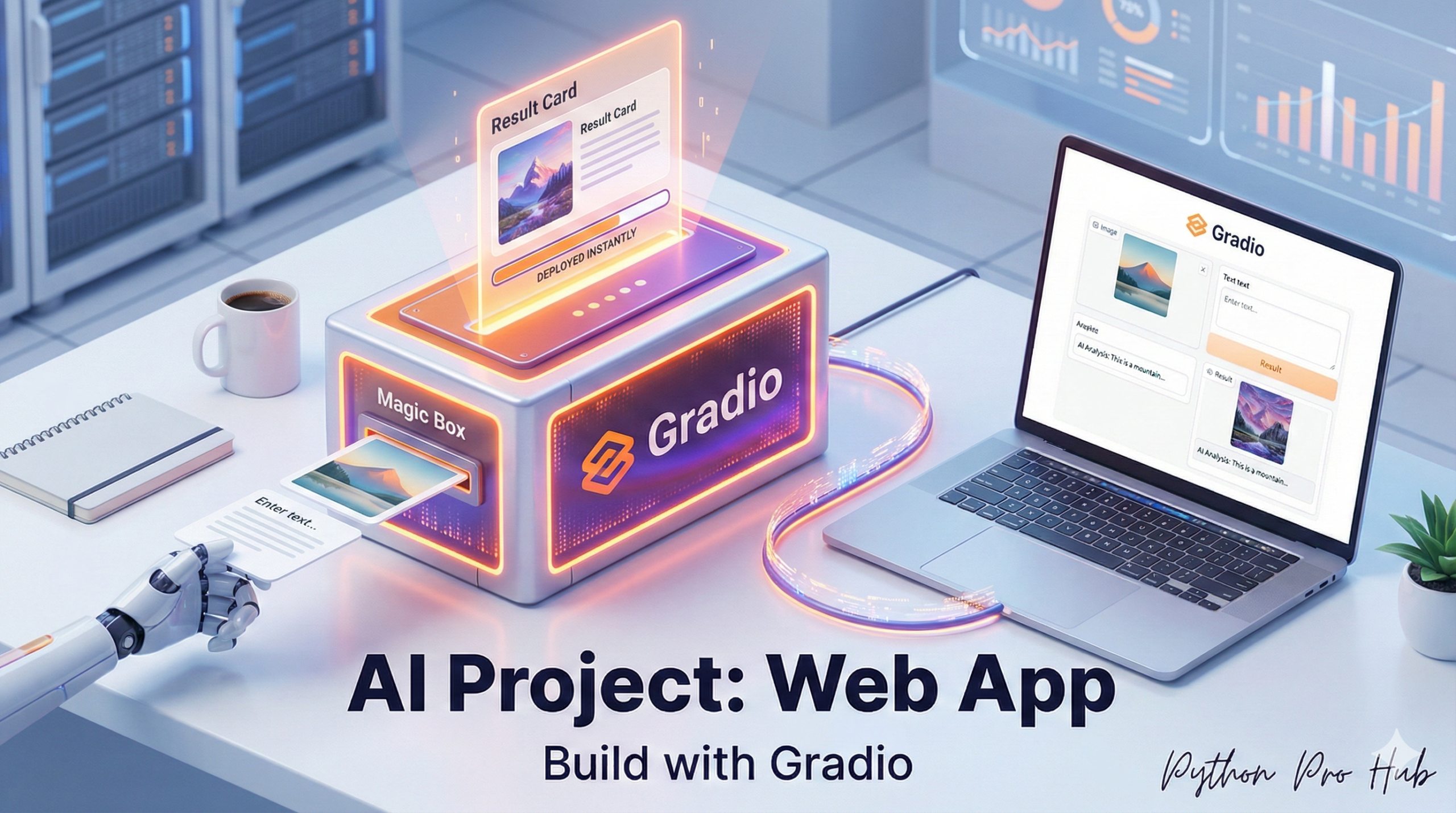
You’ve built amazing AI models, but how do you let your friends or colleagues use them without running your script? One solution is to share your work using a Gradio Hugging Face App, which makes your models accessible through an interactive interface.
Gradio is a free library (made by Hugging Face) that builds a fast, interactive web UI for any Python function, in just a few lines of code.
Let’s build a web app for the Sentiment Analyzer we made.
Step 1: Installation
pip install gradio transformers torch
Step 2: The Code
We just need to:
- Import
gradioandpipeline. - Load our AI model.
- Tell Gradio to build an
Interfacefor it.
import gradio as gr
from transformers import pipeline

# 1. Load the AI model (just like before)
classifier = pipeline("sentiment-analysis")

# 2. Define a function that takes input and returns output
def analyze_sentiment(text_input):
    # The pipeline returns a list of dicts, e.g., [{'label': '...', 'score': ...}]
    # We just want to return the main label
    return classifier(text_input)[0]['label']

# 3. Create the Gradio Interface
# - fn: The function to call
# - inputs: The type of input box (a "text" box)
# - outputs: The type of output (a "text" box)
iface = gr.Interface(
    fn=analyze_sentiment,
    inputs="text",
    outputs="text",
    title="PythonProHub Sentiment Analyzer",
    description="Enter any text to see if it's POSITIVE or NEGATIVE."
)

# 4. Launch the app!
iface.launch()
Step 3: The Result
Run this script. It will print a URL in your terminal (like Running on local URL: http://127.0.0.1:7860).
Open that URL, and you will see a fully working web app!
Gradio is the #1 way to demo AI models and is a must-know tool for 2026.
Key Takeaways
- Gradio is a free library by Hugging Face that creates interactive web UIs for Python functions easily.
- To build a Gradio Hugging Face App, install Gradio, import the necessary modules, and load your AI model.
- Run your script to generate a URL for accessing the interactive web app, showcasing your AI model.
- Gradio is essential for demonstrating AI models and will be increasingly important in 2026.