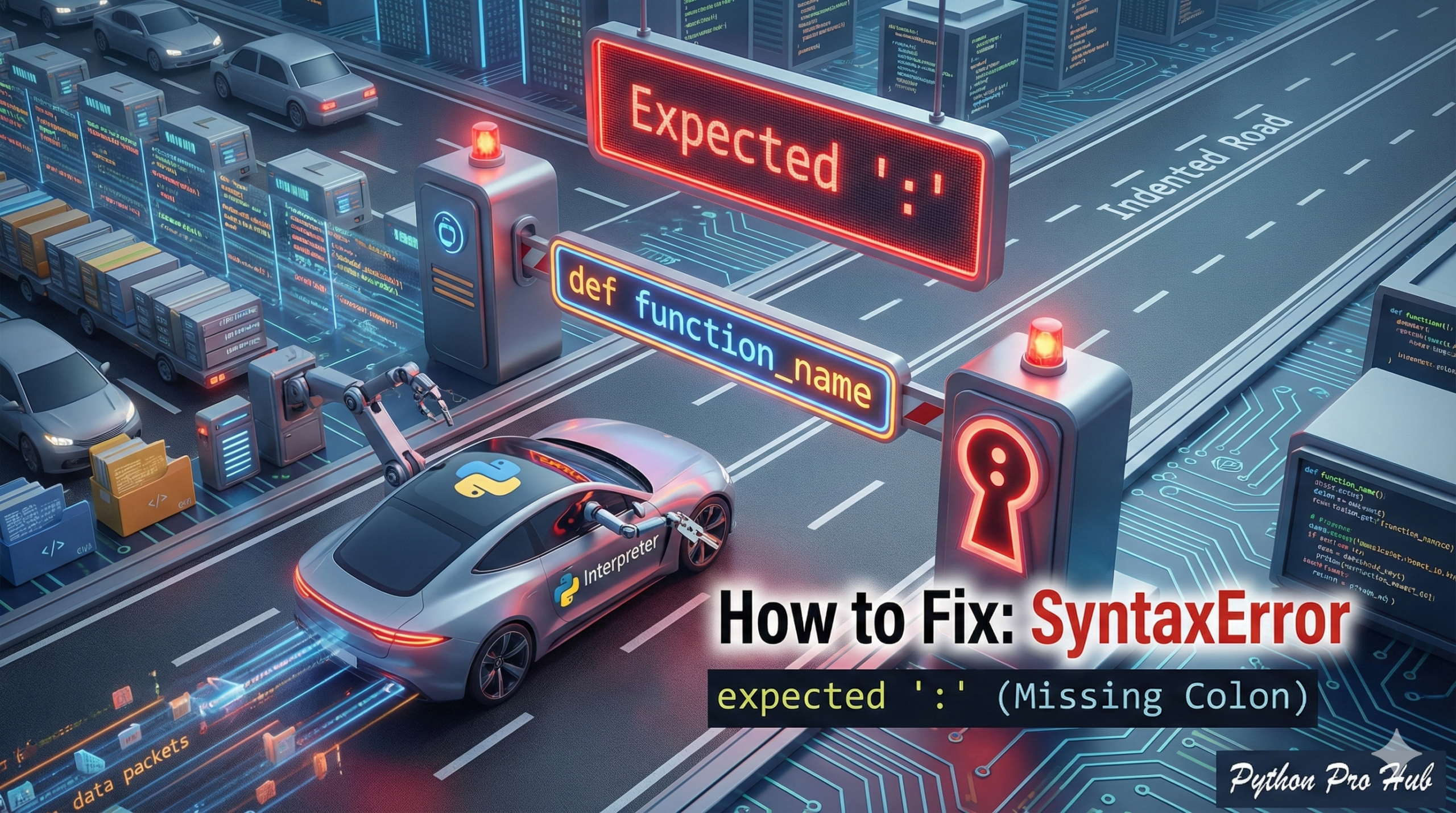
This is one of the most common errors for any Python beginner. If you’ve seen the SyntaxError expected colon message, it’s Python’s way of saying: “You started a new code block, but you forgot the colon (:) that’s required at the end of the line.”
⚡ Quick Fix: SyntaxError: expected ‘:’ — Python Missing Colon Fix for if, for, while, def, class, try, and except Block Openers
Python found a block opener keyword but no colon at the end of the line — the colon is the signal that tells Python a new indented block is about to start.
# WRONG — missing colon on if statement
x = 10
if x > 5          # SyntaxError: expected ':'
    print("big")

# WRONG — missing colon on for loop
for item in my_list    # SyntaxError: expected ':'
    print(item)

# WRONG — missing colon on function definition
def my_function()      # SyntaxError: expected ':'
    pass

# WRONG — missing colon on class definition
class MyClass          # SyntaxError: expected ':'
    pass

# RIGHT — colon at the end of every block opener, no exceptions
if x > 5:
    print("big")

for item in my_list:
    print(item)

def my_function():
    pass

class MyClass:
    pass
Every statement that ends a line and introduces an indented block needs a colon: if, elif, else, for, while, def, class, try, except, finally, with.
The Rule
In Python, any statement that starts a new, indented block of code must end with a colon.
This includes:
if,elif,elsefor,whiledef(defining a function)class(defining a class)try,except,finally
The Problem
You simply forgot to type the colon.
Problem Code 1 (if statement):
x = 10
if x > 5  # <-- Missing colon!
    print("x is big")
Error: SyntaxError: expected ':'
Problem Code 2 (for loop):
my_list = [1, 2, 3]
for item in my_list  # <-- Missing colon!
    print(item)
Error: SyntaxError: expected ':'
Problem Code 3 (function):
def my_function()  # <-- Missing colon!
    pass
Error: SyntaxError: expected ':'
The Fix
The fix is simple: Find the line Python is pointing to and add a colon (:) to the end of it.
A good code editor (like VS Code or PyCharm) will almost always highlight this line in red for you before you even run the code.
SyntaxError: expected ‘:’ — Every Block Opener That Needs a Colon and the One Editor Setting That Prevents This
SyntaxError: expected ‘:’ fires before Python runs a single line. The parser scans the block opener keyword, reaches the end of the line, expects a colon, and crashes when it finds anything else.
Ten block openers require a colon in Python. Every single one, every single time.
if, elif, else, for, while, def, class, try, except, finally, with
No exceptions. No context where the colon is optional. A bare else or elif without a colon crashes. A with open(…) as f without a colon crashes. A try without a colon crashes. Add the colon to the flagged line and Python moves on immediately.
The error message in Python 3.10 and later is precise — it points to the exact line and exact position where the colon belongs. Earlier versions report a more generic SyntaxError on the line after the missing colon. If Python flags the indented line below the opener, look one line up for the missing colon.
VS Code and PyCharm both catch this error before you run the code. VS Code underlines the offending line in red the moment you move to the next line without the colon. PyCharm highlights it inline. Enable these real-time syntax checks — Settings → Python → Inspections in PyCharm, or install the Pylance extension in VS Code — and SyntaxError: expected ‘:’ never survives to runtime.
The one-liner pattern worth knowing: Python allows the block body on the same line as the opener when it contains a single statement. The colon still applies.
if x > 5: print(“big”) # valid — colon required even on one-liners
for i in range(3): print(i) # valid
def noop(): pass # valid placeholder function
Multi-statement blocks always go on separate indented lines. Single-statement one-liners are valid for simple cases — never use them for anything complex enough to confuse a reader.