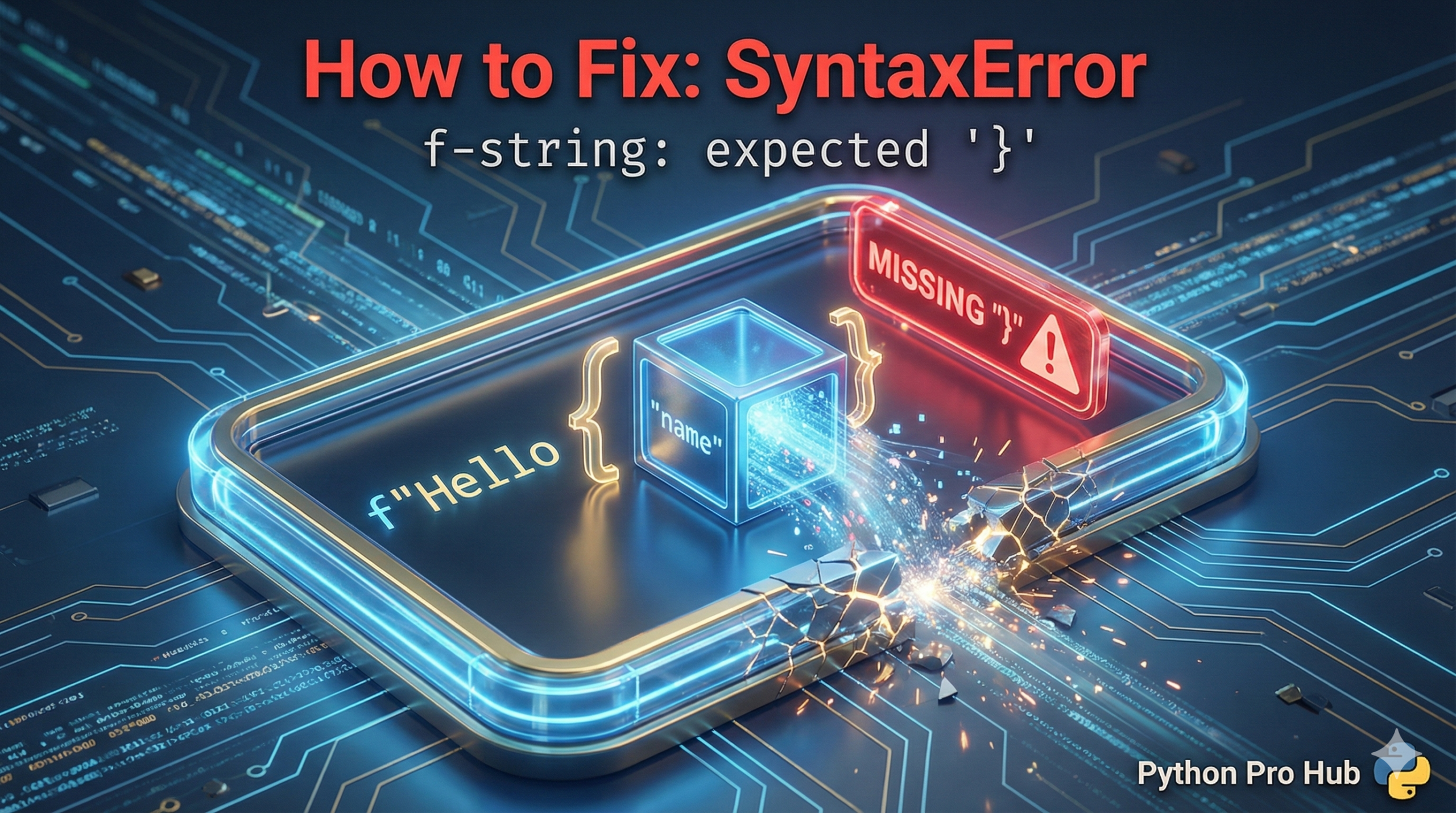
This is a very common error when working with Python’s modern f-strings. In fact, you might frequently encounter the SyntaxError f-string message when writing code.
It simply means: Python found an opening curly brace { but never found the matching closing brace }.
⚡ Quick Fix: SyntaxError: f-string: expected ‘}’ — Python f-string Missing Closing Brace Fix and Double Brace Escape for Literal Curly Characters
Python found an opening { inside your f-string and never found the matching } — either a closing brace is missing, or you tried to embed a dictionary literal directly inside the expression slot.
# WRONG — missing closing brace
name = "Alice"
print(f"Hello, {name")    # SyntaxError: f-string: expected '}'

# WRONG — dictionary literal inside f-string expression slot confuses the parser
my_dict = {'a': 1}
print(f"My dict is: {'a': 1}")   # SyntaxError — Python can't parse a colon inside {}

# WRONG — single { or } as literal text triggers the error
print(f"Use {curly} braces")     # SyntaxError if 'curly' is undefined or brace is literal

# RIGHT — close every opening brace
print(f"Hello, {name}")          # Output: Hello, Alice

# RIGHT — reference the variable, not the literal dict
print(f"My dict is: {my_dict}")  # Output: My dict is: {'a': 1}

# RIGHT — double braces produce literal { } characters in the output
print(f"Syntax: {{variable}}")   # Output: Syntax: {variable}
print(f"Empty dict: {{}}")       # Output: Empty dict: {}
The breakdown below covers the missing brace, the dictionary literal trap, and the double brace escape — the three forms this error takes in real Python code.
The Cause
You have an incomplete or mismatched brace in your f-string.
Problem Code 1: Missing Brace
name = "Alice"
print(f"Hello, {name") # Forgot the '}'
# CRASH! SyntaxError: f-string: expected '}'
Problem Code 2: Nested Braces (Common with Dictionaries) This is a trickier one. If you want to show literal braces inside an f-string, you must double them up.
# This is a common way to try and print a dictionary
my_dict = {'a': 1}
print(f"My dict is: {my_dict}") # This is fine!

# But what if you try to build the string manually?
print(f"My dict is: {'a': 1}") # CRASH!
# Python thinks the 'a' is the variable and gets confused.
The Fixes
1. For Missing Braces: Simply find the opening { and add its matching }.
name = "Alice"
print(f"Hello, {name}") # Correct
2. For Nested Braces (The “Double Brace” Trick): If you need literal {} characters inside your f-string, you must “escape” them by doubling them: {{ and }}.
my_dict = {'a': 1}
# This is a bit advanced, but shows the rule:
print(f"My dict literal is: {{'a': 1}}")
# Output: My dict literal is: {'a': 1}
Most of the time, this error is just a simple typo. Carefully check that every { has a matching }.
SyntaxError: f-string: expected ‘}’ — Three Brace Rules Every Python Developer Needs
SyntaxError: f-string: expected ‘}’ fires before Python evaluates a single expression. The f-string parser scans for matching braces first — an unclosed { anywhere in the string stops execution immediately.
Three rules cover every form of this error.
Every { needs a matching }. An expression slot in an f-string opens with { and closes with }. One missing character crashes the entire line. Your editor’s bracket highlighting flags the mismatch the moment you move the cursor — VS Code and PyCharm both colour unmatched braces in red before you run anything.
Never put a dictionary literal inside an f-string expression slot. f”{‘a’: 1}” crashes because the colon inside {} breaks the f-string parser. Reference the variable instead: f”{my_dict}”. If you need a specific value from the dict, use f”{my_dict[‘a’]}” — but keep the outer string in double quotes to avoid quote collision with the inner single quotes.
Safe dict value access inside an f-string
my_dict = {“name”: “Alice”, “score”: 95}
print(f”Name: {my_dict[‘name’]}, Score: {my_dict[‘score’]}”)
Output: Name: Alice, Score: 95
Double braces produce literal brace characters. {{ renders as { in the output. }} renders as }. Use this for template strings, JSON output, SQL fragments, or any string where curly brace characters are part of the content rather than expression markers.
print(f”JSON format: {{\”key\”: \”{name}\”}}”)
Output: JSON format: {“key”: “Alice”}
The Python 3.12 upgrade worth knowing: f-strings in 3.12 allow arbitrary expressions inside {}, including nested f-strings and multiline expressions. If you upgrade and see new f-string SyntaxErrors on code that used to work, the expression inside your braces now gets parsed more strictly — check for stray colons, backslashes, or comments inside the {} that the new parser rejects.