You’ve chosen Django because you want to build something big, secure, and powerful. Good choice. To get started, you’ll need a comprehensive Django Setup Guide to ensure you have everything configured correctly.
Unlike Flask, which is just one file, Django generates a whole folder structure for you. It can be intimidating at first, but this guide will walk you through every step. Following this Django Setup Guide is essential for understanding the folder structure.
Step 1: Create a Virtual Environment
Django is a big library. You must use a virtual environment to keep it isolated.
# 1. Make a new folder for your project
mkdir my_django_site
cd my_django_site

# 2. Create and activate the virtual environment
python3 -m venv venv
source venv/bin/activate  # (On Windows use: venv\Scripts\activate)
Step 2: Install Django
With your virtual environment active, install Django using pip. This is an essential part of every Django Setup Guide.
pip install djangoStep 3: Start the Project
Django comes with a command-line tool called django-admin to generate the initial file structure.
Run this command (don’t forget the dot . at the end!):
django-admin startproject config .- Why the dot? It tells Django to install the project in the current folder, rather than creating a new subfolder. It keeps things cleaner.
- Why ‘config’? This is a modern best practice. It names your main settings folder
configso you know exactly where your settings are.
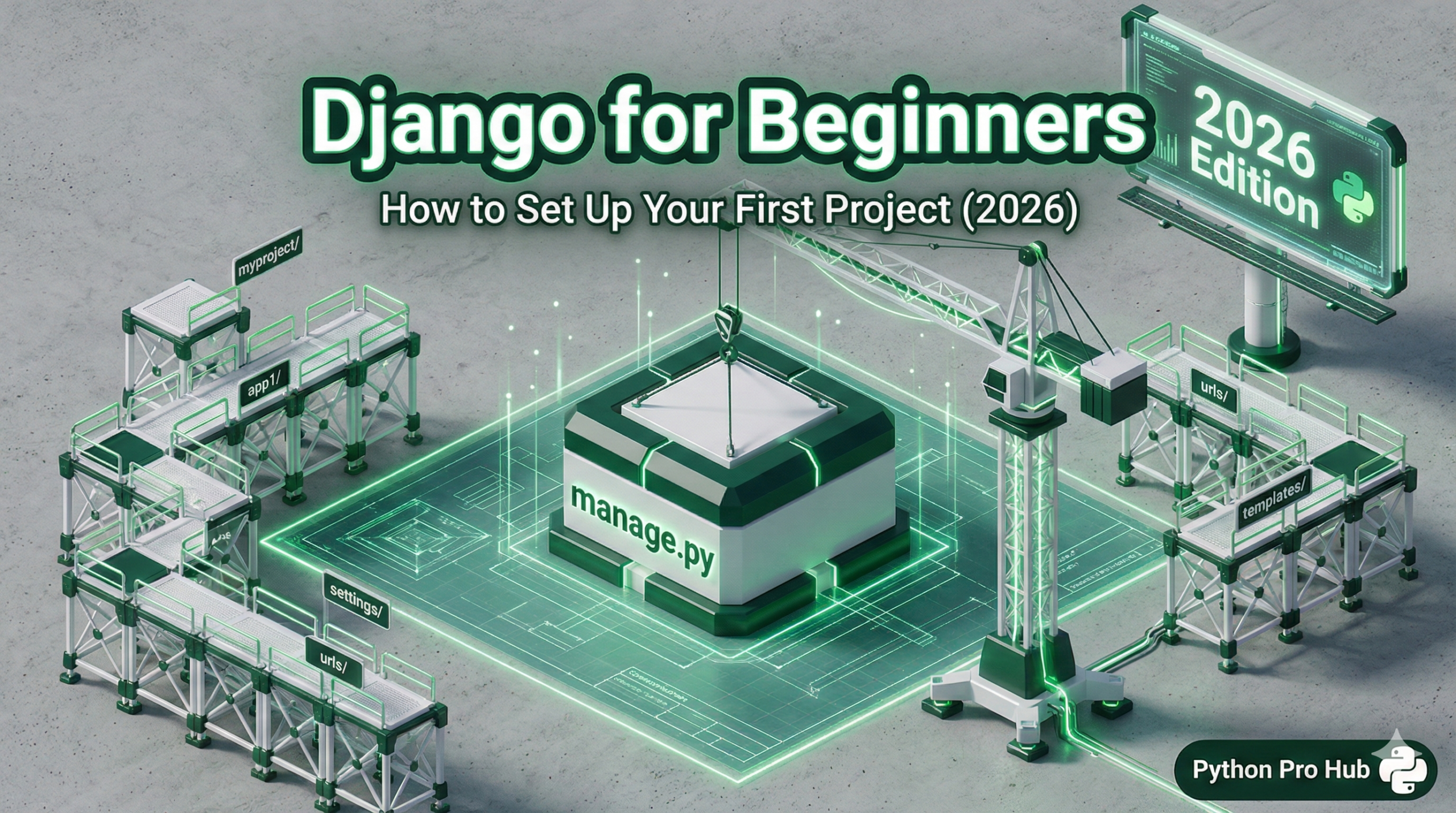
Your folder should now look like this:
my_django_site/
├── venv/
├── manage.py
└── config/
    ├── __init__.py
    ├── settings.py
    ├── urls.py
    └── wsgi.py
Step 4: Run the Server
Django has a built-in web server for testing.
python manage.py runserverYou should see output that says: Starting development server at http://127.0.0.1:8000/
Open that URL in your browser. You should see the famous Django “rocket ship” success page!
Conclusion
You officially have a Django project running. A comprehensive Django Setup Guide is invaluable at this stage.
manage.py: This is your command center. You’ll use it to run the server, make database migrations, and create apps.config/settings.py: This file controls everything about your project (database settings, installed apps, security keys).
Next time, we’ll create your first Django App and create a real webpage.