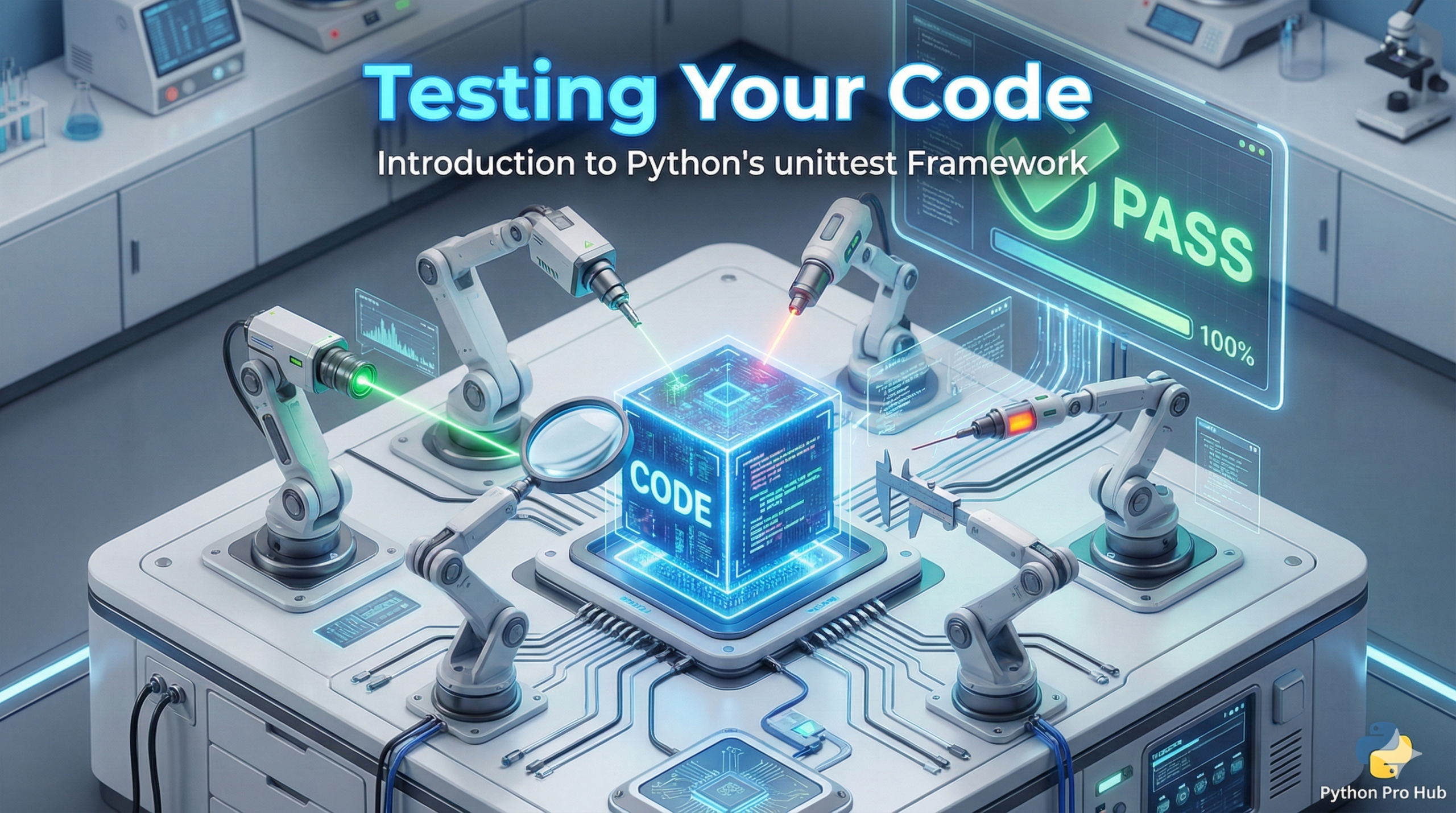
You wrote a function. You think it works because you ran it once and it didn’t crash. But does it work if the input is negative? What if it’s zero? What if it’s a string? A comprehensive Python unittest guide can help you find out.
Unit Testing is the practice of writing code that tests your other code automatically.
Step 1: The Code to Test
Let’s say we have a simple math script, my_math.py:
# my_math.py
def add(x, y):
    return x + y

def divide(x, y):
    if y == 0:
        raise ValueError("Cannot divide by zero!")
    return x / y
Step 2: Writing the Test
We create a separate file, usually named test_my_math.py. We use Python’s built-in unittest library.
# test_my_math.py
import unittest
import my_math

class TestMyMath(unittest.TestCase):

    def test_add(self):
        # We EXPECT that adding 10 + 5 gives 15.
        # assertEqual checks if (actual == expected)
        self.assertEqual(my_math.add(10, 5), 15)
        self.assertEqual(my_math.add(-1, 1), 0)

    def test_divide(self):
        self.assertEqual(my_math.divide(10, 2), 5)

        # We can even test that it raises the RIGHT error!
        with self.assertRaises(ValueError):
            my_math.divide(10, 0)

# This standard boilerplate runs the tests
if __name__ == '__main__':
    unittest.main()
Step 3: Running the Test
Run the test file in your terminal:
python test_my_math.pyOutput:
..
----------------------------------------------------------------------
Ran 2 tests in 0.001s

OK
The two dots .. mean two tests passed. If one failed, you’d see an F and a detailed report of what went wrong. Now you can change your code fearlessly, knowing your tests will catch any new bugs!