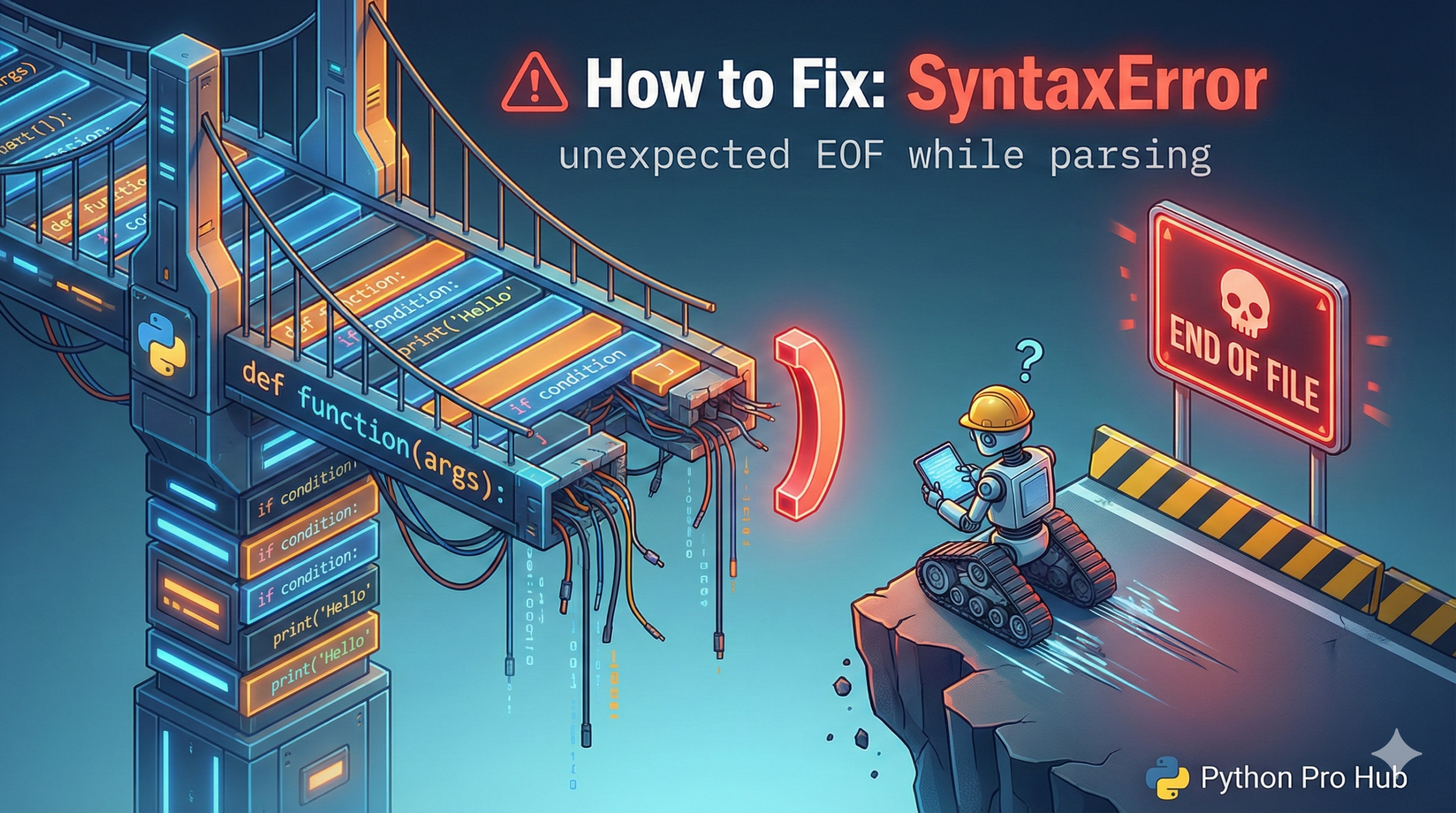
This is a classic “invisible” error that drives beginners out of control. One common example is the SyntaxError unexpected EOF message, which can be confusing when you’re not sure where things went wrong.
- EOF stands for “End of File”.
- The error means: “Python read your entire script, but it was still in the middle of a statement.”
The Cause: Unmatched Brackets
This error happens 99.9% of the time because you forgot to close a parenthesis (, bracket [, or brace {.
Python is smart enough to let you spread statements over multiple lines if you’re inside brackets.
Problem Code:
# We are creating a list of dictionaries
users = [
    {"name": "Alice", "age": 20},
    {"name": "Bob", "age": 30} # <-- Oops! Forgot the closing ]
# Python hits the end of the file here, still looking for the ']', and crashes.
Error: SyntaxError: unexpected EOF while parsing
The Fix
Look at the line where Python reports the error (it will always be the very last line of your file). This tells you the error ended there.
Now, work backwards from the end of your file, checking every (, [, and {. The first one you find that doesn’t have a matching partner is your culprit.
A good code editor (like VS Code or PyCharm) will highlight matching brackets for you, making this error much easier to find.