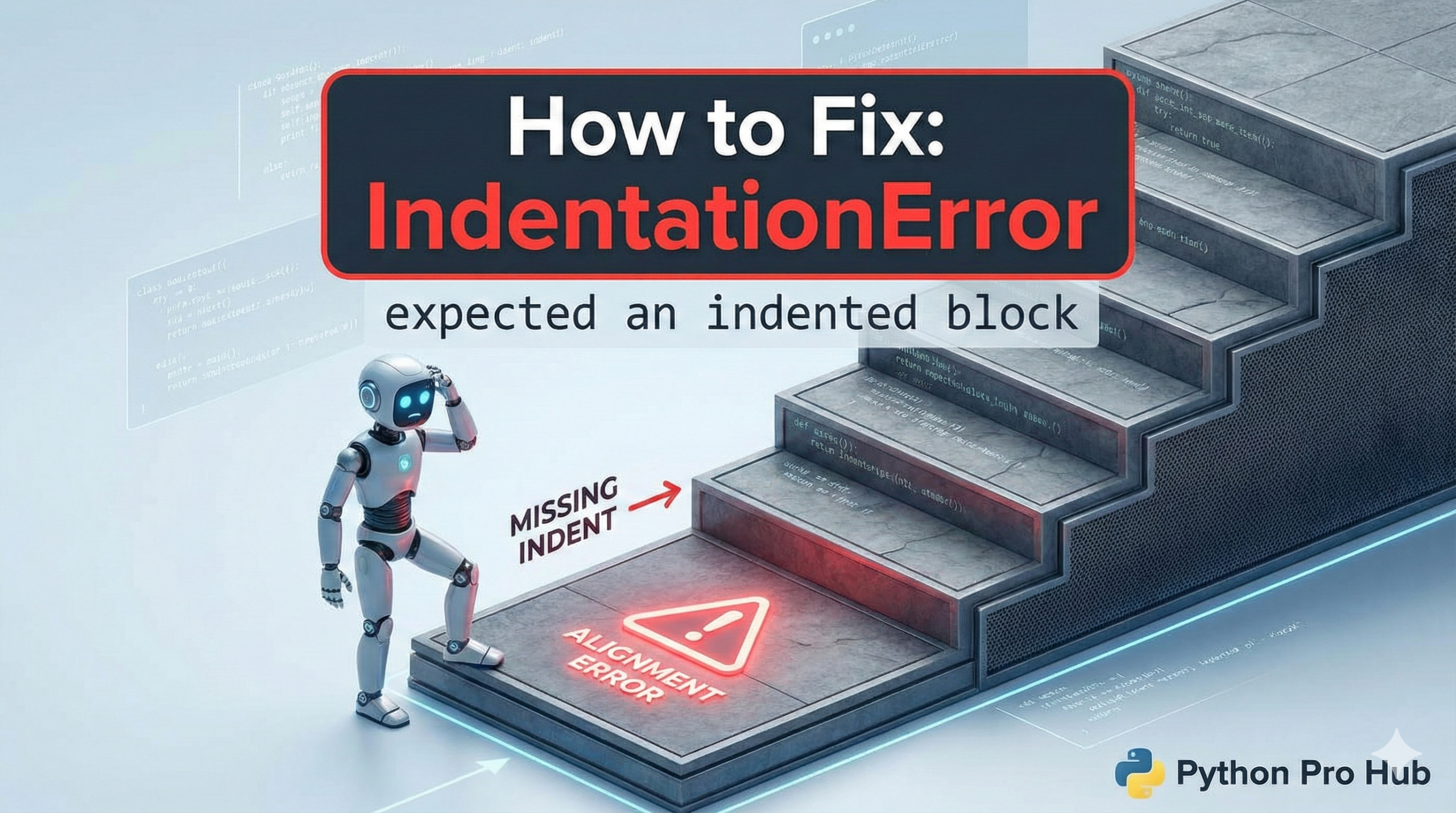
This is the twin error to IndentationError: unexpected indent. One of the most common Python issues beginners face is IndentationError expected block. It’s one of Python’s most fundamental rules.
This error means: “You used a colon (:), but you didn’t indent the code that came after it.”
The Cause
In Python, any line that ends with a colon (:) is the start of a new “block” of code. The entire next block must be indented (usually by 4 spaces).
Problem Code:
def my_function():
print("Hello, world!") # CRASH!
Error: IndentationError: expected an indented block
Python sees def my_function(): and expects the next line to be indented, but print() is at the same level.
Common Scenarios
This happens everywhere in Python:
if,elif,elsefor,whiledef,classtry,except
Problem Code (if statement):
if x > 10:
print("x is big") # CRASH!
Problem Code (Empty Block): Sometimes you want to leave a block empty for later. You can’t just leave it blank.
def function_i_will_write_later():
# I'll write this tomorrow
# CRASH!
The Fix
- Indent Your Code: Add 4 spaces to the line(s) after the colon.
if x > 10:
    print("x is big") # Correct!
2. Use pass for Empty Blocks: If you want an empty block, use the pass keyword. It’s a placeholder that does nothing, but it satisfies the syntax.
def function_i_will_write_later():
    pass # Correct! No error.