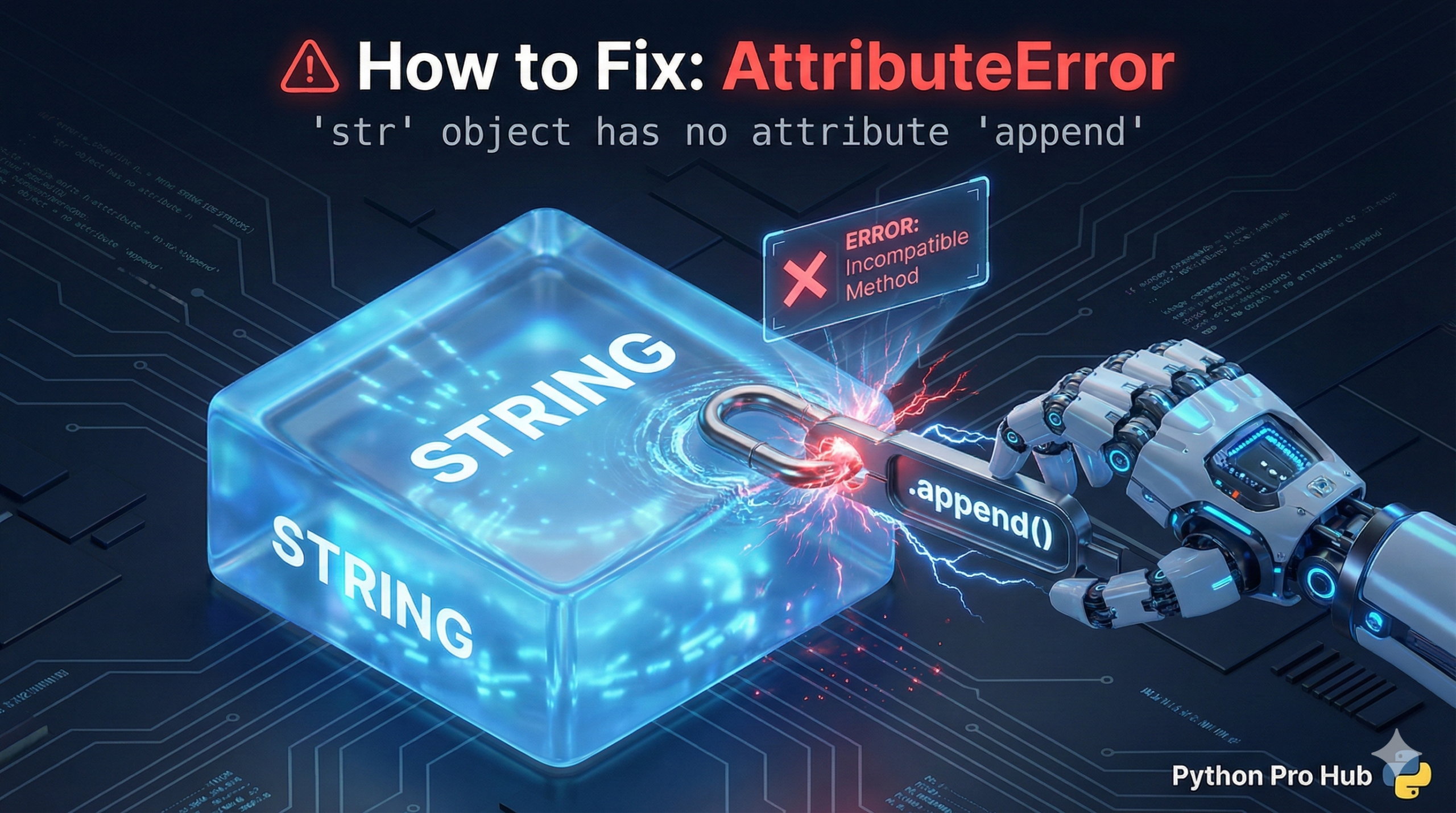
This is the twin error to AttributeError: 'list' object has no attribute ‘x’. The AttributeError str object means you are trying to use a method on a String that doesn’t exist for strings.
This message specifically almost always happens when you try to use a List method on a string.
The Cause
Strings are Immutable. You cannot change them “in-place.” Lists are mutable, so they have methods like .append(), .sort(), .reverse(), etc. Strings do not.
Problem Code:
my_string = "hello"

my_string.append(" world") # CRASH!
# AttributeError: 'str' object has no attribute 'append'
The Fix: Create a New String
You cannot change a string. You must create a new one using the + operator (concatenation).
my_string = "hello"

# This creates a NEW string and re-assigns the variable
my_string = my_string + " world"

print(my_string)
# Output: hello world
Common Scenario 2: Typo
Python methods are case-sensitive.
Problem Code:
my_string = "Hello World"
print(my_string.Replace("World", "Python")) # CRASH!
The Fix: The method is .replace(), not .Replace().
print(my_string.replace("World", "Python")) # Works!