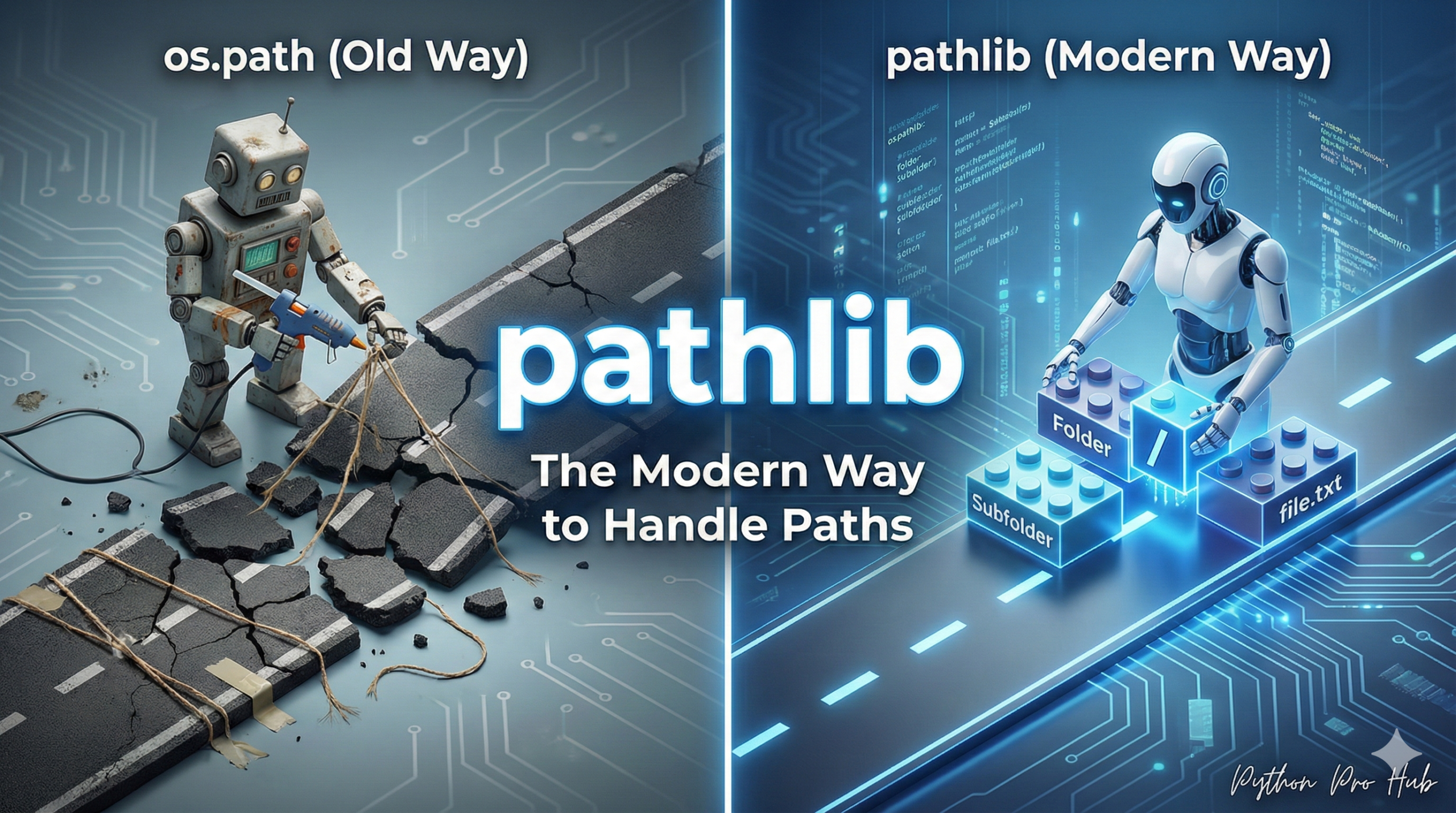
For decades, Python developers manipulated file paths using the os module. This Python pathlib guide aims to introduce a more modern and efficient approach to file path handling in Python.
os.path.join("folder", "file.txt")os.path.exists(my_path)os.path.splitext(my_path)
This is clunky. Since Python 3.4, there is a much better, cleaner, object-oriented way: the pathlib module.
The Old Way (os.path)
import os
folder = "my_folder"
file = "data.txt"
full_path = os.path.join(folder, file)
if os.path.exists(full_path):
    with open(full_path, "r") as f:
        print(f.read())
The Modern Way (pathlib)
With pathlib, your path itself is an object with methods.
from pathlib import Path

# 1. Create a Path object
folder = Path("my_folder")
file = "data.txt"

# 2. Join paths using the '/' operator!
full_path = folder / file
# (This automatically handles / vs \ for Windows/Mac/Linux)

# 3. The path object has methods
if full_path.exists():
    with full_path.open("r") as f:
        print(f.read())
Why pathlib is Better
It makes everything cleaner.
| Task | os.path (Old Way) | pathlib (Modern Way) |
| Join Paths | os.path.join(p, "f.txt") | p / "f.txt" |
| Get Parent | os.path.dirname(p) | p.parent |
| Get Filename | os.path.basename(p) | p.name |
| Get Extension | os.path.splitext(p)[1] | p.suffix |
| Read Text | with open(p) as f: f.read() | p.read_text() |
| Check if Dir | os.path.isdir(p) | p.is_dir() |
Start using pathlib in your projects today. It’s the standard for modern Python.
Key Takeaways
- Manipulating file paths with the old
osmodule is clunky and less efficient. - The modern approach, using the
pathlibmodule, treats paths as objects with intuitive methods. pathlibsimplifies tasks like joining paths, getting filenames, and reading text files.- Using
pathlibenhances code clarity and maintains a cleaner codebase. - Adopt
pathlibin your Python projects for a more standardised way to handle file paths.