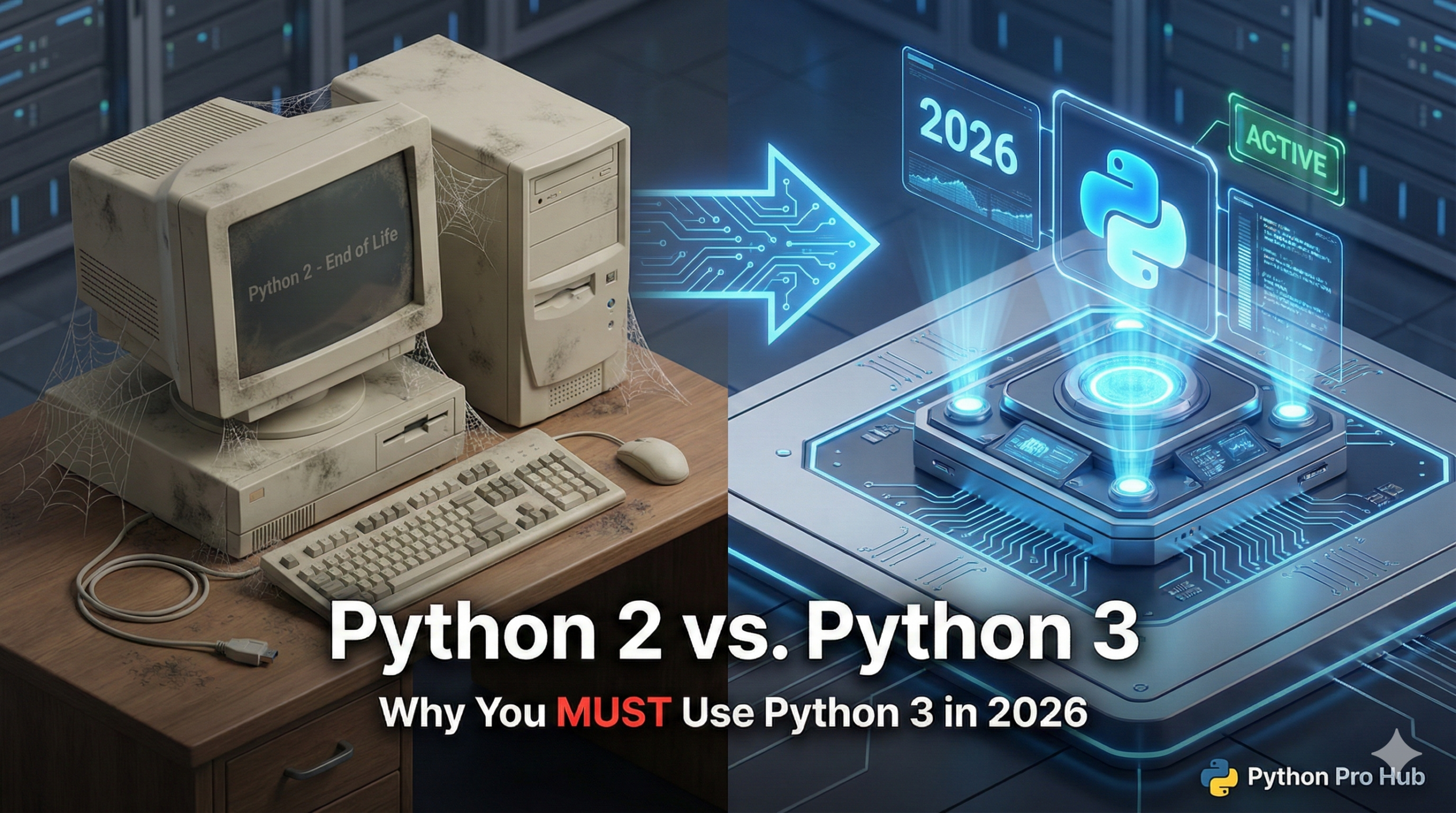
If you are learning Python today, you might occasionally stumble upon an old tutorial that looks wrong. This is often a result of the differences between Python 2 vs Python 3. Understanding that difference can clarify why these tutorials appear outdated.
Maybe the tutorial uses print "Hello" instead of print("Hello"). Maybe it tries to use a library that won’t install, which highlights the incompatibility issues related to Python 2 vs Python 3.
This is because it’s written in Python 2, a legacy version of the language that is officially dead, making it clear in the Python 2 vs Python 3 argument why the latter is preferred.
The Short Answer
Always use Python 3. Python 2 reached its “End of Life” on January 1, 2020. It receives no security updates, no bug fixes, and most modern libraries (like Pandas and Django) no longer support it. These are important considerations in the Python 2 vs Python 3 debate.
Major Differences You Might See
1. The Print Statement vs. Function
This is the easiest way to spot old code from the Python 2 vs Python 3 era.
- Python 2:
printwas a statement. Parentheses were optional.
print "Hello, world!" # Valid in Python 2, ERROR in Python 3- Python 3:
print()is a function. Parentheses are required.
print("Hello, world!") # The only correct way now2. Integer Division
- Python 2: Dividing two integers always rounded down to the nearest integer.
# Python 2
print 5 / 2 # Output: 2 (Wait, what?)- Python 3: Division works as you expect (returns a float).
# Python 3
print(5 / 2) # Output: 2.5
3. Unicode (Text Handling)
Python 2 was notoriously bad at handling non-English characters (emojis, accented letters). Python 3 fixes this by making all strings Unicode by default. This difference is a major part of the Python 2 vs Python 3 discourse.
Conclusion
If you see a tutorial that uses print "text" without parentheses, close the tab. It’s outdated and will teach you bad habits. Stick to modern Python 3 resources (like this site!).