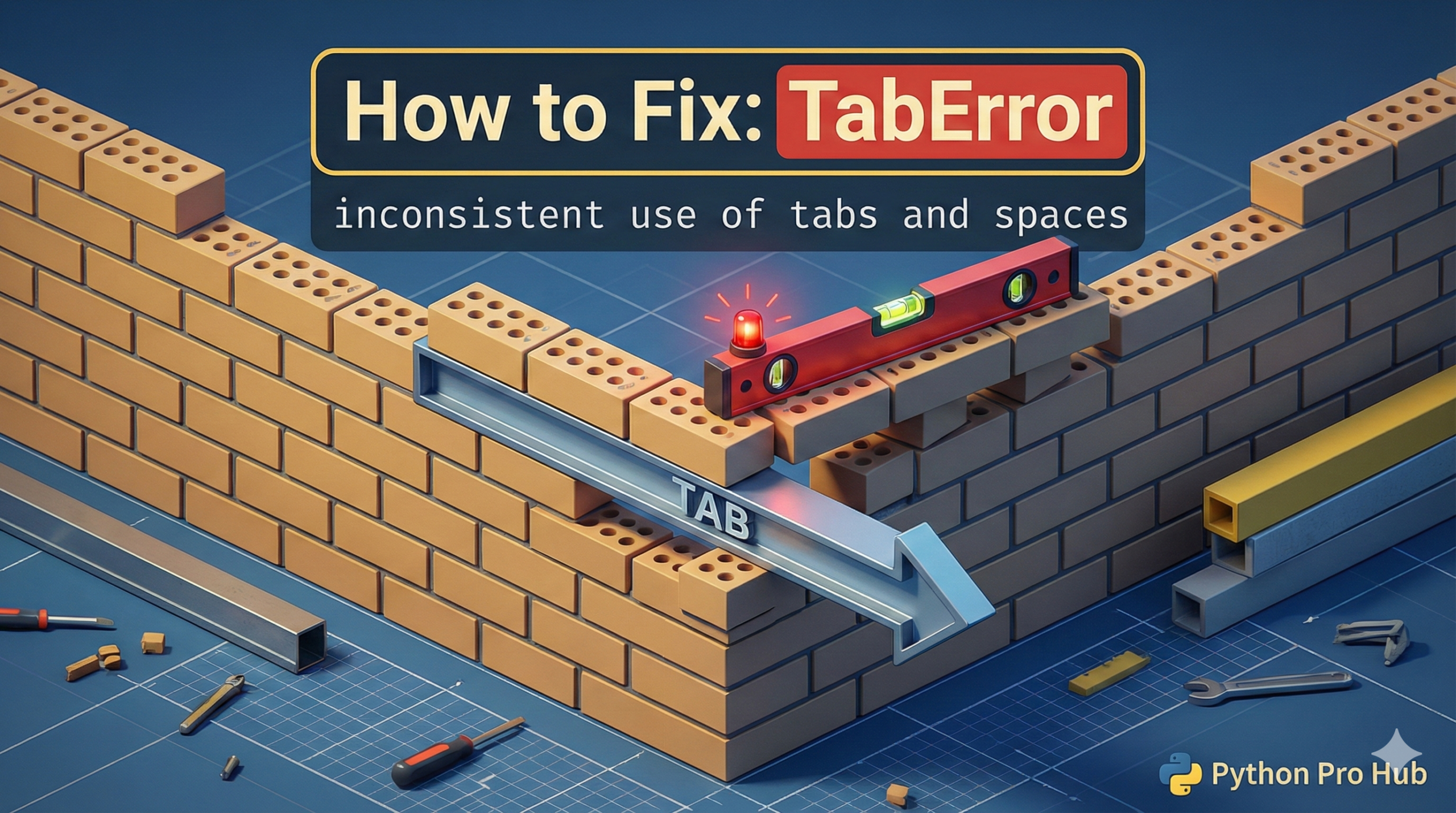
This is not the same as IndentationError (which means your indentation is simply wrong). This TabError means your indentation is mixed. If you’re wondering what a TabError is, it’s an error raised in Python when your code contains a mix of tabs and spaces in indentation.
It means: “You used a Tab on one line, but you used Spaces on another line at the same level.”
⚡ Quick Fix: TabError: inconsistent use of tabs and spaces in indentation — Python PEP 8 Editor Fix for VS Code, PyCharm, and autopep8
Python found a tab character on one line and space characters on another line at the same indentation level — they look identical in your editor but are completely different bytes to the interpreter.
# WRONG — Tab on line 2, 4 spaces on line 3 (looks fine visually, crashes Python)
def my_func():
	print("Indented with a Tab")      # ← actual Tab character (\t)
    print("Indented with 4 Spaces")  # ← four Space characters
# TabError: inconsistent use of tabs and spaces in indentation

# RIGHT — configure your editor ONCE, never type a real Tab again
# VS Code: Settings → "Editor: Insert Spaces" ON, "Editor: Tab Size" → 4
# PyCharm: Settings → Editor → Code Style → Python → "Use tab character" OFF, Indent 4

# RIGHT — fix an existing file with autopep8 in one terminal command
pip install autopep8
autopep8 --in-place --aggressive your_file.py
The fix is always in your editor settings — the breakdown below shows the exact steps for VS Code, PyCharm, and the command-line autopep8 tool.
Python requires you to be consistent. You must choose EITHER tabs OR spaces for your whole script.
The Cause
- You hit the
Tabkey for line 2. - You hit the
Spacebar 4 times for line 3. They look identical in your editor, but to Python, they are totally different characters.
Problem Code (Invisible):
def my_func():
	print("This line is indented with a Tab")
    print("This line is indented with 4 Spaces")
# CRASH! TabError
The Fix: Configure Your Editor
Do not try to fix this manually. The only permanent solution is to configure your code editor.
In VS Code, PyCharm, or any modern editor:
- Go to Settings.
- Find the “Indentation” settings.
- Check the box that says “Insert Spaces on Tab” or “Convert Tabs to Spaces”.
- Set “Tab Size” to 4.
This is the professional standard (defined in PEP 8). Now, when you hit the Tab key, your editor will automatically insert 4 spaces. You will never have this error again.
TabError: inconsistent use of tabs and spaces in indentation — One Editor Setting, Fixed Permanently
TabError: inconsistent use of tabs and spaces in indentation never comes from logic errors or missing colons. It comes from two different whitespace characters occupying the same indentation level in the same file. Python 3 treats this as a hard error — it refuses to run the file at all.
The only permanent fix is your editor. Do it once, never see this error again.
VS Code: open Settings (Ctrl+,), search “insert spaces”, set “Editor: Insert Spaces” to ON, set “Editor: Tab Size” to 4. Now every Tab keypress inserts 4 spaces. Enable “Render Whitespace” (View → Appearance → Render Whitespace → All) to see dots for spaces and arrows for real tab characters — any mixed-indentation file exposes itself immediately.
PyCharm: Settings → Editor → Code Style → Python → uncheck “Use tab character”, set Indent to 4, set Tab size to 4. PyCharm also has a built-in reformatter: Code → Reformat Code (Ctrl+Alt+L) converts all tabs to spaces across the entire file in one keystroke.
For existing files with mixed indentation, autopep8 fixes the entire file from the terminal without touching your logic:
pip install autopep8
autopep8 –in-place –aggressive your_file.py
The –in-place flag overwrites the file directly. The –aggressive flag converts tabs to spaces across every indentation level. Run it once per file and the TabError disappears permanently.
PEP 8 — Python’s official style guide — mandates spaces over tabs for all new Python code. Every major Python project, framework, and library follows this rule. Set your editor to spaces now and your code stays consistent with the entire Python ecosystem from this point forward.