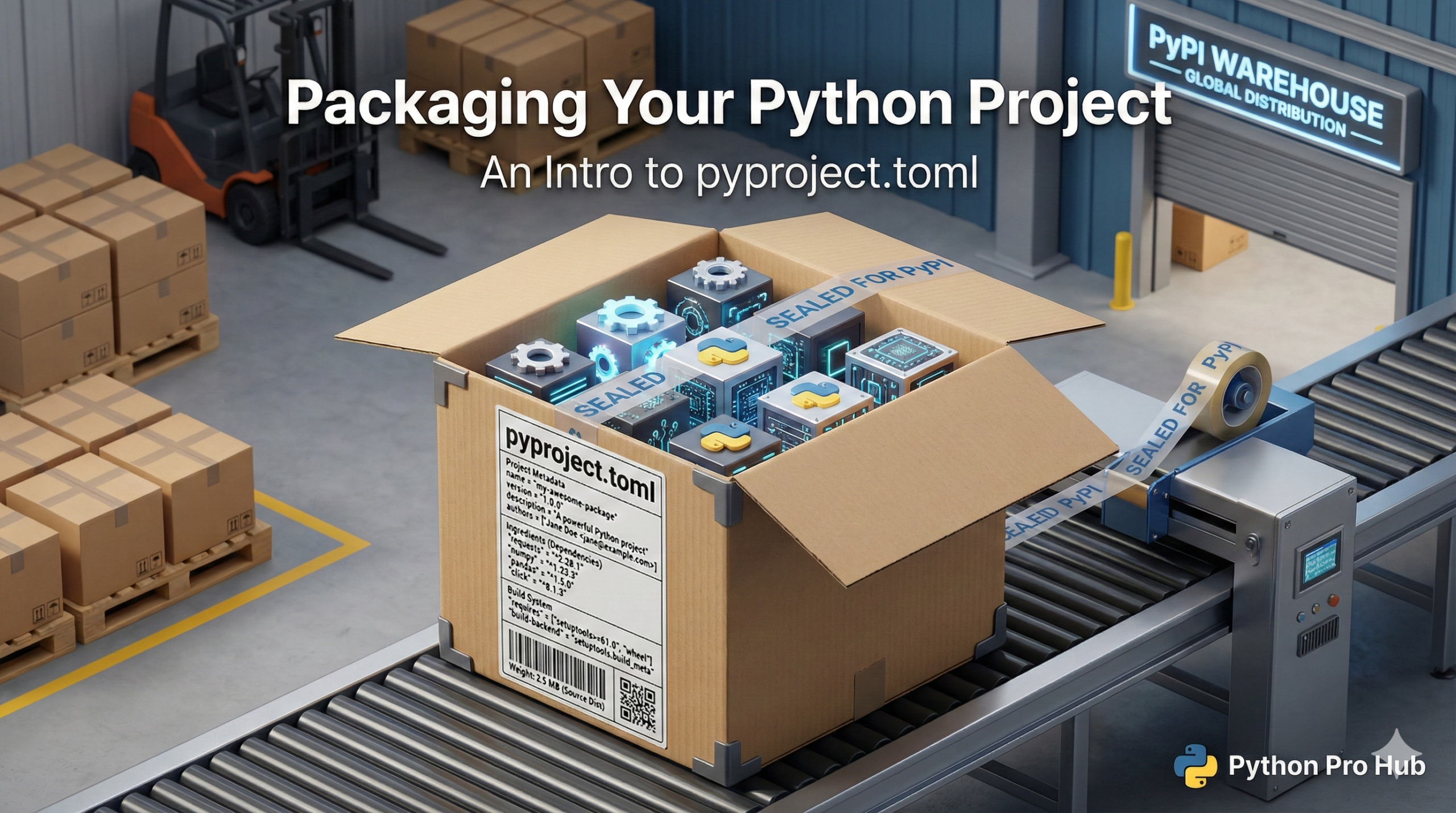
You’ve built dozens of projects. To publish your package and make it easy for others to install, you’ll need to understand how to use Python pyproject.toml. How do you share them? You don’t want to email .py files. You want people to pip install your project.
The modern way to do this is with a <a href="https://python-poetry.org/docs/pyproject/" type="link" id="https://python-poetry.org/docs/pyproject/">pyproject.toml</a> file.
Step 1: The File Structure
Organize your code like this:
/MyProject
    /src
        /my_package_name
            __init__.py
            my_code.py
    pyproject.toml
    README.md
Step 2: Create pyproject.toml
This file is the “instruction manual” for pip. It tells it what your project is called, what it needs, and who made it.
[build-system]
requires = ["setuptools>=61.0"]
build-backend = "setuptools.build_meta"

[project]
name = "my_package_name"
version = "0.0.1"
authors = [
  { name="Your Name", email="you@example.com" },
]
description = "A small example package"
readme = "README.md"
requires-python = ">=3.8"
classifiers = [
    "Programming Language :: Python :: 3",
]
dependencies = [
    "requests",
    "pandas",
]
Step 3: Build the Package
- Install the build tools:
pip install build - Run the build command from your project’s root:
This creates a dist/ folder with two files, including a .whl (Wheel) file.
Step 4: Install Your Package
Anyone (including you) can now install your project from that local file:
pip install dist/my_package_name-0.0.1-py3-none-any.whl
This is the file you would eventually upload to PyPI (the official Python Package Index) to let the world pip install it.