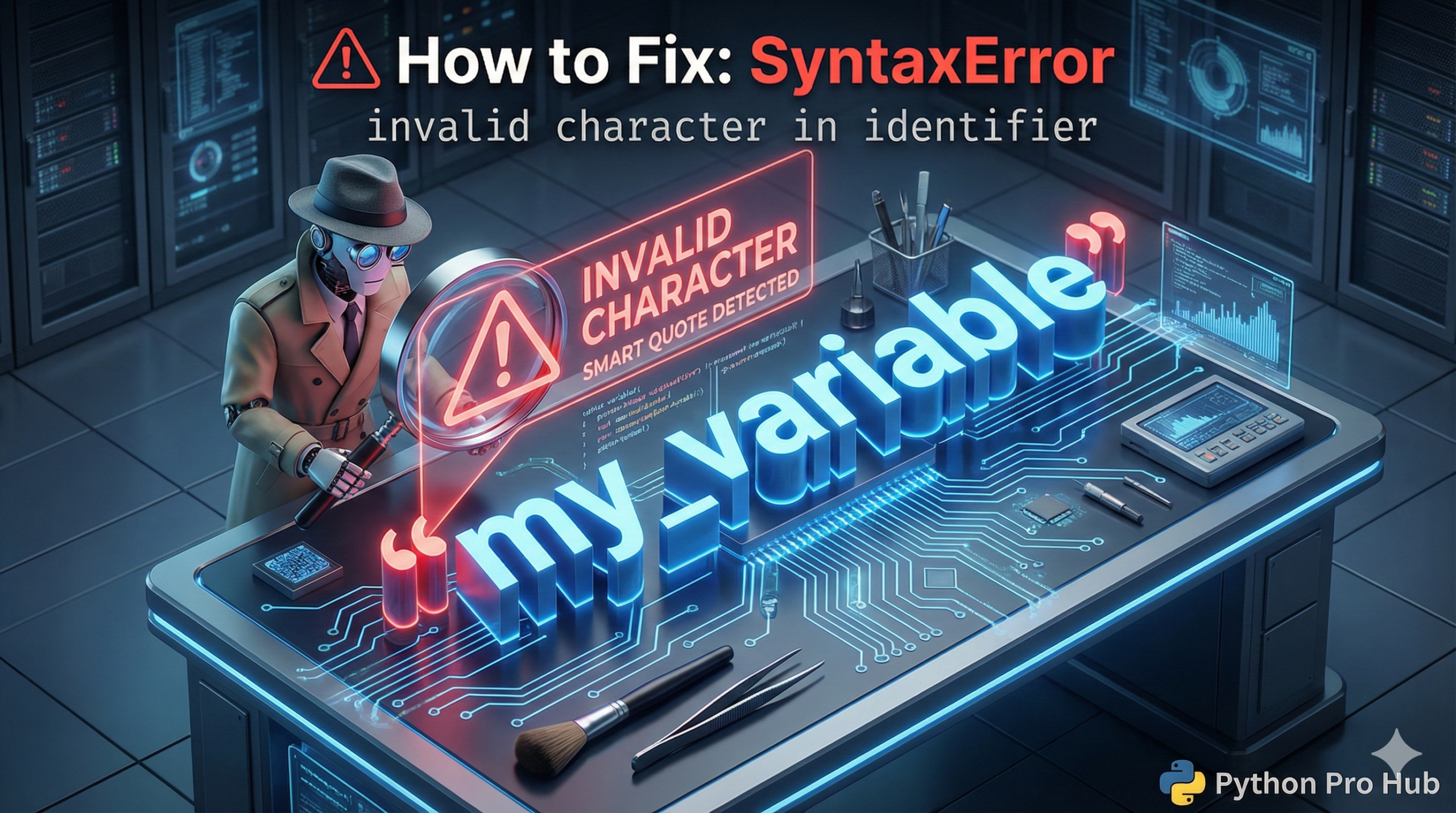
This error means you used a character in a variable name that Python doesn’t allow. In Python, the SyntaxError invalid character message appears when you include an invalid character in your code.
An “identifier” is just a variable, function, or class name. The rules for names are simple:
- Must start with a letter (a-z) or underscore (
_). - Can only contain letters, numbers, and underscores.
- CANNOT contain spaces, hyphens (
-), or special symbols (!,$,&).
⚡ Quick Fix: SyntaxError: invalid character in identifier — Python Smart Quote, Invisible Character, and Hyphen Variable Name Fix
Python found a character in your code that isn’t a letter, number, or underscore — most likely a curly quote pasted from a website, an invisible non-breaking space, or a hyphen used as a variable name separator.
# WRONG — curly "smart quotes" copied from a website or Word document message = 'Hello, world!' # ' ' are not ' ' — Python rejects them immediately # SyntaxError: invalid character in identifier # WRONG — hyphen in a variable name: Python reads this as subtraction my-variable = 10 # SyntaxError: Python sees my MINUS variable # WRONG — invisible non-breaking space copied from a PDF or blog post my_variable = 10 # invisible character between 'my_var' and 'iable' # SyntaxError: invalid character in identifier # RIGHT — straight quotes typed directly in your code editor message = 'Hello, world!' # standard apostrophe, no curly conversion # RIGHT — underscores only for multi-word variable names (snake_case) my_variable = 10 # RIGHT — if invisible characters persist, delete the entire line and retype it my_variable = 10 # retyped from scratch — invisible characters gone
The three causes below show you exactly how to spot each one — including the VS Code trick that exposes invisible characters without deleting any code.
The Cause 1: “Smart Quotes” (Most Common!)
This happens all the time when you copy code from a website or a Word document. These programs automatically change standard, straight quotes (' ") into curly “smart quotes” (‘ ’ “ ”). Python hates smart quotes.
Problem Code:
# Look closely at the quotes! They are curly.
message = ‘Hello, world!’
# CRASH! SyntaxError: invalid character in identifier (pointing at ‘)
The Fix: Delete the curly quotes and re-type them manually in your code editor as straight quotes (').
The Cause 2: Invisible Characters
Sometimes, you copy code that has “invisible” non-breaking spaces or other weird characters. Python sees them, but you don’t.
The Fix: If you can’t find the problem, delete the entire line and re-type it from scratch.
The Cause 3: Using a Hyphen
Beginners often use a hyphen (-) instead of an underscore (_) for variable names.
my-variable = 10
# CRASH! Python thinks you are doing 'my' MINUS 'variable'
The Fix: Use underscores (snake_case) for variable names.
my_variable = 10 # Correct!
SyntaxError: invalid character in identifier — Three Causes, One Editor Setting That Prevents All of Them
SyntaxError: invalid character in identifier fires before Python runs a single line. The scanner hit a character it cannot parse as part of a valid name — a curly quote, an invisible Unicode character, or a symbol that has no place in a Python identifier.
Three causes generate this error. Identify yours in 30 seconds.
Smart quotes from copy-paste. Any code copied from a website, PDF, blog post, Medium article, or Word document risks substituting straight quotes (‘ “) with curly smart quotes (‘ ‘ ” “). They look identical at normal zoom. Python rejects them instantly. Fix: select the quote character, delete it, and retype it manually in your editor. Never paste code directly from a browser — paste into a plain-text editor first to strip all formatting, then copy from there into your IDE.
Invisible characters. Non-breaking spaces (Unicode U+00A0), zero-width spaces (U+200B), and other invisible Unicode characters survive copy-paste from styled sources and hide between visible characters. Your editor shows no visual difference. Python sees an unrecognised character and crashes. Fix: enable “Render Whitespace” in VS Code (View → Appearance → Render Whitespace → All) — invisible characters appear as visible dots. Delete the entire affected line and retype it from scratch.
Hyphens in variable names. Python treats – as a subtraction operator everywhere — there is no context where a hyphen forms part of a valid identifier. Use underscores for every multi-word name: my_variable, total_score, first_name. This is Python’s snake_case convention and it eliminates the hyphen error permanently.
One VS Code setting prevents all three causes: install the “Gremlins Tracker” extension. It highlights every invisible and non-standard character in your file with a visible marker — smart quotes, zero-width spaces, and every other Unicode gremlin that survives copy-paste from external sources.

![3D illustration of a file path blocked by illegal characters causing an OSError [Errno 22] Invalid Argument in Python.](https://pythonprohub.com/wp-content/uploads/2026/01/fix-oserror-errno-22-invalid-argument-file-paths-768x429.png)