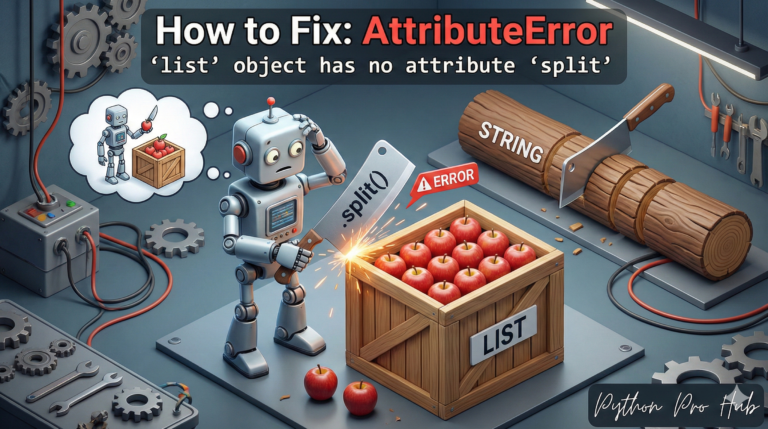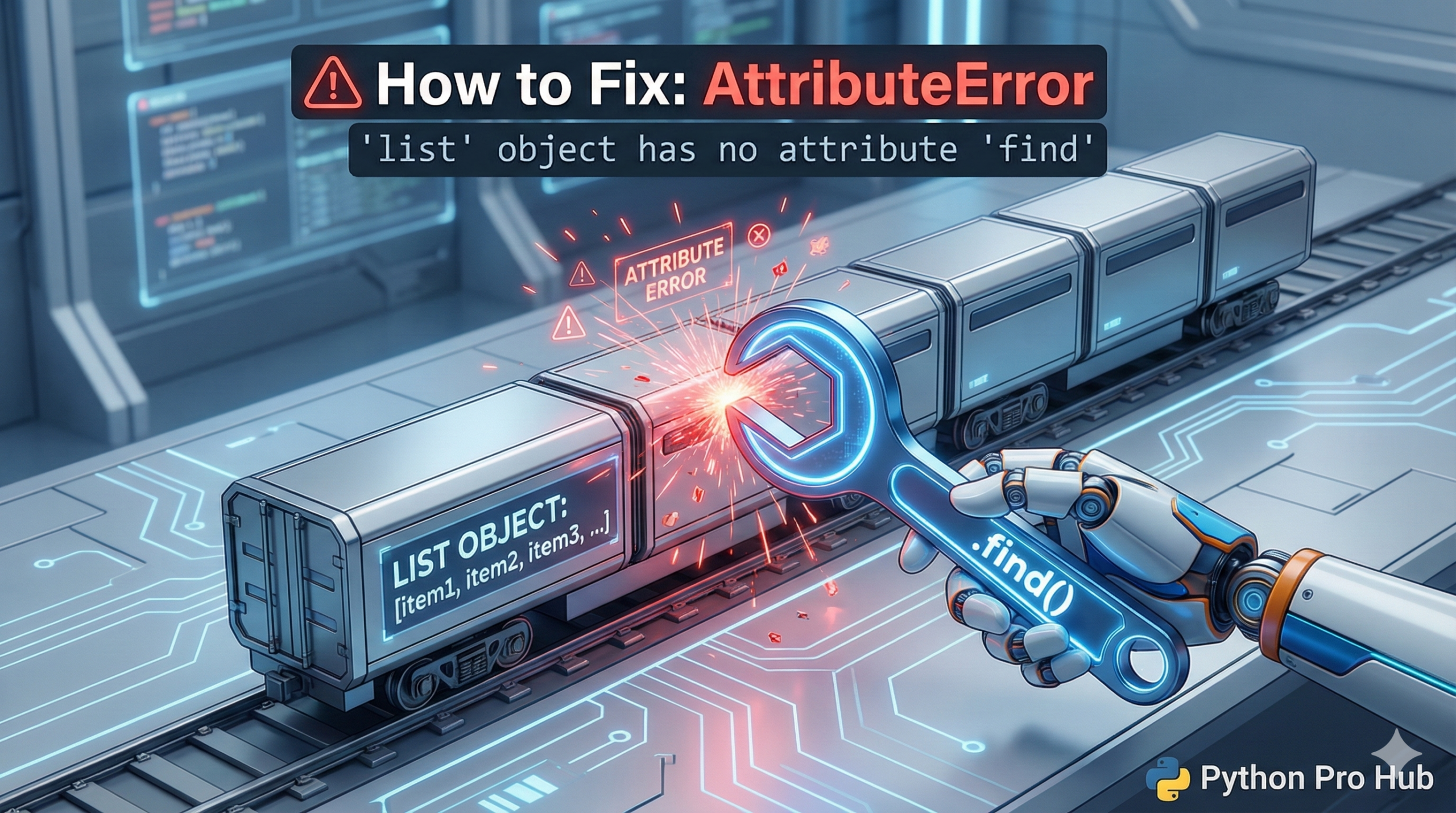
This AttributeError: ‘list’ object has no attribute ‘x’ means you are trying to use a specialized method (like a Pandas or Numpy feature) on a basic Python list.
⚡ Quick Fix: AttributeError: ‘list’ object has no attribute ‘x’ — Python Pandas DataFrame Conversion and List Comprehension Fix for .shape, .lower(), and .split()
You called a Pandas, NumPy, or string method directly on a Python list — lists don’t carry those methods, only the objects designed for them do.
# WRONG — .shape belongs to DataFrames and NumPy arrays, not plain lists
data = [1, 2, 3, 4, 5]
print(data.shape)          # AttributeError: 'list' object has no attribute 'shape'

# WRONG — .lower() belongs to strings, not lists of strings
words = ["Hello", "World"]
print(words.lower())       # AttributeError: 'list' object has no attribute 'lower'

# RIGHT — convert the list to a DataFrame first, then use Pandas methods
import pandas as pd
df = pd.DataFrame(data)
print(df.shape)            # Output: (5, 1)

# RIGHT — use a list comprehension to apply string methods to each item
lowercase_words = [w.lower() for w in words]
print(lowercase_words)     # Output: ['hello', 'world']

# RIGHT — convert to NumPy array for array-level math operations
import numpy as np
arr = np.array(data)
print(arr.shape)           # Output: (5,)
The two scenarios below identify exactly which method mismatch hit your code and the correct type to convert to.
Common Scenario 1: Thinking it’s a DataFrame
If you work with Pandas, you often use .shape, .head(), or .columns.
data = [1, 2, 3, 4, 5] # This is a standard list
print(data.shape)
# CRASH! AttributeError: 'list' object has no attribute 'shape'
The Fix: Convert it to the right type first.
import pandas as pd
df = pd.DataFrame(data)
print(df.shape) # Works!
Common Scenario 2: Thinking it’s a String
Lists don’t have string methods like .lower() or .split().
words = ["Hello", "World"]
print(words.lower())
# CRASH! 'list' object has no attribute 'lower'
The Fix: You usually need a loop (or list comprehension) to apply the method to each item inside the list.
# Correct way using a list comprehension
lowercase_words = [w.lower() for w in words]
AttributeError: ‘list’ object has no attribute ‘x’ — Type Mismatch, Two Checks, Fixed
AttributeError: ‘list’ object has no attribute ‘x’ tells you one thing: the method you called exists on a different type, not on a Python list.
Run print(type(your_variable)) on the variable that crashed. If it prints and you expected a DataFrame, a NumPy array, or a string, the data never got converted — trace back to where the variable was created and add the conversion there.
Two patterns cover 95% of cases on this page.
You expected a DataFrame but got a list. pd.read_csv() and pd.DataFrame() return DataFrames. A plain list comprehension, json.loads(), or requests.json() returns a list or a list of dicts. Convert with pd.DataFrame(your_list) and every Pandas method — .shape, .head(), .columns, .describe() — works immediately.
You expected a string but got a list of strings. String methods like .lower(), .strip(), .split(), and .replace() operate on a single string, not on a container of strings. Apply them inside a list comprehension: [item.lower() for item in your_list]. For Pandas string columns, use the .str accessor: df[‘column’].str.lower() — no loop needed.
The habit that prevents this permanently: name your variables by type. df_ prefix for DataFrames, arr_ for NumPy arrays, plain names for lists. The type lives in the name, and you catch mismatches before they reach runtime.