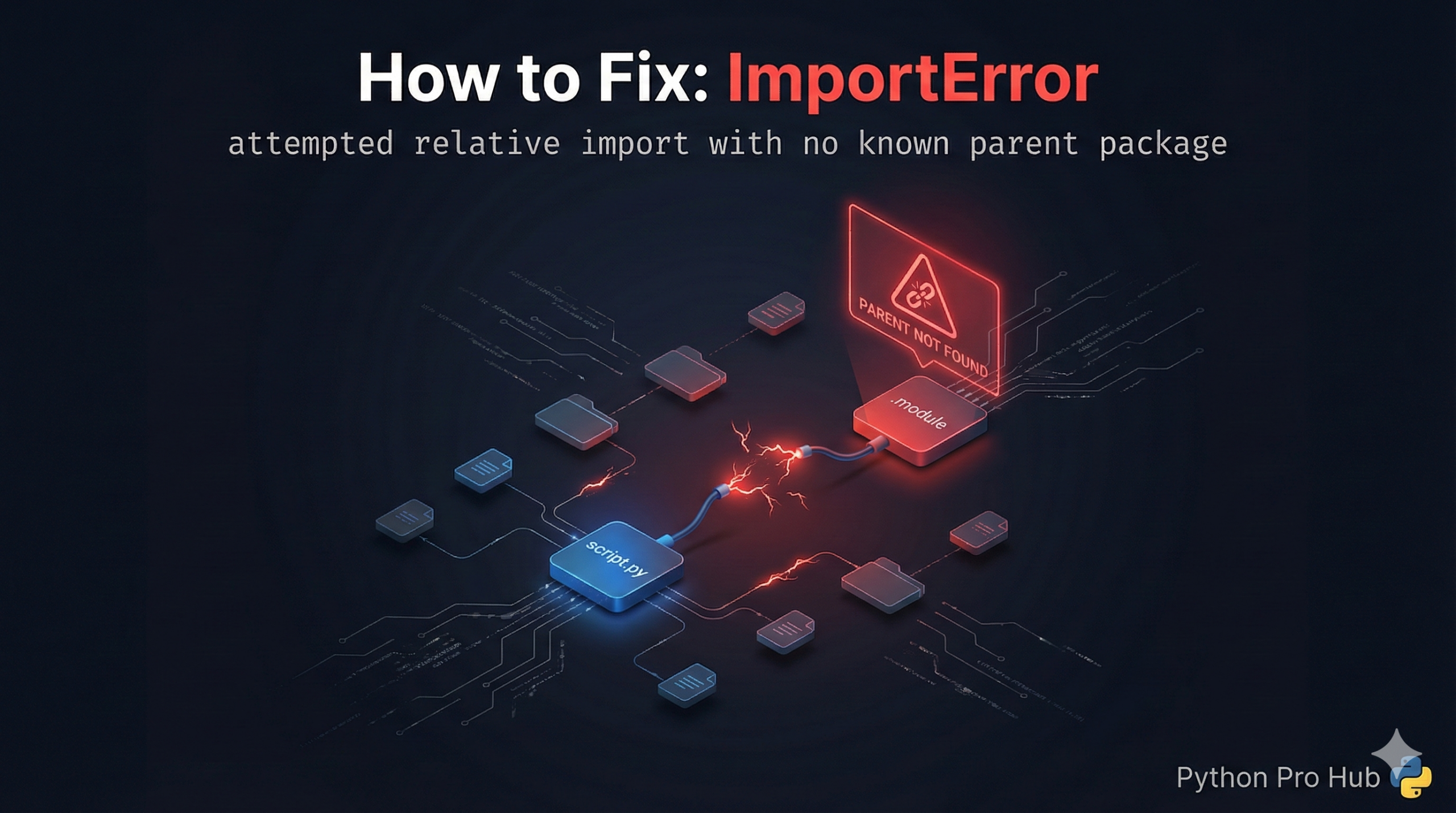
One of the most confusing errors for Python beginners is the ImportError relative import crash. You organize your code into nice folders, add a simple dot (.) to import a file from the same directory, and suddenly Python refuses to run.
The error message usually looks like this: ImportError: attempted relative import with no known parent package.
⚡ Quick Fix: ImportError: attempted relative import with no known parent package — Python -m Flag and Absolute Import Fix for Package Structure Errors
You ran a file directly with python script.py — Python treated it as a standalone script with no parent package, so the dot in from . import helper means nothing.
# WRONG — running the file directly kills relative imports
# project structure:
# my_package/
#     __init__.py
#     script.py       ← you ran: python my_package/script.py
#     helper.py

# Inside script.py:
from . import helper    # ImportError: attempted relative import with no known parent package

# FIX 1 — run as a module from OUTSIDE the package folder (keeps relative imports)
python -m my_package.script

# FIX 2 — switch to absolute imports (simplest fix, works with direct python runs)
# Inside script.py:
from my_package import helper    # no dot, works everywhere
the breakdown below explains exactly what the dot means, why direct execution breaks it, and when to use each fix based on your project structure.
Problem Code:
# Inside my_package/script.py
from . import helper_functions
# The dot . means "look in the current folder"
If you try to run this script directly:
python my_package/script.py
CRASH! Python sees you are running script.py as the main program. It doesn’t know it’s part of a “package,” so the dot . means nothing to it.
The Fix: Run as a Module
To use relative imports, you must treat your code as a package, not just a loose script. Go up one level (outside the my_package folder) and run it using the -m (module) flag.
# Instead of: python my_package/script.py
# Do this:
python -m my_package.script
This tells Python: “Hey, my_package is the parent, and I want to run the script module inside it.” Now Python understands what the . means.
Simpler Fix for Beginners
Avoid relative imports if you don’t need them. Just use absolute imports based on your project root.
from my_package import helper_functions
This is often clearer and less error-prone for simple projects.
The ImportError relative import error is Python’s way of telling you it has lost track of your project’s folder structure. By running your code as a module (-m) or switching to absolute imports, you can resolve this instantly.
ImportError: attempted relative import with no known parent package — The One Rule That Ends This Error
ImportError: attempted relative import with no known parent package comes down to one rule: relative imports only work inside a package, and a file only belongs to a package when Python runs it as a module — not as a direct script.
The dot in from . import helper means “look in the current package.” Run the file with python script.py and Python assigns it the name main with no parent. The dot points at nothing. The import crashes.
Two fixes exist. Pick based on your project.
Use python -m my_package.script when you want to keep relative imports. Run this command from the directory that contains my_package — not from inside it. Python loads the folder as a package first, then runs the script as a module inside it. The dot now has a parent to point at.
Switch to absolute imports when you want the simplest structure. Replace from . import helper with from my_package import helper. Absolute imports work regardless of how you run the file — python script.py, python -m, or as an import inside another module. No mental overhead, no run-location dependency.
For any project beyond a single file, add an init.py to every subfolder you treat as a package. An empty init.py is enough. Python needs that file to recognize the folder as a package — without it, neither relative nor absolute package imports work correctly.