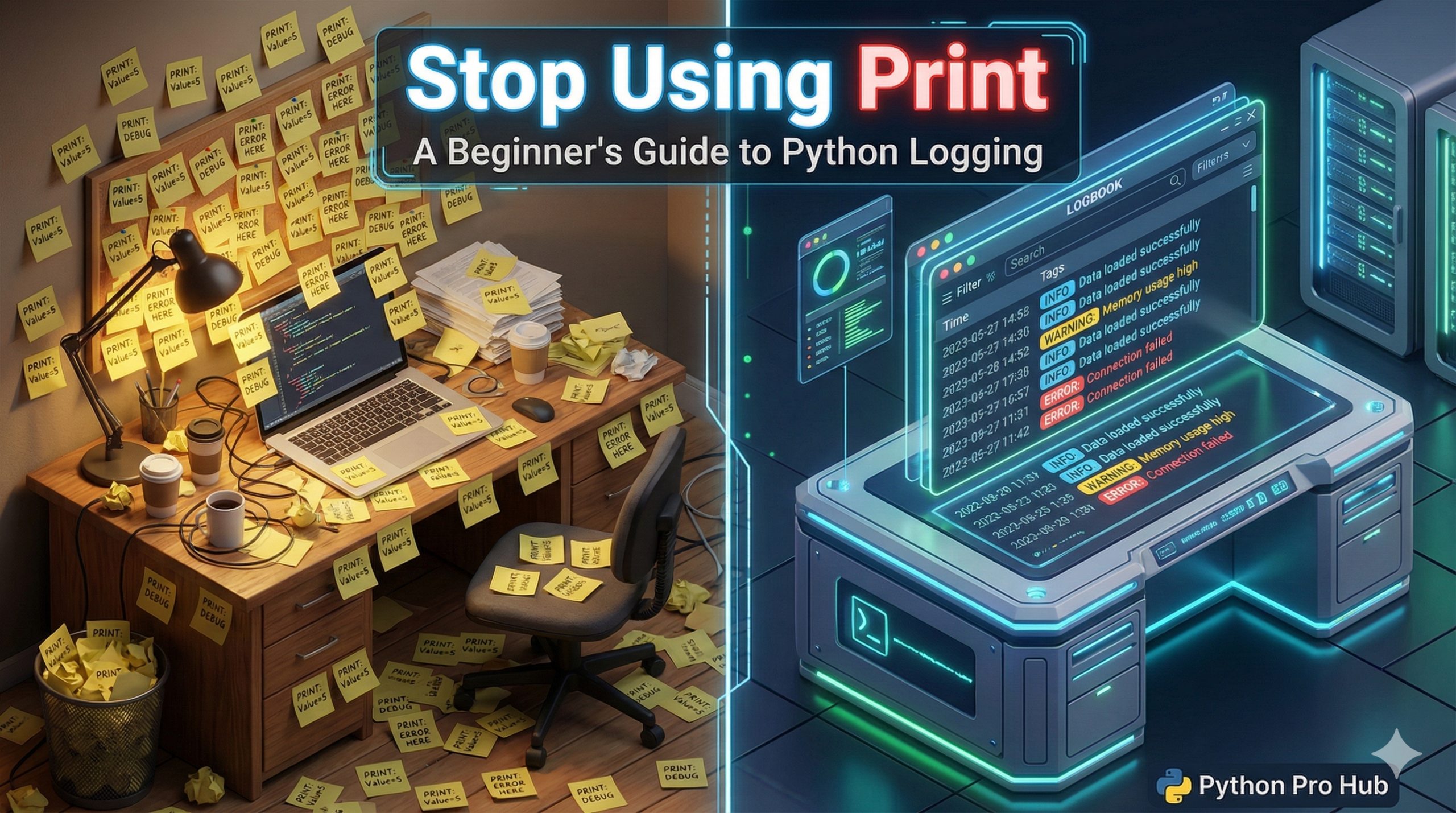
When your code breaks, your first instinct is probably to add print("HERE!") or print(variable) to see what’s happening. This Python Logging Guide will help you learn better practices.
This works for tiny scripts. But for real applications, it’s messy. You have to remember to delete them later, and you can’t easily save that output to a file.
The professional solution is the logging module.
Why Logging is Better
- Levels: You can categorize messages (DEBUG, INFO, WARNING, ERROR, CRITICAL).
- Permanence: You can save logs to a file to read later (e.g., if your script crashes overnight).
- Control: You can turn off low-level (DEBUG) logs instantly without deleting code.
Basic Setup
It’s built into Python, so just import it.
import logging

# Configure it ONCE at the start of your script
logging.basicConfig(
    level=logging.DEBUG, # The lowest level you want to see
    format='%(asctime)s - %(levelname)s - %(message)s'
)

# Now use it instead of print()
logging.debug("This is a detailed debug message for developers.")
logging.info("User 'Alice' just logged in.")
logging.warning("Disk space is getting low.")
logging.error("Could not connect to database!")
logging.critical("SYSTEM CRASH IMMINENT!")
Output:
2026-01-31 14:30:01,123 - INFO - User 'Alice' just logged in.
2026-01-31 14:30:01,124 - WARNING - Disk space is getting low.
Notice how it automatically adds the timestamp and level for you!
Key Takeaways
- Using print statements for debugging works for small scripts but gets messy for larger applications.
- The professional solution for logging in Python is the logging module which offers better practices.
- Logging allows categorisation of messages into levels: DEBUG, INFO, WARNING, ERROR, and CRITICAL.
- It enables you to save logs to a file for later analysis and control the output more effectively.
- The logging module is built into Python, automatically including timestamps and levels in the logs.