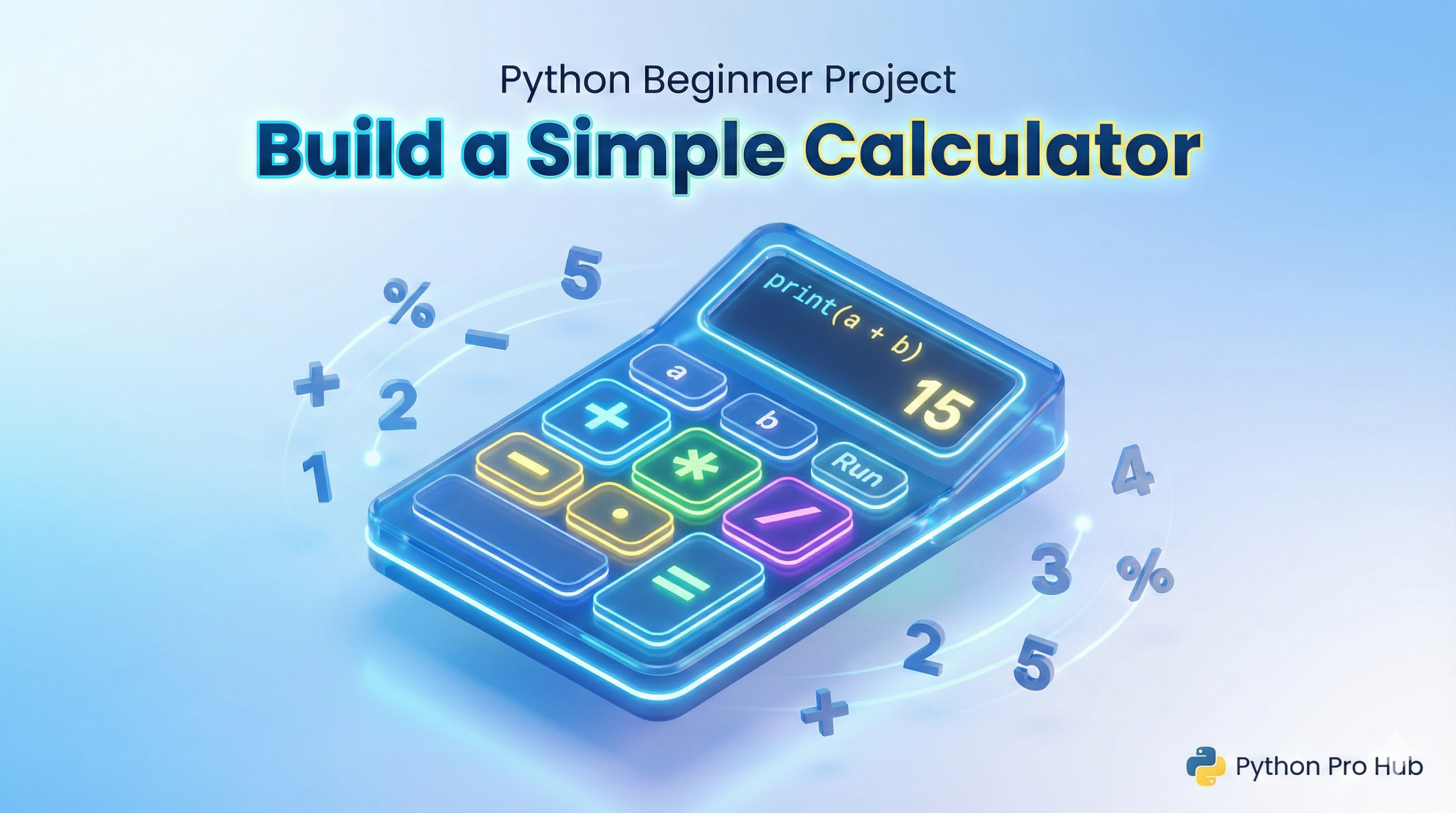
Following up on our Number Guessing Game, today we’re building a tool that actually does something useful: a calculator.
This project is perfect for practicing Python Functions. We’ll write a separate function for adding, subtracting, multiplying, and dividing, making this a comprehensive learning experience.
Step 1: Define the Operation Functions
Instead of writing one huge block of code, let’s break the problem down into small pieces. The Python Calculator Project helps us organize our code effectively.
# Function to add two numbers
def add(x, y):
    return x + y

# Function to subtract two numbers
def subtract(x, y):
    return x - y

# Function to multiply two numbers
def multiply(x, y):
    return x * y

# Function to divide two numbers
def divide(x, y):
    if y == 0:
        return "Error! Cannot divide by zero."
    return x / y
Note: We added a quick check in divide to prevent a crash if the user tries to divide by zero!
Step 2: The User Interface
We need to show the user a menu and ask them what they want to do within the Python Calculator Project.
print("=== Python Calculator ===")
print("Select operation:")
print("1. Add")
print("2. Subtract")
print("3. Multiply")
print("4. Divide")

choice = input("Enter choice (1/2/3/4): ")
Step 3: Getting the Numbers
Once we know what they want to do, we need the numbers to do it with. Remember to convert them to float (decimal numbers) so we can do math with them. This step is crucial in a Python Calculator Project.
# We only ask for numbers if they made a valid choice
if choice in ('1', '2', '3', '4'):
    try:
        num1 = float(input("Enter first number: "))
        num2 = float(input("Enter second number: "))
    except ValueError:
        print("Invalid input! Please enter numbers only.")
        exit() # Stop the program
Step 4: The Logic (if/elif)
Now we just connect the choice to the right function.
if choice == '1':
        print(f"Result: {num1} + {num2} = {add(num1, num2)}")
    elif choice == '2':
        print(f"Result: {num1} - {num2} = {subtract(num1, num2)}")
    elif choice == '3':
        print(f"Result: {num1} * {num2} = {multiply(num1, num2)}")
    elif choice == '4':
        result = divide(num1, num2)
        print(f"Result: {num1} / {num2} = {result}")
else:
    print("Invalid Input! Please run the program again.")
Full Code Challenge
Try to combine all these pieces into a single calculator.py file, completing your Python Calculator Project.
Extra Challenge: Can you wrap the whole thing in a while loop so the user can keep doing calculations without restarting the program? (Hint: Look at how we did it in the Number Guessing Game!)
Key Takeaways
- The Python Calculator Project focuses on developing a functional calculator to enhance coding skills.
- Break the project into manageable steps: define operation functions, create a user interface, gather input numbers, and implement logic with if/elif.
- Ensure to handle potential errors, like division by zero, to avoid crashes.
- Combine all parts into a single calculator.py file for the complete project experience.
- An extra challenge is to incorporate a while loop for continuous calculations without restarting.