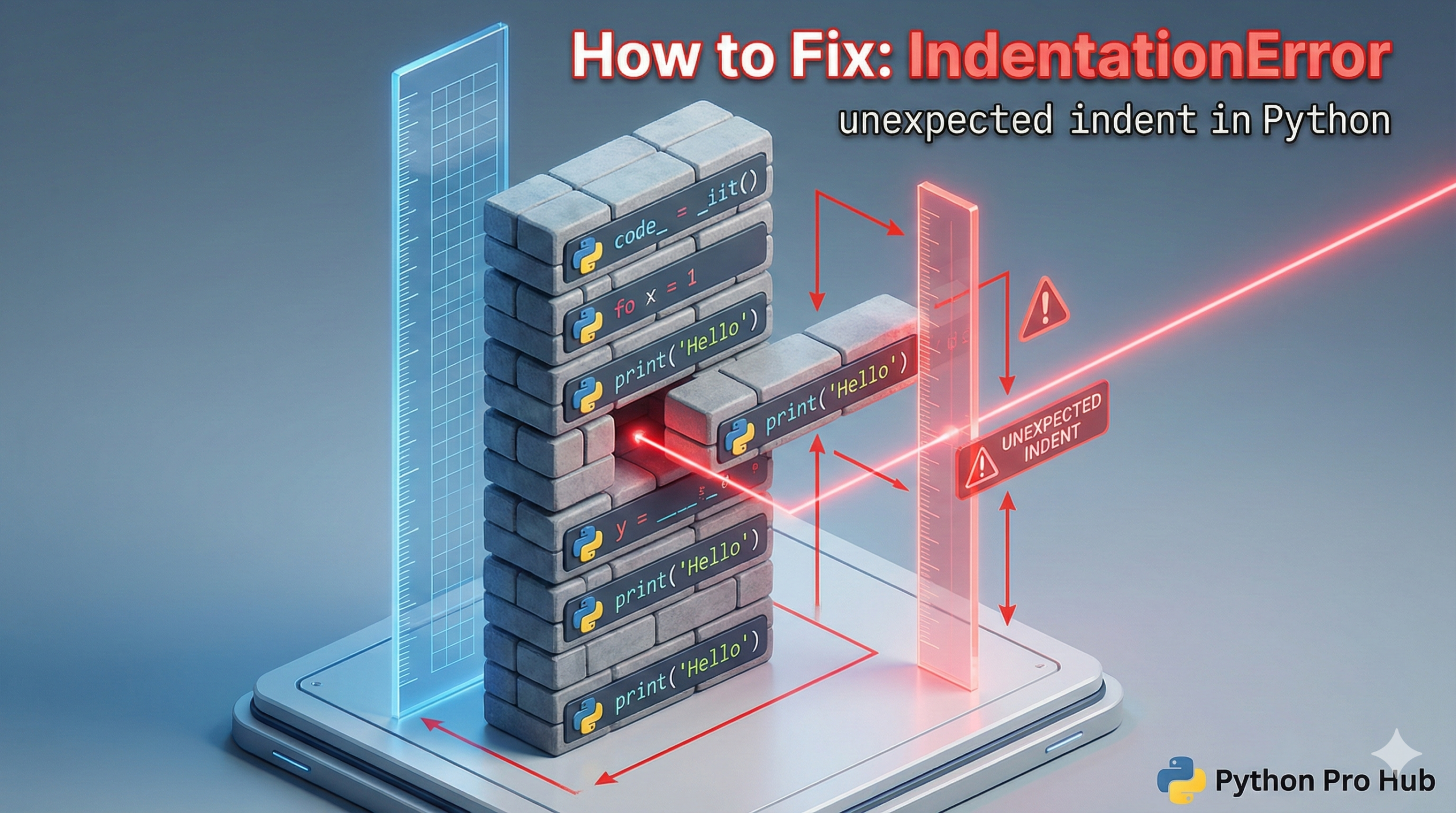
Welcome to the most “Pythonic” error you will ever see. If you’ve come from another language like JavaScript or Java, this error might seem strange, but it’s the key to understanding Python’s design.
Let’s fix it in two minutes.
⚡ Quick Fix: IndentationError: unexpected indent — Python Indentation Fix for if/else Blocks, for Loops, and Top-Level Code
You added spaces to a line that Python expects to start at column zero — or your else/elif sits one level too deep inside its if block.
# WRONG — top-level code starts at column 0, no exceptions
print("Hello")
  x = 10        # IndentationError fires here

# WRONG — else must sit at the same column as if
if age > 18:
    print("Adult")
  else:          # IndentationError fires here
    print("Minor")

# RIGHT
x = 10

if age > 18:
    print("Adult")
else:
    print("Minor")
The three causes below cover every form of this error, including the reverse case where Python expects an indent and you forgot it.
What Does This Error Mean?
Unlike other languages that use curly braces {} to define a block of code, Python uses whitespace (spaces or tabs). This core feature called “significant whitespace.”
This error means: “Python saw an extra, unexpected level of indentation (spaces) where it didn’t expect one.”
In simple terms: you put spaces at the beginning of a line that shouldn’t have them.
The Rules of Python Indentation
- Top-level code must not be indented. Your main program script should start at the far left.
- Code inside a block must be indented. Any code after a colon (
:) must be indented. Common blocks are:if,elif,elsefor,whiledef(functions)class(classes)try,except
- Be Consistent. The standard is to use four (4) spaces for each level of indentation. Don’t mix tabs and spaces. (Pro-tip: Set your code editor like VS Code to automatically convert tabs to 4 spaces).
3 Common Causes and Their Fixes
Cause 1: Random Indentation (The Most Common)
You added spaces to a line of code for no reason, perhaps trying to “neaten” it.
Problem Code:
print("Hello, world!")
  x = 10  # This line is the problem
print("Goodbye!")
Why it fails: The line x = 10 is not part of any if, for, or def block. It’s top-level code and must start at the far left. Python sees the spaces and throws an IndentationError: unexpected indent.
The Fix: Just remove the spaces. Avoiding the IndentationError caused by an unexpected indent lets you maintain clean code.
print("Hello, world!")
x = 10  # Correct!
print("Goodbye!")
Cause 2: Mismatched if/elif/else Blocks
You didn’t align your if, elif, or else statements correctly. They must all be on the same indentation level to prevent an unexpected indentation error.
Problem Code:
age = 25

if age > 18:
  print("You are an adult.")
  else:  # This line is the problem
    print("You are a minor.")
Why it fails: The else is indented under the if block. Python thinks it belongs inside the if block, which isn’t allowed. An else must be at the same level as its if.
The Fix: Un-indent the else to match the if.
age = 25

if age > 18:
  print("You are an adult.")
else:  # Correct!
  print("You are a minor.")
Cause 3: Forgetting to Indent After a Colon (:)
This is the opposite error, IndentationError: expected an indented block. It happens when you forget to add spaces.
Problem Code:
names = ["Alice", "Bob"]

for name in names:
print(name)  # This line is the problem
Why it fails: The for loop line ends in a colon (:). Python expects the next line to be an indented block, but print(name) is at the same level.
The Fix: Add 4 spaces before print(name) to ensure you don’t encounter an unexpected indent error.
names = ["Alice", "Bob"]

for name in names:
    print(name)  # Correct! (with 4 spaces)
How to Avoid This Error
- Use a Good Code Editor: VS Code, PyCharm, etc., will automatically add 4 spaces for you when you hit “Enter” after a colon to prevent unexpected indentation errors leading to an IndentationError.
- Check Your
else: 90% of the time, this error is a misplacediforelsestatement. Watch for any unexpected indentation issues that lead to an IndentationError.
This error might be annoying at first, but you’ll soon appreciate how it makes Python code incredibly clean and readable, naturally avoiding an IndentationError from an unexpected indent.
How to Never See IndentationError: unexpected indent in Python Again
IndentationError: unexpected indent has one root cause — a line carries spaces Python did not ask for.
Top-level code starts at column zero. Code inside an if, for, def, or class block gets exactly 4 spaces per level. Your else and elif align with the if that owns them, not the code inside it.
Fix the editor first. Open VS Code or PyCharm, set Tab key behavior to “insert spaces”, tab size 4. Every Tab keystroke now produces what Python expects — no manual counting, no invisible tab characters hiding in your file.
If the error survives after you’ve checked alignment, paste the file into a plain-text editor and hunt for tab characters mixed with spaces. That combination looks correct visually and still crashes the interpreter.
Master the indentation rules and they stop being a constraint. A properly indented block tells you exactly what belongs where — no curly braces required.