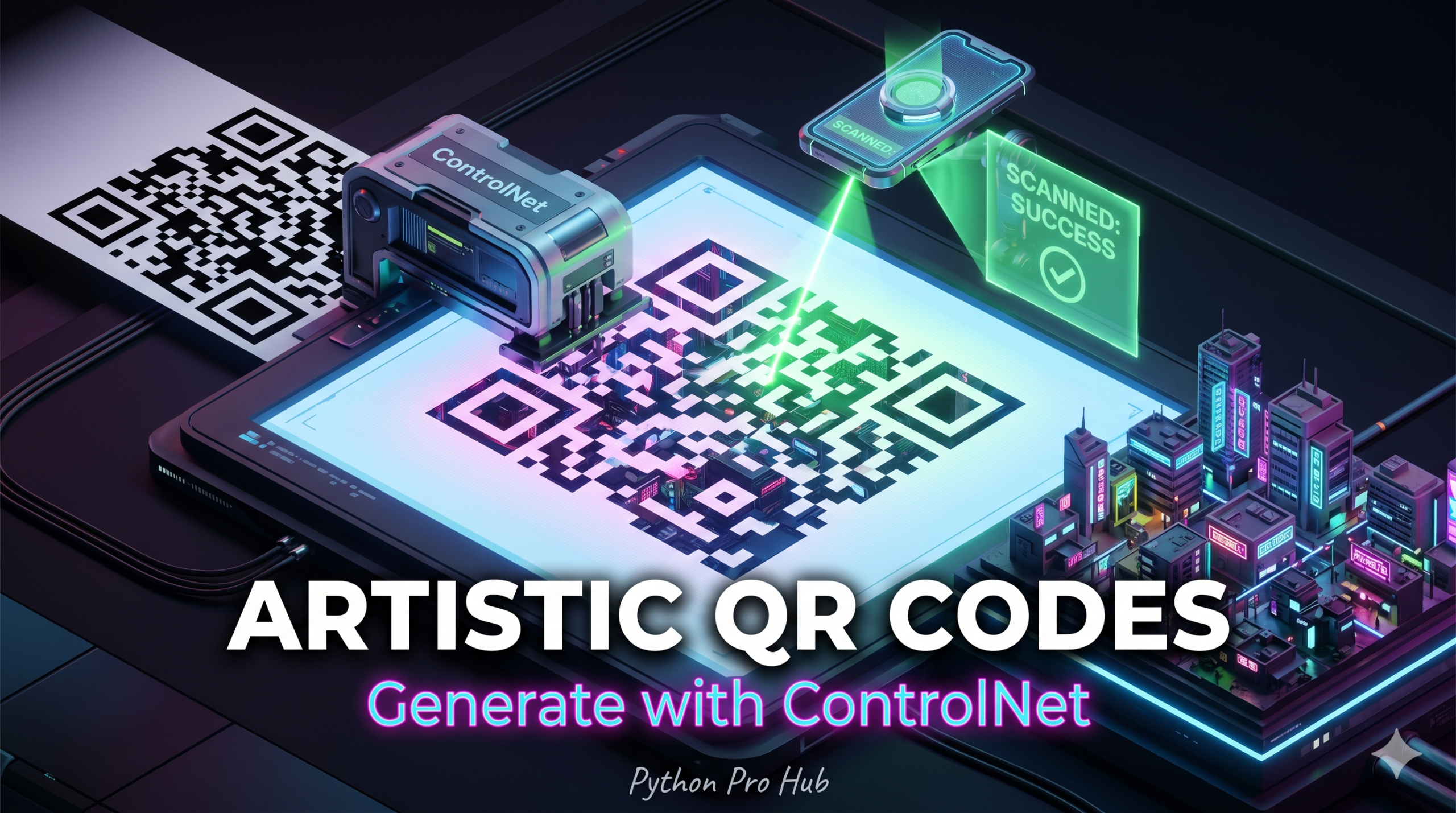
You’ve seen them on social media: QR codes that look like anime girls, futuristic cities, or Japanese paintings, but still work when you scan them. Many of these striking designs are created using AI QR Codes Python tools and techniques.
This is done using ControlNet. We use the QR code as the “control image” (structure), and Stable Diffusion paints the “style” on top of it.
Step 1: Installation
pip install diffusers transformers torch accelerate qrcode pillow
Step 2: Generate a Basic QR Code
First, we need a standard QR code to act as our guide.
import qrcode
from PIL import Image

# 1. Generate the QR Code
qr = qrcode.QRCode(
    version=1,
    error_correction=qrcode.constants.ERROR_CORRECT_H, # High error correction is VITAL
    box_size=10,
    border=4,
)
qr.add_data("https://pythonprohub.com")
qr.make(fit=True)

# Create the image
qr_img = qr.make_image(fill_color="black", back_color="white").convert("RGB")
qr_img = qr_img.resize((768, 768)) # Resize for SDXL
qr_img.save("basic_qr.png")
Step 3: The AI Magic
We use the ControlNetModel specifically trained for QR codes (monster-labs/control_v1p_sd15_qrcode_monster).
import torch
from diffusers import StableDiffusionControlNetPipeline, ControlNetModel

# 1. Load ControlNet
controlnet = ControlNetModel.from_pretrained(
    "monster-labs/control_v1p_sd15_qrcode_monster",
    torch_dtype=torch.float16
)

# 2. Load Stable Diffusion
pipe = StableDiffusionControlNetPipeline.from_pretrained(
    "runwayml/stable-diffusion-v1-5",
    controlnet=controlnet,
    torch_dtype=torch.float16
).to("cuda")

# 3. Generate!
# The 'controlnet_conditioning_scale' is key.
# Too high = Boring QR code. Too low = Unscannable art.
# 1.1 to 1.5 is usually the sweet spot for this model.
image = pipe(
    "A futuristic cyberpunk city, neon lights, highly detailed, 8k",
    image=qr_img,
    num_inference_steps=40,
    controlnet_conditioning_scale=1.2
).images[0]

image.save("artistic_qr.png")
print("QR Art saved!")
Scan the result with your phone. It works!
* Dynamic API Generation with Memory Buffering
In a production microservice, saving images to disk (qr_img.save()) between the generation step and the ControlNet inference step creates a major I/O bottleneck.
To serve artistic QR codes dynamically via an API wrapper, you must pass the generated QR vectors completely in-memory using an explicit byte pipeline, streaming the final image back to the client instantly.
from fastapi import FastAPI
from fastapi.responses import StreamingResponse
import qrcode
import torch
from diffusers import StableDiffusionControlNetPipeline, ControlNetModel
import io

app = FastAPI()

# Pre-load models into VRAM to avoid initialization latencies per request
controlnet = ControlNetModel.from_pretrained(
    "monster-labs/control_v1p_sd15_qrcode_monster", torch_dtype=torch.float16
)
pipe = StableDiffusionControlNetPipeline.from_pretrained(
    "runwayml/stable-diffusion-v1-5", controlnet=controlnet, torch_dtype=torch.float16
).to("cuda")

@app.get("/generate_qr")
async def generate_qr(payload_url: str, prompt: str):
    # 1. Generate core QR architecture inside memory
    qr = qrcode.QRCode(version=1, error_correction=qrcode.constants.ERROR_CORRECT_H)
    qr.add_data(payload_url)
    qr.make(fit=True)

    # 2. Convert directly to clean RGB pixels
    qr_img = qr.make_image(fill_color="black", back_color="white").convert("RGB")
    qr_img = qr_img.resize((512, 512)) # Standardize resolution for SD 1.5 latency optimization

    # 3. Run localized ControlNet inference
    ai_qr = pipe(
        prompt=prompt,
        image=qr_img,
        num_inference_steps=30,
        controlnet_conditioning_scale=1.35
    ).images[0]

    # 4. Stream back to client via memory bytes buffer
    buffer = io.BytesIO()
    ai_qr.save(buffer, format="PNG")
    buffer.seek(0)

    return StreamingResponse(buffer, media_type="image/png")
Key Takeaways
- AI QR Codes Python tools enable the creation of artistic QR codes with unique designs, using techniques like ControlNet.
- Start by installing the necessary tools and generating a standard QR code as a basis for your design.
- Apply the ControlNetModel specifically trained for QR codes to add artistic styles on top of the basic structure.
- Ensure dynamic API generation uses memory buffering to avoid I/O bottlenecks when serving artistic QR codes.