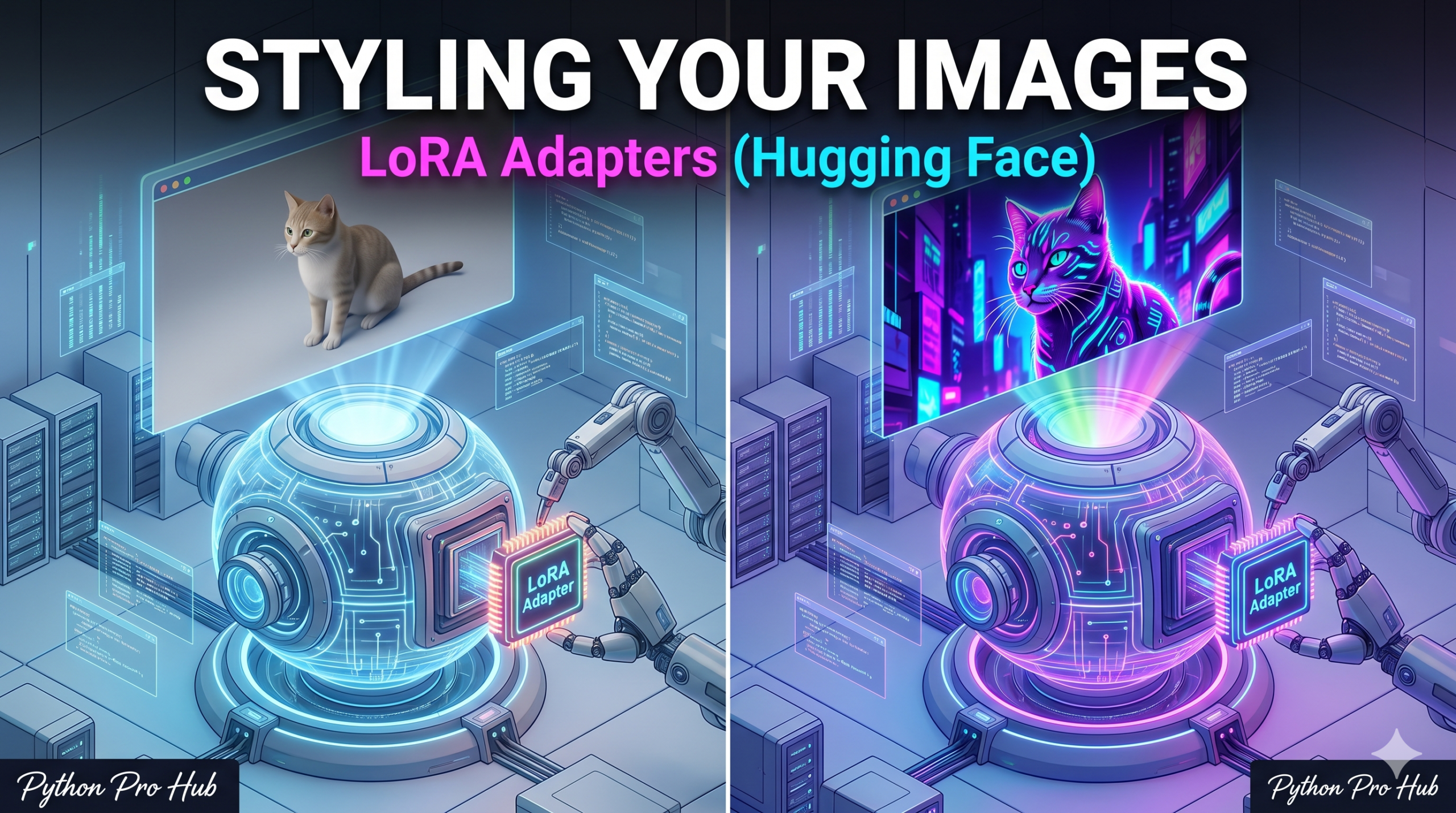
Standard Stable Diffusion is great, but sometimes it struggles to hold a specific style consistently. If you want to unlock even more control and versatility, exploring Hugging Face LoRA technology is game-changing.
A LoRA (Low-Rank Adaptation) is a tiny file (approx. 100MB) trained on top of a massive model to teach it one specific thing—like “how to draw pixel art” or “how to make papercut illustrations.”
In this project, we will load a base model and apply a “Pixel Art” LoRA to it.
Step 1: Installation
pip install diffusers transformers torch accelerate
Step 2: The Code
We use the standard StableDiffusionPipeline, but we add the .load_lora_weights() step.
import torch
from diffusers import StableDiffusionPipeline

# 1. Load the Base Model (Stable Diffusion 1.5)
model_id = "runwayml/stable-diffusion-v1-5"
pipe = StableDiffusionPipeline.from_pretrained(model_id, torch_dtype=torch.float16)
pipe.to("cuda") # GPU is required for reasonable speed

# 2. Load the LoRA Adapter
# We'll use a popular Pixel Art LoRA from the Hugging Face Hub
lora_model_id = "nerijs/pixel-art-xl"
# (Note: For SD 1.5, we need a compatible LoRA like 'pixel-art-diffusion')
# Let's use a reliable SD 1.5 Pixel Art LoRA:
pipe.load_lora_weights("nerijs/pixel-art-xl", adapter_name="pixel")

# 3. Generate the Image
# You usually need a "trigger word" specific to the LoRA (e.g., "pixel art")
prompt = "pixel art, a cyberpunk city street at night, neon lights"

image = pipe(
    prompt,
    num_inference_steps=30,
    cross_attention_kwargs={"scale": 1.0} # 1.0 = Full LoRA effect
).images[0]

# 4. Save it
image.save("cyberpunk_pixel.png")
print("Pixel art saved!")
Step 3: Mixing Styles (Advanced)
The “2026 Vision” allows you to mix multiple LoRAs!
# Load a second LoRA (e.g., "detail booster")
pipe.load_lora_weights("another-lora-id", adapter_name="detail")

# Use set_adapters to mix them (0.7 pixel art, 0.3 detail)
pipe.set_adapters(["pixel", "detail"], adapter_weights=[0.7, 0.3])
This gives you infinite creative control over the output style.
Key Takeaways
- Stable Diffusion sometimes struggles to maintain a specific style, but Hugging Face LoRA can solve this issue.
- LoRA files are small (around 100MB) and train on top of large models to teach specific styles.
- This project demonstrates how to load a base model and apply a Pixel Art LoRA to it.
- Using the StableDiffusionPipeline, we incorporate the .load_lora_weights() step for seamless integration.
- The ‘2026 Vision’ feature allows for mixing multiple LoRAs, providing creative control over output styles.