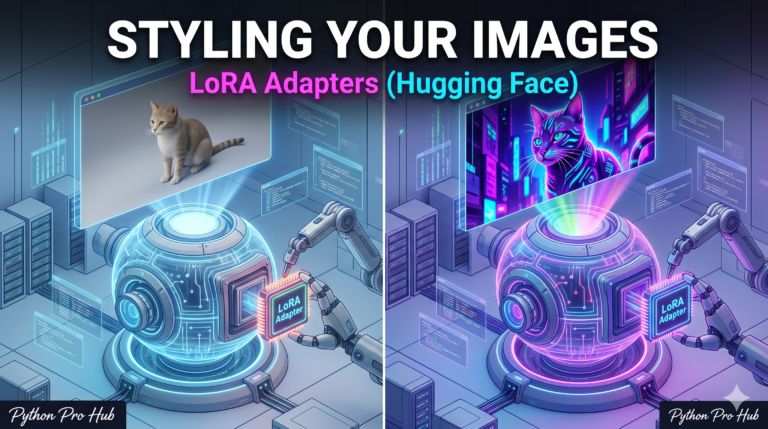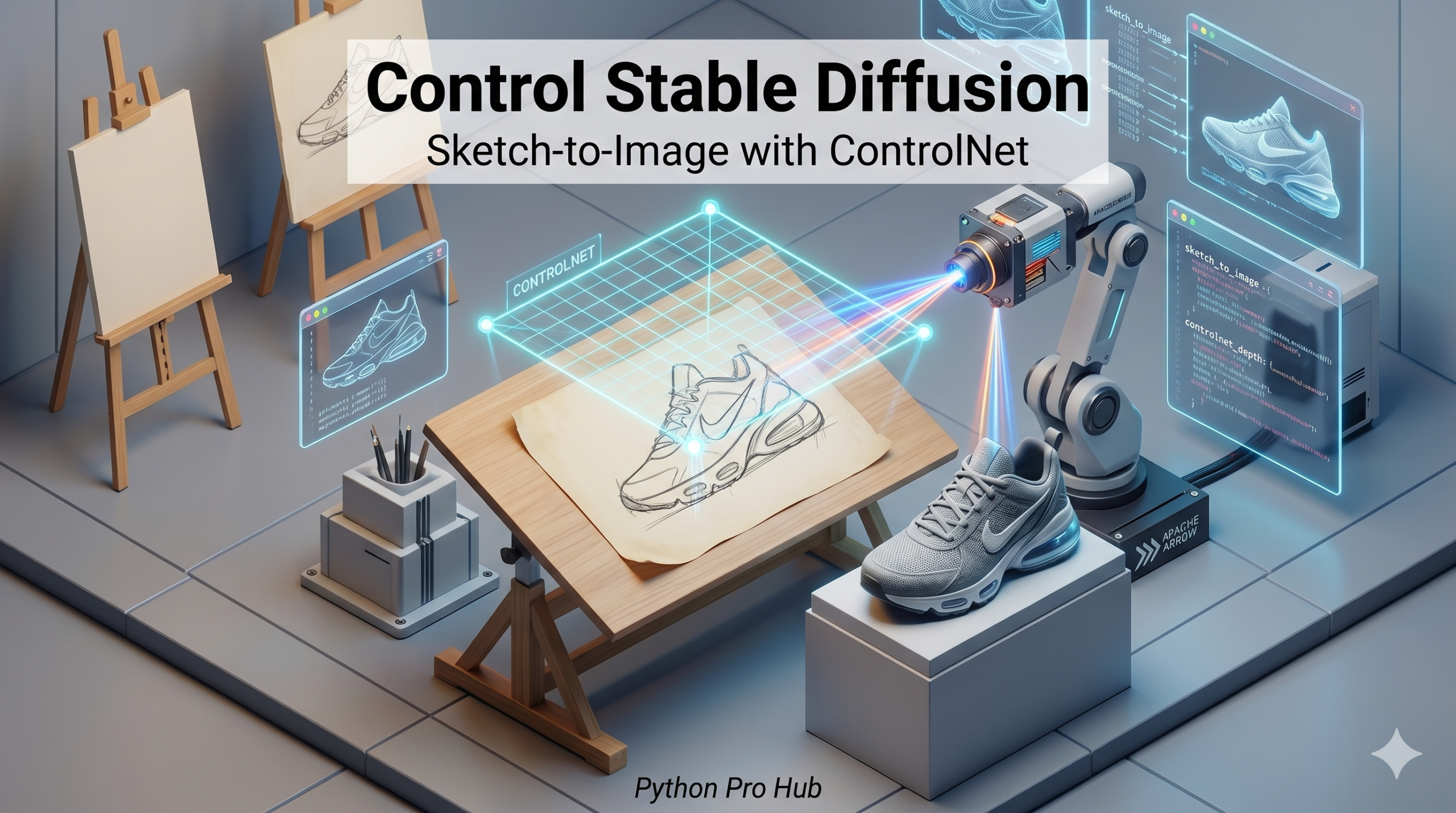
Standard Stable Diffusion is amazing, but it’s chaotic. You type “cat,” and you get a cat, but maybe not the cat pose you wanted. Hugging Face ControlNet offers more control and flexibility for guiding your image generation.
ControlNet fixes this by lets you give the AI a “hint” image—like a rough sketch or an outline—and the AI generates the details exactly on top of that structure.
Step 1: Installation
We need diffusers, transformers, and opencv-python (to process images).
pip install diffusers transformers accelerate opencv-python torch
Step 2: Prepare the “Hint” Image
We will take a regular photo and turn it into a “Canny Edge” map (outline). The AI will use this outline to generate a new image with the same shape.
import cv2
from PIL import Image
import numpy as np
from diffusers.utils import load_image

# 1. Load a source image (e.g., a photo of a dog)
image = load_image("https://huggingface.co/lllyasviel/sd-controlnet-canny/resolve/main/images/dog.png")

# 2. Detect edges (Canny Edge Detection)
image_array = np.array(image)
low_threshold = 100
high_threshold = 200
image_array = cv2.Canny(image_array, low_threshold, high_threshold)
image_array = image_array[:, :, None]
image_array = np.concatenate([image_array, image_array, image_array], axis=2)
canny_image = Image.fromarray(image_array)

# This 'canny_image' is just white lines on black background
canny_image.save("dog_outline.png")
Step 3: Run ControlNet
Now we tell Stable Diffusion: “Make a ‘cyberpunk robot dog’, but follow the lines in canny_image.”
import torch
from diffusers import StableDiffusionControlNetPipeline, ControlNetModel

# 1. Load the ControlNet model (pre-trained on Canny edges)
controlnet = ControlNetModel.from_pretrained(
    "lllyasviel/sd-controlnet-canny", torch_dtype=torch.float16
)

# 2. Load the main Stable Diffusion Pipeline WITH ControlNet
pipe = StableDiffusionControlNetPipeline.from_pretrained(
    "runwayml/stable-diffusion-v1-5",
    controlnet=controlnet,
    torch_dtype=torch.float16
)
pipe.to("cuda") # Requires GPU (approx 8GB VRAM)

# 3. Generate!
prompt = "A cyberpunk robot dog, neon lights, highly detailed, 4k"
output = pipe(
    prompt,
    image=canny_image, # The hint!
    num_inference_steps=20
).images[0]

output.save("robot_dog.png")
You just turned a photo of a real dog into a robot dog with the exact same pose. This is the secret to professional AI art workflows.
Key Takeaways
- Stable Diffusion generates images, but often doesn’t create the desired pose; Hugging Face ControlNet addresses this issue.
- ControlNet allows users to provide a ‘hint’ image, like a sketch, for precise image generation.
- To use ControlNet, install necessary libraries: diffusers, transformers, and opencv-python.
- Convert a photo into a ‘Canny Edge’ map to use as an outline for AI to follow.
- With ControlNet, you can transform a regular dog photo into a robot dog while maintaining the same pose.