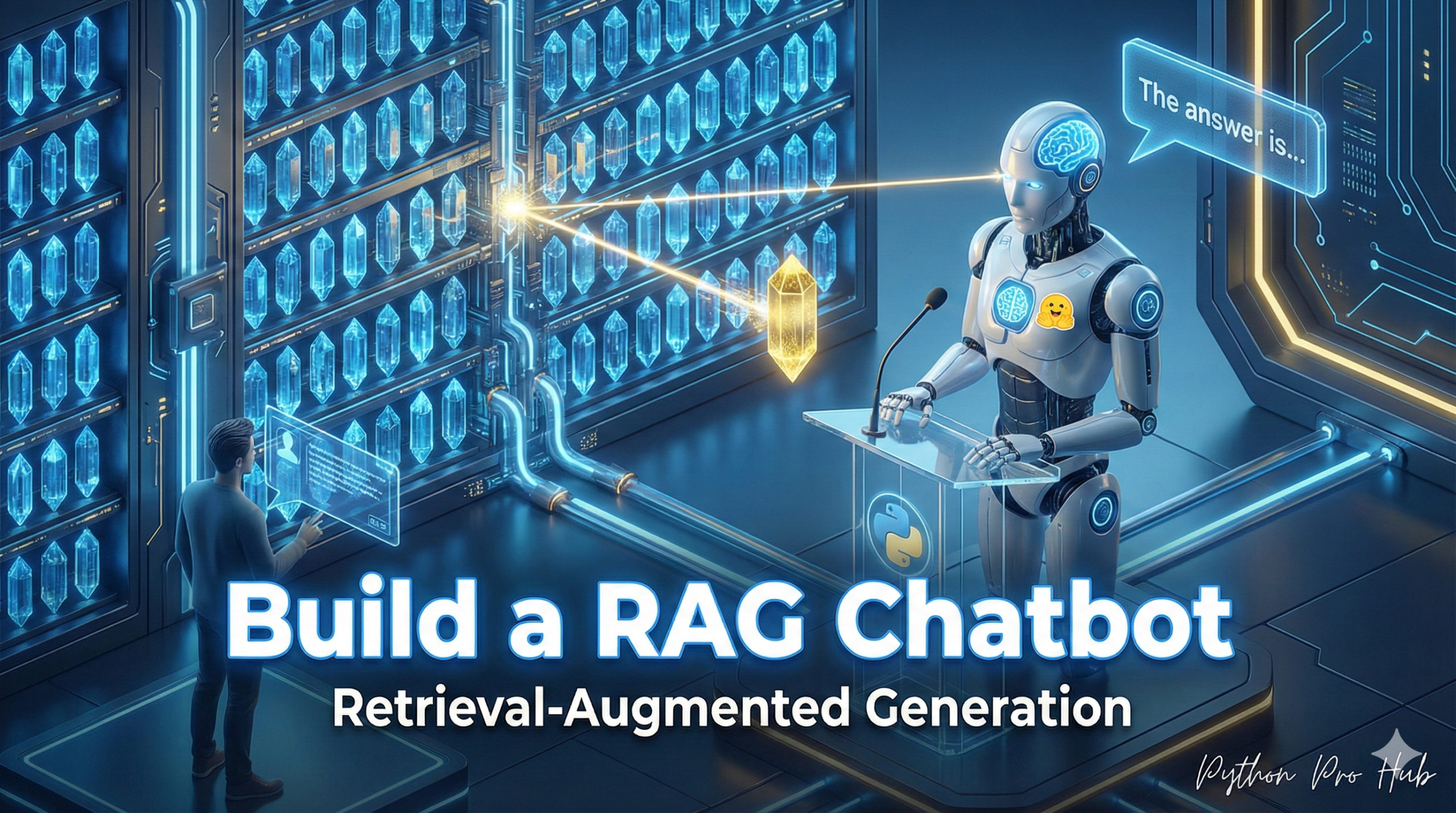
This is the most important AI project of the “2026 Vision.” Building a Python RAG Chatbot is a practical example of how RAG (Retrieval-Augmented Generation) is the technology behind every “chat with your PDF” app.
It’s a “capstone” project that combines three AI skills you’ve learned:
- Text Embeddings: To understand the meaning of your documents.
- Similarity Search (FAISS): To find the most relevant document.
- Text Generation: To use an LLM to answer a question based on that document.
Step 1: Installation
pip install transformers torch
pip install sentence-transformers faiss-cpu
Step 2: The Code
We will build a simple RAG system from scratch.
from transformers import AutoTokenizer, AutoModelForCausalLM, pipeline
from sentence_transformers import SentenceTransformer
import faiss
import numpy as np

# --- 1. KNOWLEDGE BASE (The "Retrieval" part) ---
print("Creating knowledge base...")
# This is your 'database' of documents
knowledge_base = [
    "Python is a high-level, general-purpose programming language.",
    "Polars is a blazingly fast DataFrame library for Python, written in Rust.",
    "Hugging Face is a company that provides tools for building, training, and deploying AI models."
]

# Load an embedding model
embedder = SentenceTransformer('all-MiniLM-L6-v2')
# Convert your documents to vector embeddings
db_embeddings = embedder.encode(knowledge_base)

# Create a FAISS index for fast search
index = faiss.IndexFlatL2(db_embeddings.shape[1])
index.add(np.array(db_embeddings).astype('float32'))


# --- 2. GENERATION MODEL (The "Generation" part) ---
print("Loading generative model...")
# Load a text-generation model
gen_tokenizer = AutoTokenizer.from_pretrained("gpt2")
gen_model = AutoModelForCausalLM.from_pretrained("gpt2")

# --- 3. THE RAG FUNCTION ---
def ask_question(question):
    print(f"\nQuestion: {question}")

    # 1. Embed the question
    question_embedding = embedder.encode([question]).astype('float32')

    # 2. Search the index for the 1 most similar document
    D, I = index.search(question_embedding, k=1)
    retrieved_context = knowledge_base[I[0][0]]

    # 3. Augment the prompt
    prompt = f"Context: {retrieved_context}\n\nQuestion: {question}\n\nAnswer:"

    # 4. Generate the answer
    inputs = gen_tokenizer(prompt, return_tensors="pt")
    outputs = gen_model.generate(**inputs, max_length=100, pad_token_id=gen_tokenizer.eos_token_id)
    answer = gen_tokenizer.decode(outputs[0], skip_special_tokens=True)

    return answer

# --- 4. RUN IT! ---
print(ask_question("What is Polars?"))
print(ask_question("What can you tell me about Hugging Face?"))
Output:
Question: What is Polars?
Answer: Context: Polars is a blazingly fast DataFrame library for Python, written in Rust.
Question: What is Polars?
Answer: Polars is a blazingly fast DataFrame library for Python, written in Rust.

Question: What can you tell me about Hugging Face?
Answer: Context: Hugging Face is a company that provides tools for building, training, and deploying AI models.
Question: What can you tell me about Hugging Face?
Answer: Hugging Face is a company that provides tools for building, training, and deploying AI models.
Key Takeaways
- RAG (Retrieval-Augmented Generation) powers ‘chat with your PDF’ applications, making it an essential AI project for 2026 Vision.
- It combines three skills: Text Embeddings for understanding documents, Similarity Search for finding relevant documents, and Text Generation for answering questions using LLMs.
- The article outlines the first step as installation and prepares to build a simple Python RAG Chatbot from scratch.