We’ve used AI to understand text, images, and audio. But what about relationships?
- How are your friends connected on a social network?
- How do molecules bond together to form a drug?
- How does fraud spread through a bank network?
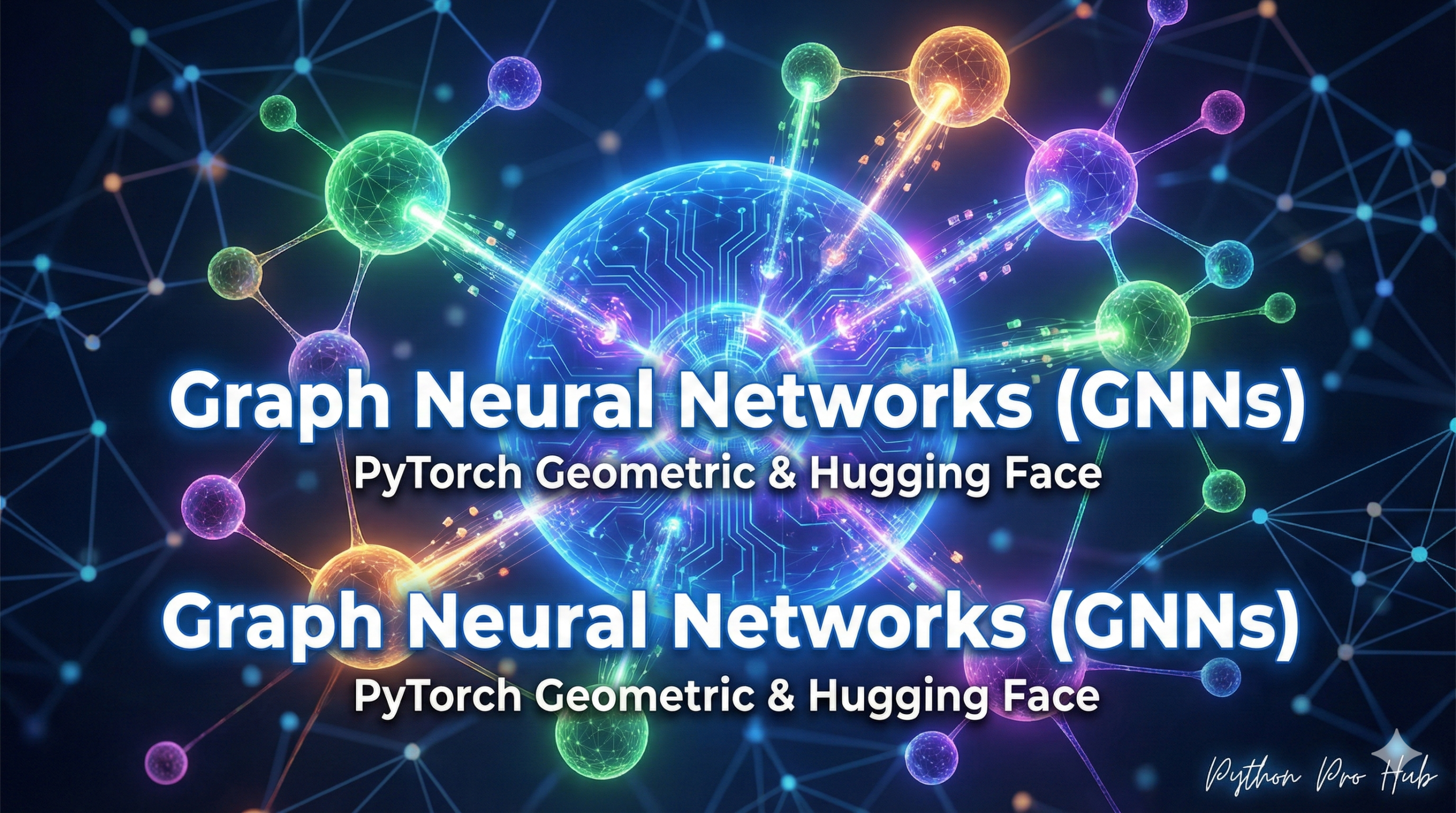
For this, we need Graph Neural Networks (GNNs). A GNN is a special type of AI that understands data as a “graph” (a set of nodes connected by edges).
Step 1: Installation
The industry standard for GNNs is PyTorch Geometric (PyG). We’ll also need datasets to load a sample graph.
pip install torch
pip install torch_geometric
pip install datasets
Step 2: What is a Graph?
A graph has two parts:
- Nodes (or Vertices): The “things.” (e.g., users, atoms)
- Edges (or Links): The “connections.” (e.g., friendships, bonds)
Let’s load a classic GNN dataset, “Cora,” which is a graph of scientific papers.
- Nodes: Papers
- Edges: Citations (one paper citing another)
Step 3: Loading Graph Data
We can load it directly from the Hugging Face datasets hub.
from datasets import load_dataset
import torch_geometric.transforms as T

# 1. Load the dataset
dataset = load_dataset("Cora_v2", "cora")
graph = dataset["train"] # The whole dataset is one graph

# 2. Convert it to a PyG-compatible object
transform = T.ToUndirected()
pyg_graph = transform(graph._graph)

# 3. Inspect the graph!
print(pyg_graph)
# Output: Data(x=[2708, 1433], edge_index=[2, 10556], y=[2708])
This tells us:
x=[2708, 1433]: We have 2,708 nodes (papers), and each one has 1,433 features (a “word vector” of its contents).edge_index=[2, 10556]: We have 10,556 edges (citations) connecting them.y=[2708]: We have a “label” for each of the 2,708 papers (its subject area).
You’ve just loaded a complex graph, the first step to building an AI that can predict new connections or find communities.
Key Takeaways
- Graph Neural Networks (GNNs) help us understand relationships by interpreting data as graphs with nodes and edges.
- Installation is done using PyTorch Geometric (PyG) and requires datasets for sample graphs.
- A graph contains nodes (e.g., users, papers) and edges (e.g., friendships, citations).
- We can load the ‘Cora’ dataset from the Hugging Face datasets hub for GNN analysis.
- The loaded graph includes 2,708 nodes and 10,556 edges, allowing AI to predict connections and identify communities.