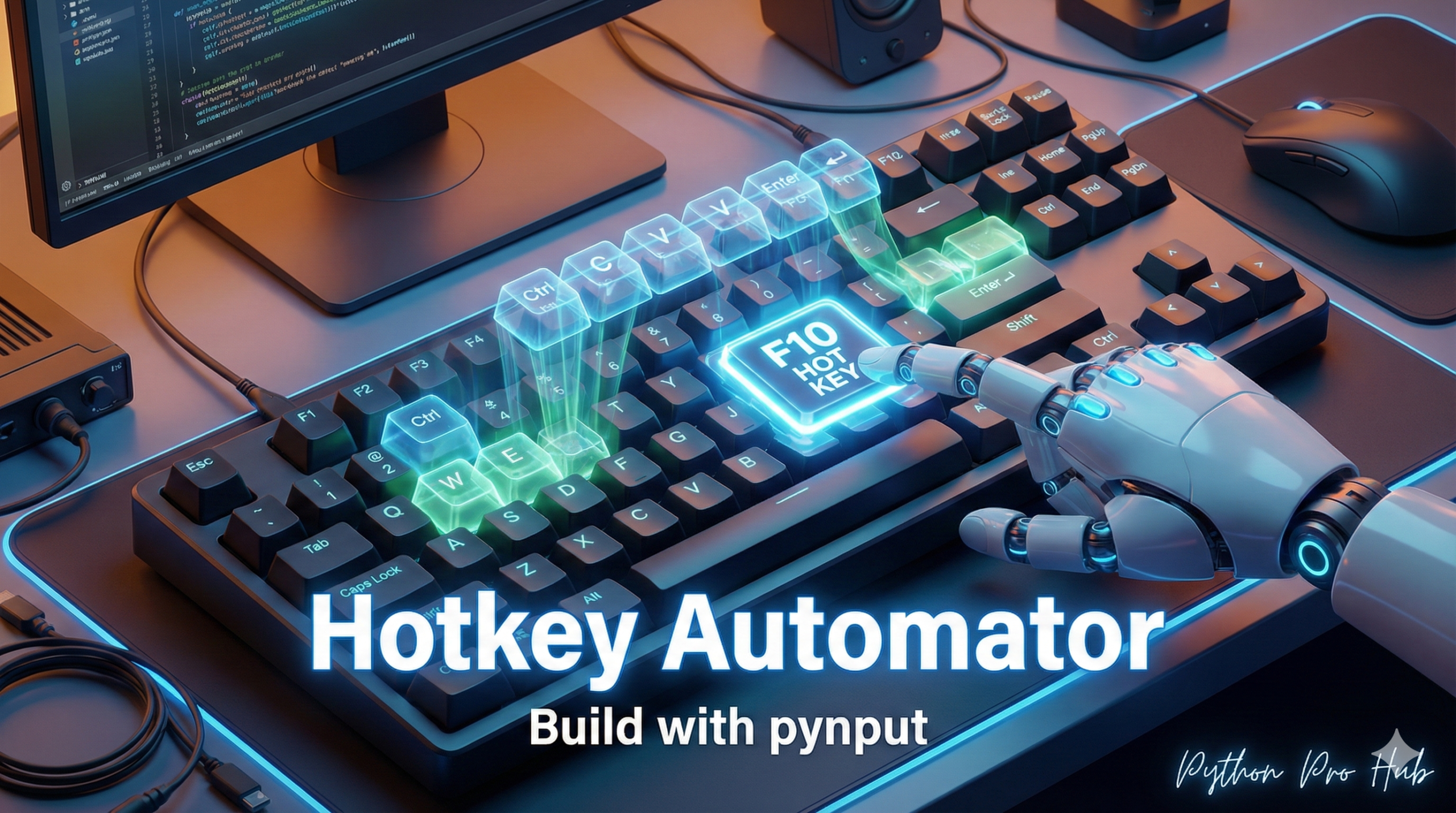
What if you could run your Python scripts just by pressing a key combination, no matter what window you’re in? With a Python pynput hotkey setup, this kind of automation is entirely possible.
The pynput library lets you “listen” to keyboard (and mouse) events and trigger functions. We’ll build a script that waits for you to press Ctrl+Alt+P and then types “Hello from Python!”
Step 1: Installation
pip install pynput
Step 2: The Code
We need two components:
pynput.keyboard.Controller: To control the keyboard (for typing).pynput.keyboard.Listener: To listen for key presses.
from pynput import keyboard

# 1. The Controller for typing
keyboard_controller = keyboard.Controller()

# 2. The function to run when the hotkey is pressed
def my_hotkey_function():
    print("Hotkey pressed! Typing...")
    keyboard_controller.type("Hello from Python!")

# 3. Define your hotkey
# We'll use a <ctrl>+<alt>+p hotkey
hotkey = keyboard.HotKey(
    keyboard.HotKey.parse('<ctrl>+<alt>+p'),
    my_hotkey_function
)

# 4. The Listener
# This function sets up the listener and joins it to the main thread
# It's a "blocking" call, so it will run forever
def start_listener():
    with keyboard.Listener(on_press=hotkey.press) as listener:
        listener.join()

if __name__ == "__main__":
    print("Hotkey listener started. Press <Ctrl>+<Alt>+P to run.")
    start_listener()
Step 3: Run It
Run this script. It will sit in your terminal, silently listening. Now, go to any text editor (like Notepad or your browser’s search bar) and press Ctrl+Alt+P.
Your script will instantly take control and type “Hello from Python!” for you.
Key Takeaways
- You can automate Python scripts using a pynput hotkey setup, allowing them to run with a simple key combination.
- The pynput library enables you to listen to keyboard and mouse events and trigger specific functions.
- Install the required components: pynput.keyboard.Controller for typing and pynput.keyboard.Listener for listening to key presses.
- After running the script, press Ctrl+Alt+P in any text editor to automatically type ‘Hello from Python!’.