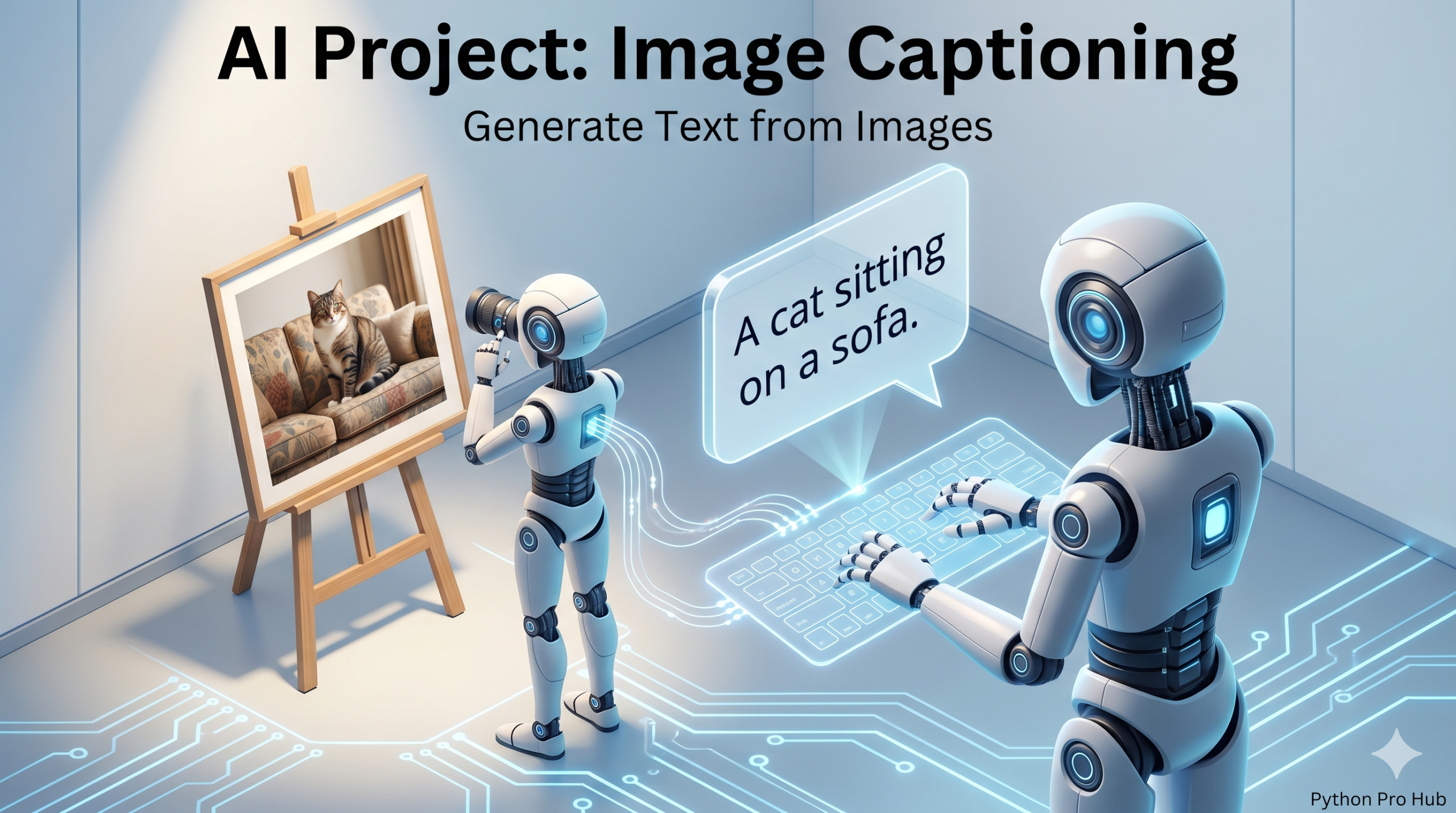
This project combines Computer Vision and NLP. In this guide, we’ll specifically focus on how to use Hugging Face Image Captioning to generate text descriptions for images. We will build an AI that can:
- See an image.
- Generate a brand new, descriptive text caption for it.
This is the technology that powers “alt-text” generation and helps AI understand the content of images. We’ll use the Hugging Face pipeline for an easy, powerful solution.
Step 1: Installation
You’ll need Pillow to handle images.
pip install transformers torch pillow
Step 2: The Code
We will use the image-to-text pipeline.
from transformers import pipeline
from PIL import Image
import requests

# 1. Load the pipeline
# This will download a model (like 'git-base-coco')
captioner = pipeline("image-to-text")

# 2. Get an image
url = "http://images.cocodataset.org/val2017/000000039769.jpg" # (The image of two cats)
image = Image.open(requests.get(url, stream=True).raw)

# 3. Generate the caption!
results = captioner(image)

# 4. Print the result
print("--- AI Generated Caption ---")
print(results[0]['generated_text'])
Step 3: The Result
The model will look at the image and generate a new sentence describing it:
--- AI Generated Caption ---
two cats sleeping on a couch next to a remote control
You’ve just built an AI that can describe the world it sees, a key part of the “2026 Vision” for AI.
Key Takeaways
- This project combines Computer Vision and NLP to create an AI capable of generating descriptive captions for images.
- We’ll use the Hugging Face pipeline to simplify the process of alt-text generation.
- First, install Pillow for image handling.
- Next, implement the image-to-text pipeline in code.
- Finally, the model generates a sentence describing the image, aiding the ‘2026 Vision’ for AI.