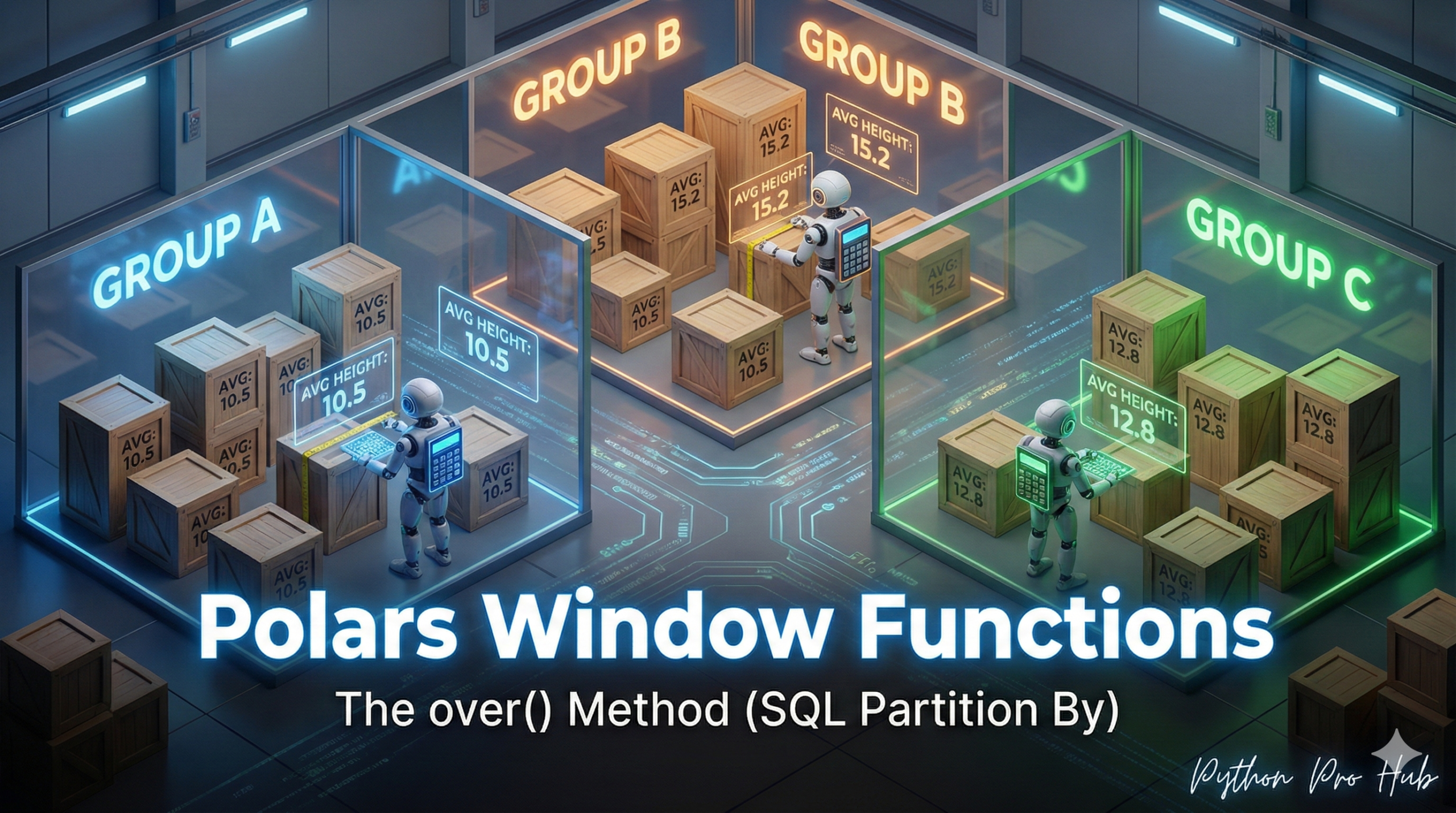
We’ve used groupby().agg(), which collapses your data (e.g., 100 rows become 3 rows). In contrast, Polars window functions allow you to compute calculations across groups without collapsing the original data.
what if you want to add a new column that references a group? For example: “What percentage of my department’s total salary is my individual salary?”
This is a Window Function. In SQL, you use OVER(PARTITION BY ...). In Polars, you use .over().
The Setup
import polars as pl
df = pl.DataFrame({
    "department": ["Sales", "Sales", "Eng", "Eng"],
    "employee": ["Alice", "Bob", "Charlie", "David"],
    "salary": [100, 150, 200, 250]
})
The Goal
We want to add a total_salary_by_dept column without collapsing the DataFrame.
df_with_total = df.with_columns(
    pl.col("salary").sum().over("department").alias("dept_total_salary")
)
print(df_with_total)
Output:
shape: (4, 4)
┌────────────┬──────────┬────────┬───────────────────┐
│ department ┆ employee ┆ salary ┆ dept_total_salary │
│ ---        ┆ ---      ┆ ---    ┆ ---               │
│ str        ┆ str      ┆ i64    ┆ i64               │
╞════════════╪══════════╪════════╪═══════════════════╡
│ Sales      ┆ Alice    ┆ 100    ┆ 250               │
│ Sales      ┆ Bob      ┆ 150    ┆ 250               │
│ Eng        ┆ Charlie  ┆ 200    ┆ 450               │
│ Eng        ┆ David    ┆ 250    ┆ 450               │
└────────────┴──────────┴────────┴───────────────────┘
The .over("department") told Polars to create “windows” (partitions) for “Sales” and “Eng,” calculate the sum() for each window, and then map those totals back to the original rows.
Now you can easily calculate that percentage:
df_final = df_with_total.with_columns(
    (pl.col("salary") / pl.col("dept_total_salary")).alias("percent_of_dept_salary")
)
print(df_final)
Key Takeaways
- The article discusses how to use groupby().agg() to collapse data in Polars.
- It explains the need to add a new column that references a group, such as total salary per department.
- Window functions are introduced, using SQL’s OVER(PARTITION BY …) and Polars’ .over() methods.
- The goal is to add a total_salary_by_dept column without collapsing the DataFrame.
- The .over(‘department’) creates partitions to calculate and map totals back to the original rows.