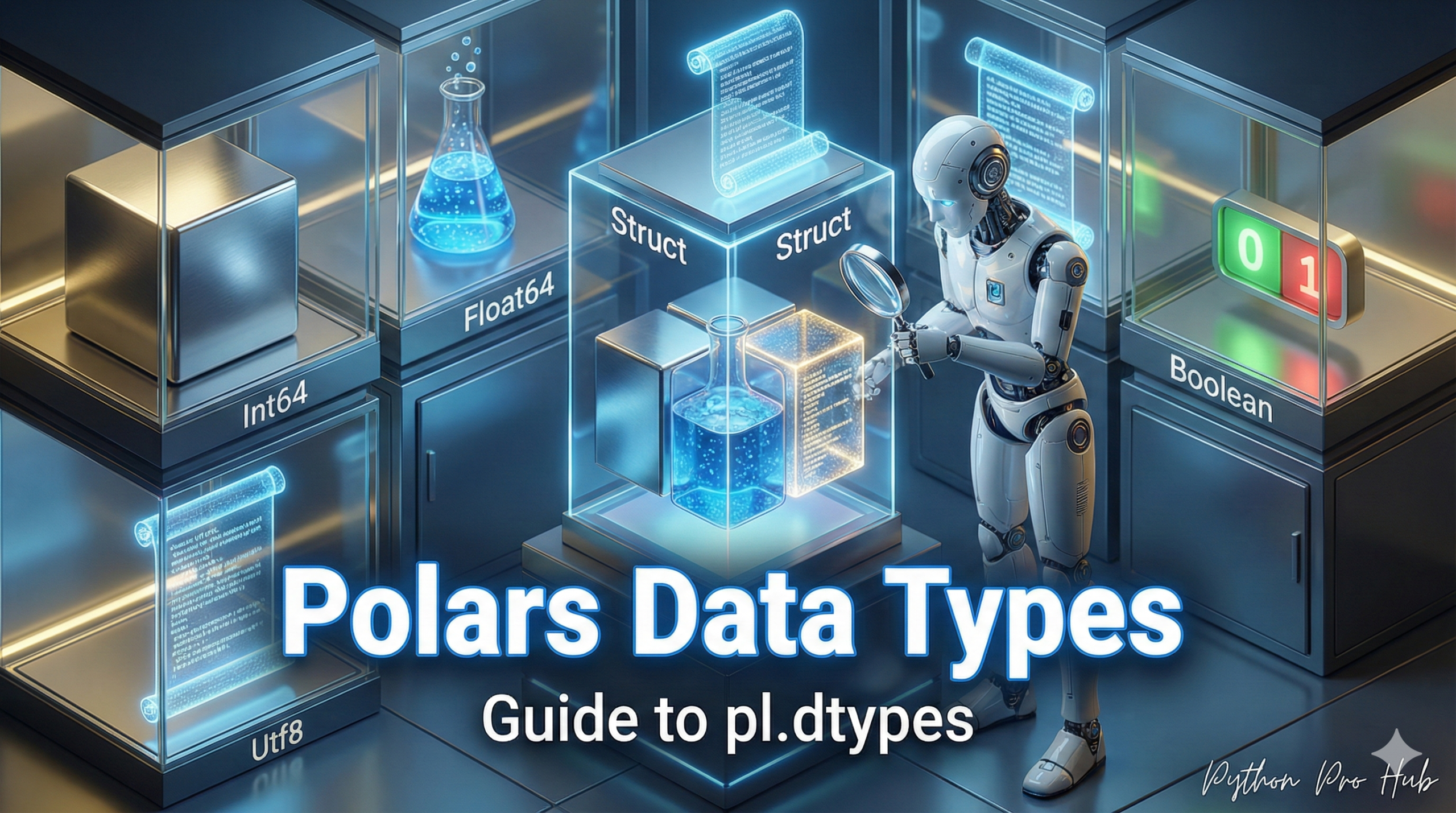
In Polars, choosing the correct data type (or “dtype”) is the most important step for performance and memory usage.
Using a massive Int64 for a number that only goes up to 100 is a waste of memory. Using Utf8 (string) for a category column is a waste of speed.
You can check your DataFrame’s types at any time:
df.dtypes
Common Polars Data Types
1. Integers (Whole Numbers)
pl.Int64: The default. A 64-bit integer (huge numbers).pl.Int32: A 32-bit integer (from -2 billion to +2 billion).pl.UInt32: An “unsigned” (positive-only) 32-bit integer. Rule: If your ID column only has 100,000 positive values, usepl.UInt32to save 50% of the memory vs.pl.Int64.
2. Floats (Decimal Numbers)
pl.Float64: The default. A 64-bit “double-precision” float.pl.Float32: A 32-bit “single-precision” float. Rule:Float32uses half the memory and is often all you need for machine learning.
3. Strings (pl.Utf8)
This is the standard string type.
4. Categorical (pl.Categorical)
This is the most important one for performance. As we covered in our String Caching guide, this converts strings into numbers under the hood.
Rule: If a string column has many duplicate values (like “Country”, “Product_SKU”, “Category”), ALWAYS .cast() it to pl.Categorical.
df = df.with_columns(
    pl.col("Country").cast(pl.Categorical)
)
This will make your group_by and join operations on that column 10-100x faster.
5. Dates and Times
pl.Date: A date (no time).pl.Datetime: A date and time (with timezone info).pl.Duration: An amount of time (e.g., “2 days”).
Key Takeaways
- Choosing the correct Polars data types is essential for optimising performance and memory usage.
- Use pl.UInt32 for ID columns with limited positive values to save memory over pl.Int64.
- For machine learning, consider pl.Float32 instead of pl.Float64 to reduce memory consumption.
- Always convert string columns with many duplicates to pl.Categorical for significant performance improvements.
- Polars also supports date (pl.Date) and datetime (pl.Datetime) data types for time-related information.