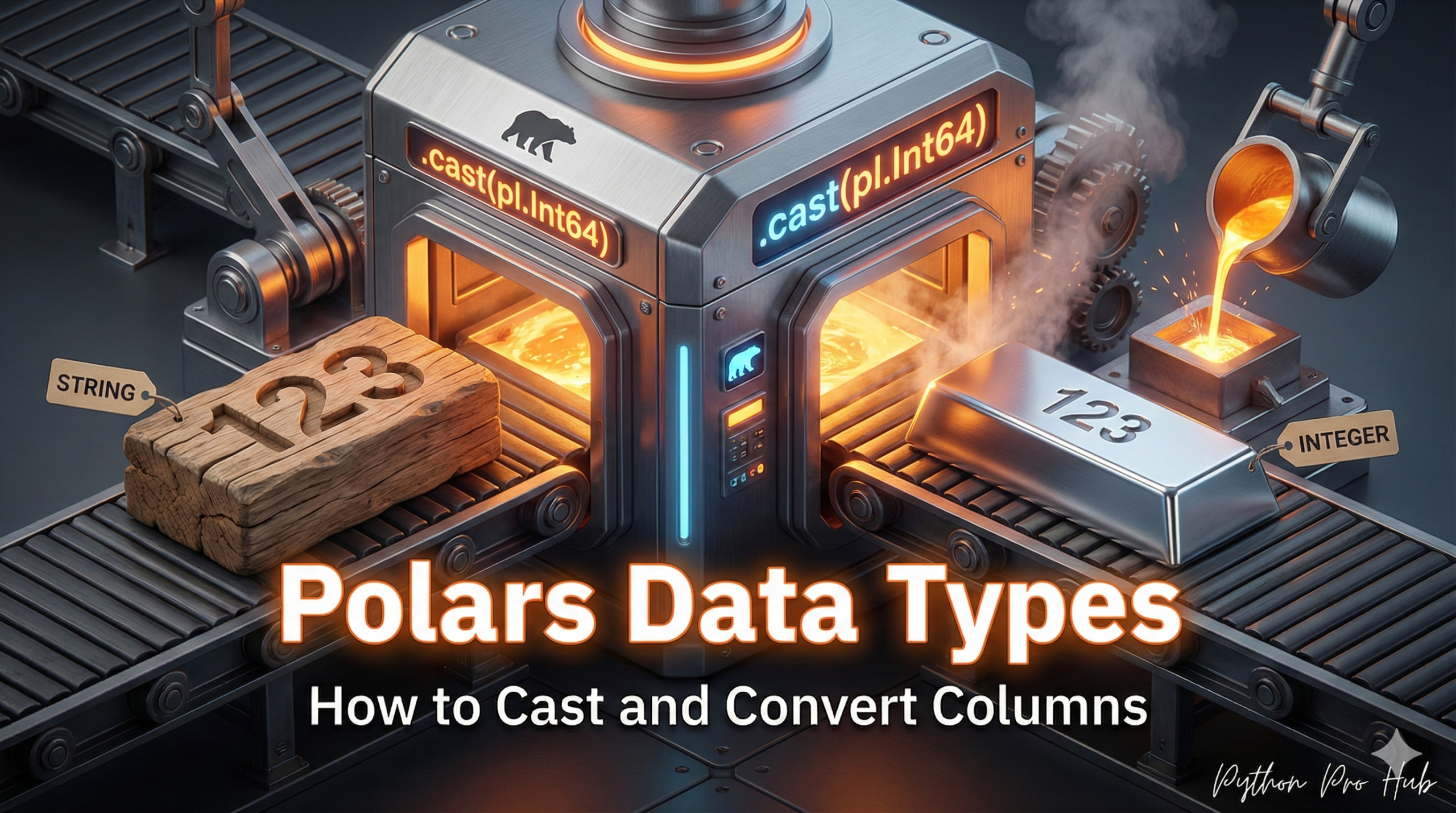
When you load a CSV, Polars (and Pandas) often guesses the data types. Sometimes, it guesses wrong, loading a number column (like 5.0) as a string ("5.0"). In these situations, you’ll need to use Polars cast functionality to fix or convert types.
To do math or save memory, you must have the correct types. In Polars, the fast and easy way to fix this is with .cast().
The .cast() Method
cast() is a Polars Expression that you use inside with_columns.
The Setup
Let’s create a DataFrame with the wrong types.
import polars as pl
df = pl.DataFrame({
    "id": ["1", "2", "3"],          # This is a string
    "sales": ["100.50", "200.00", "99.25"], # This is a string
    "category": ["A", "B", "A"]     # This is a string
})
print(df.dtypes)
# Output: [str, str, str]
How to Convert (Cast) Types
Let’s fix all three columns at once.
df_clean = df.with_columns(
    # Cast "id" to a 32-bit Integer
    pl.col("id").cast(pl.Int32),

    # Cast "sales" to a 64-bit Float (for decimals)
    pl.col("sales").cast(pl.Float64),

    # Cast "category" to Categorical for memory savings
    pl.col("category").cast(pl.Categorical)
)
print(df_clean.dtypes)
# Output: [i32, f64, cat]
This is the fundamental first step of data cleaning. By setting the correct types, your math will work, your memory usage will drop, and your join and groupby operations will be significantly faster.
Key Takeaways
- Polars and Pandas may incorrectly guess data types when loading a CSV, which can lead to issues.
- To ensure correct data types, you can use the .cast() method in Polars, which helps fix type mismatches.
- Casting is essential for efficient data cleaning, improving math operations, reducing memory usage, and speeding up joins and group operations.