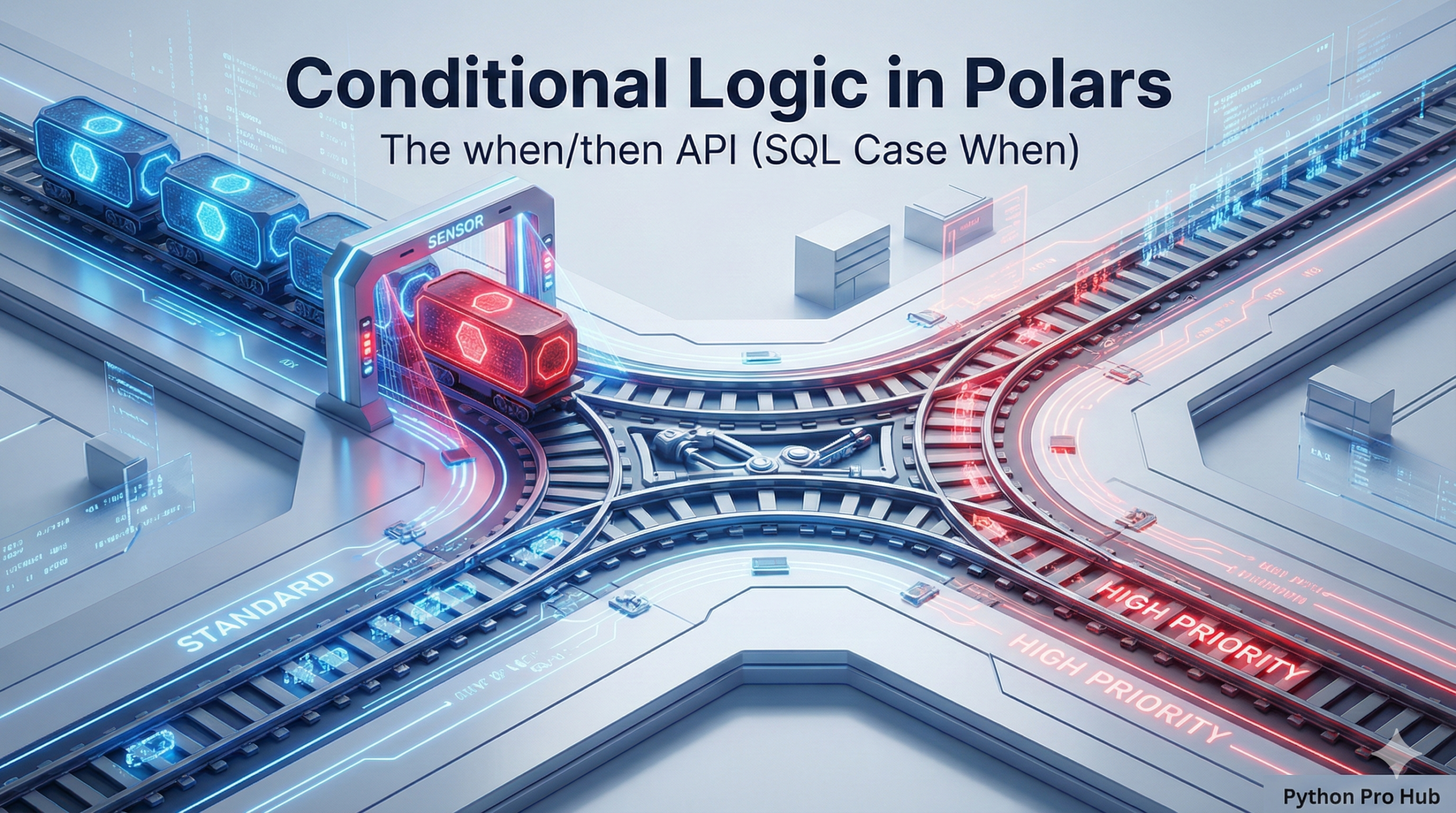
One of the most common data tasks is creating a new column based on a condition. In this tutorial, we’ll focus on using Polars when then expressions to achieve this.
- If
salary > 100000, settierto “High”. - If
salary > 50000, settierto “Mid”. - Otherwise, set
tierto “Low”.
In SQL, you use CASE WHEN. In Polars, you use the blazingly fast pl.when().then().otherwise() expression.
The Syntax
The basic chain is pl.when(CONDITION).then(VALUE).
import polars as pl
df = pl.DataFrame({"sales": [50, 200, 150, 40]})

# Create a new column "performance"
df_new = df.with_columns(
    pl.when(pl.col("sales") > 100)
      .then(pl.lit("Good"))
      .otherwise(pl.lit("Bad"))
      .alias("performance")
)
print(df_new)
Output:
shape: (4, 2)
┌───────┬─────────────┐
│ sales ┆ performance │
│ ---   ┆ ---         │
│ i64   ┆ str         │
╞═══════╪═════════════╡
│ 50    ┆ Bad         │
│ 200   ┆ Good        │
│ 150   ┆ Good        │
│ 40    ┆ Bad         │
└───────┴─────────────┘
Chaining Multiple Conditions
You can chain multiple when/then calls, just like if/elif/else.
df_new = df.with_columns(
    pl.when(pl.col("sales") > 150)
      .then(pl.lit("Excellent"))
    .when(pl.col("sales") > 75)
      .then(pl.lit("Good"))
    .otherwise(pl.lit("Needs Improvement"))
      .alias("performance")
)
print(df_new)
Output:
shape: (4, 2)
┌───────┬───────────────────┐
│ sales ┆ performance       │
│ ---   ┆ ---               │
│ i64   ┆ str               │
╞═══════╪═══════════════════╡
│ 50    ┆ Needs Improvement │
│ 200   ┆ Excellent         │
│ 150   ┆ Good              │
│ 40    ┆ Needs Improvement │
└───────┴───────────────────┘
Key Takeaways
- Creating a new column based on conditions is a common task in data processing.
- Use Polars when then expressions instead of SQL’s CASE WHEN for performance.
- Set the ‘tier’ column based on salary: ‘High’ for over 100,000, ‘Mid’ for over 50,000, and ‘Low’ otherwise.
- The basic syntax for Polars is pl.when(CONDITION).then(VALUE).
- You can chain multiple when/then calls similar to if/elif/else statements.