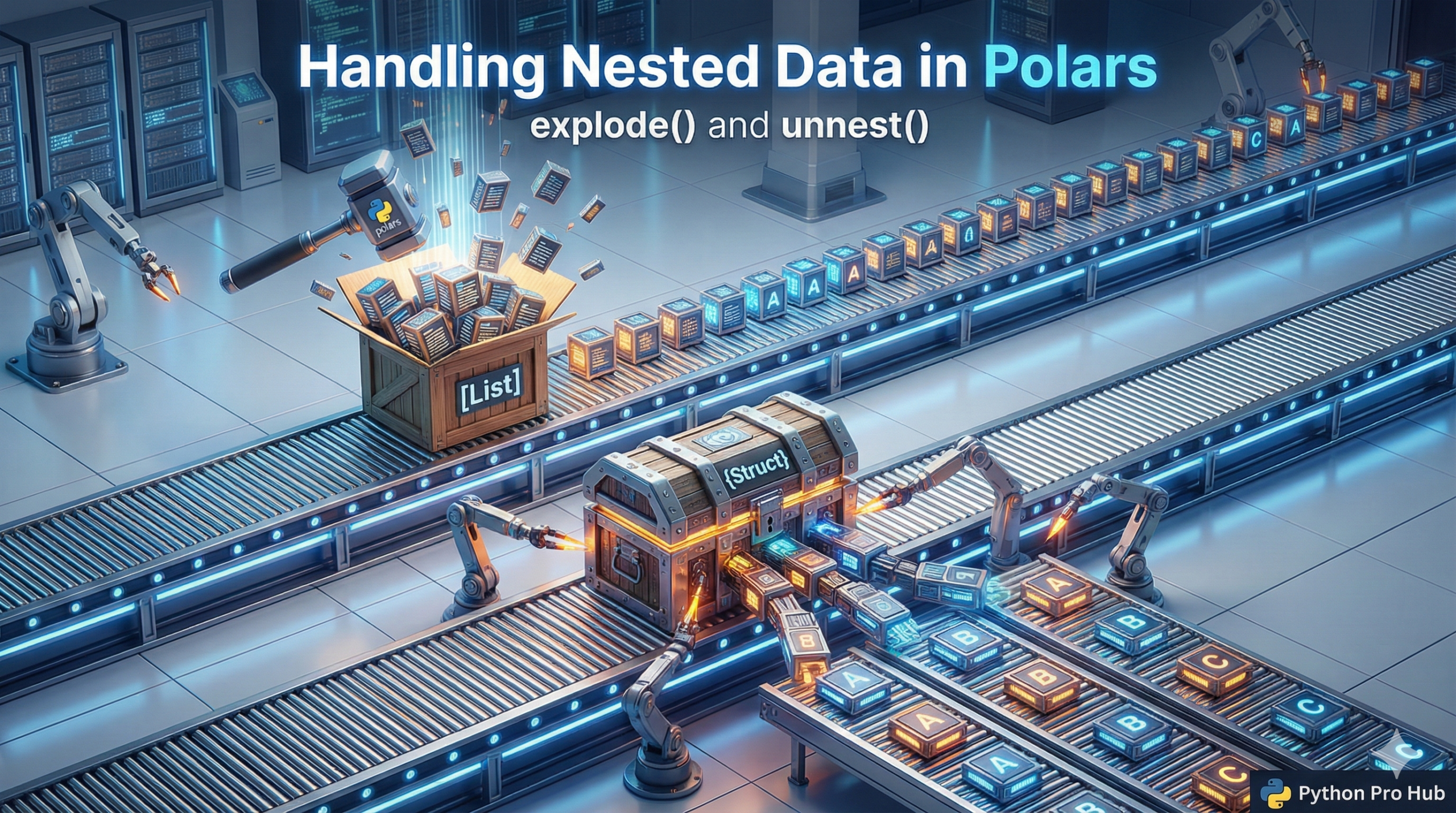
Real-world data from APIs often comes as nested JSON. Pandas struggles with this, but Polars has two powerful expressions built for it: explode and unnest. If you’re curious about working with Polars explode unnest, you’ll find these tools incredibly efficient for handling nested data.
1. explode(): Handling Lists
explode takes a column containing lists and “explodes” it, creating a new row for each item in the list.
Example:
import polars as pl
df = pl.DataFrame({
    "order_id": [1, 2],
    "items": [["A", "B"], ["C"]]
})
print(df)shape: (2, 2) ┌──────────┬───────────┐ │ order_id ┆ items │ │ --- ┆ --- │ │ i64 ┆ list[str] │ ╞══════════╪═══════════╡ │ 1 ┆ ["A", "B"]│ │ 2 ┆ ["C"] │ └──────────┴───────────┘
Now, let’s explode the items column:
df.explode("items")Output:
shape: (3, 2)
┌──────────┬───────┐
│ order_id ┆ items │
│ ---      ┆ ---   │
│ i64      ┆ str   │
╞══════════╪═══════╡
│ 1        ┆ A     │
│ 1        ┆ B     │
│ 2        ┆ C     │
└──────────┴───────┘
2. unnest(): Handling Dictionaries (Structs)
unnest takes a column containing dictionaries (called “structs”) and splits each key into its own new column.
Example:
df = pl.DataFrame({
    "id": [1, 2],
    "user_data": [
        {"name": "Alice", "age": 30},
        {"name": "Bob", "age": 40}
    ]
})
Now, let’s unnest the user_data column:
df.unnest("user_data")Output:
shape: (2, 3)
┌─────┬───────┬─────┐
│ id  ┆ name  ┆ age │
│ --- ┆ ---   ┆ --- │
│ i64 ┆ str   ┆ i64 │
╞═════╪═══════╪═════╡
│ 1   ┆ Alice ┆ 30  │
│ 2   ┆ Bob   ┆ 40  │
└─────┴───────┴─────┘
These two functions are the key to cleaning 99% of messy JSON data for analysis.
Key Takeaways
- Real-world data from APIs is often nested JSON, which can be problematic for Pandas.
- Polars offers two functions,
explode()andunnest(), to handle complex data structures effectively. explode()creates new rows for each item in lists, simplifying data analysis.unnest()splits dictionaries into separate columns, making the data more manageable.- Together, these functions can clean up to 99% of messy JSON data for analysis.