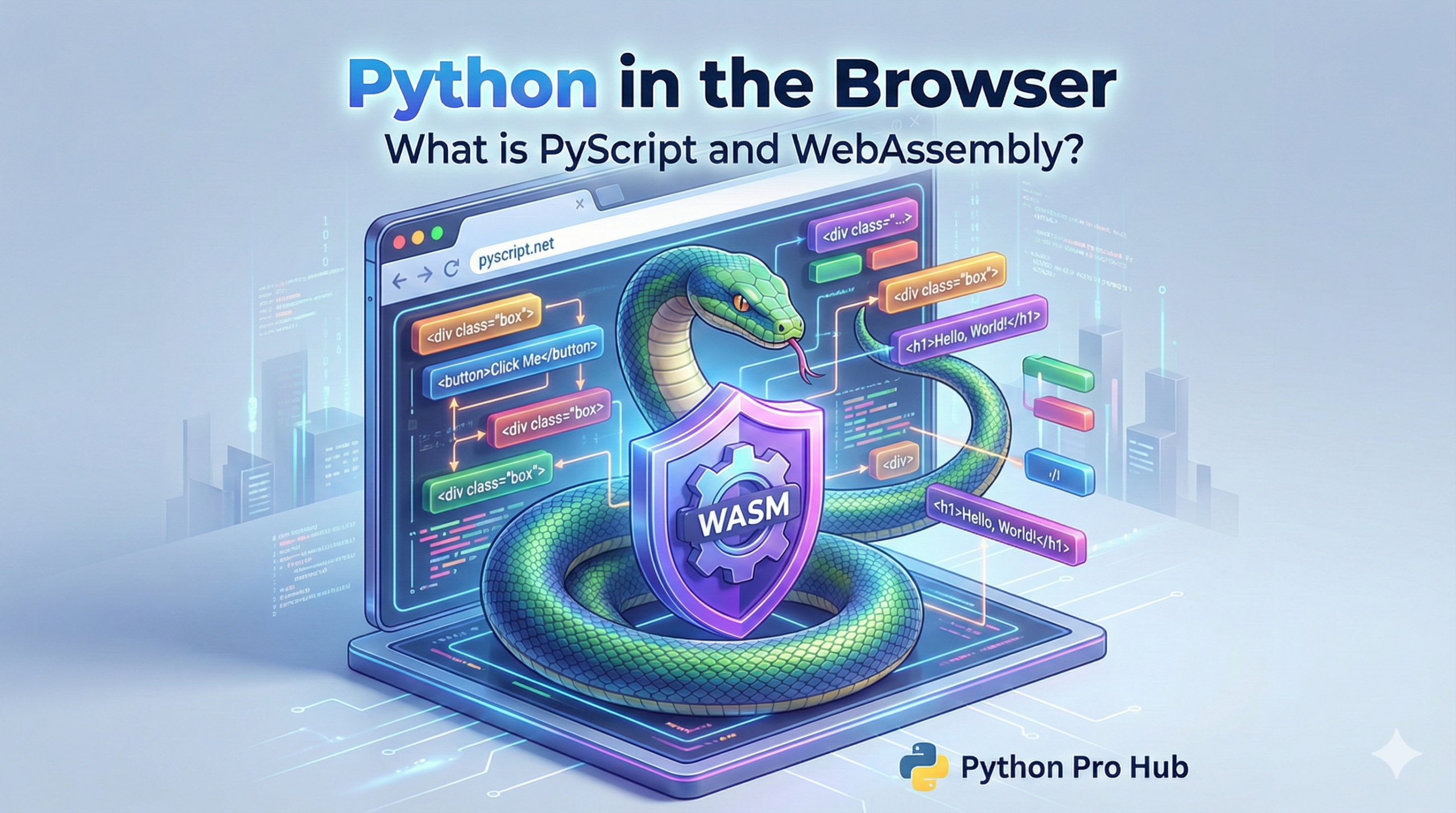
This Python PyScript Guide aims to help you understand the latest developments. For 20 years the rule was simple:
- Backend (Server): Python, Java, C#
- Frontend (Browser): JavaScript
WebAssembly (WASM) changed everything. It’s a way to run high-performance code (like C++ or Rust) inside the browser. And now, it’s a way to run Python.
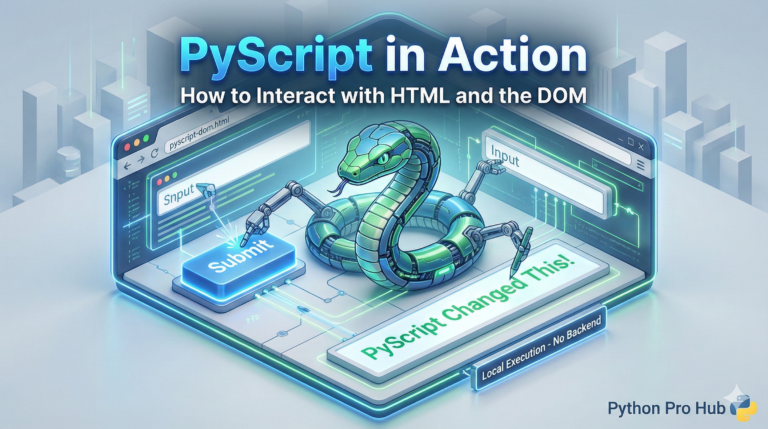
PyScript is a free, open-source framework that makes it easy to use Python in your HTML.
How it Works
You just include the pyscript.js file in your HTML, and then you can write Python code inside new <py-script> tags.
Example 1: “Hello, World” in HTML
Create a file named index.html:
<html>
  <head>
    <link rel="stylesheet" href="https.pyscript.net/latest/pyscript.css" />
    <script defer src="https.pyscript.net/latest/pyscript.js"></script>
  </head>
  <body>
    <py-script>
      print("Hello, World! This is running in the browser.")
    </py-script>
  </body>
</html>
Open this file in your browser. You’ll see “Hello, World!” printed to the screen!
Example 2: Plotting with Matplotlib in the Browser
This is where it gets baffling. You can use your favorite libraries.
<html>
  <head>
    <link rel="stylesheet" href="https.pyscript.net/latest/pyscript.css" />
    <script defer src="https.pyscript.net/latest/pyscript.js"></script>
    <py-env>
      - matplotlib
      - numpy
    </py-env>
  </head>
  <body>
    <div id="plot"></div> <py-script output="plot">
      import matplotlib.pyplot as plt
      import numpy as np

      x = np.linspace(0, 10, 100)
      y = np.sin(x)

      fig, ax = plt.subplots()
      ax.plot(x, y)

      # Display the chart!
      fig
    </py-script>
  </body>
</html>
You just ran Matplotlib in a web browser. This is the future of data dashboards and full-stack Python development.