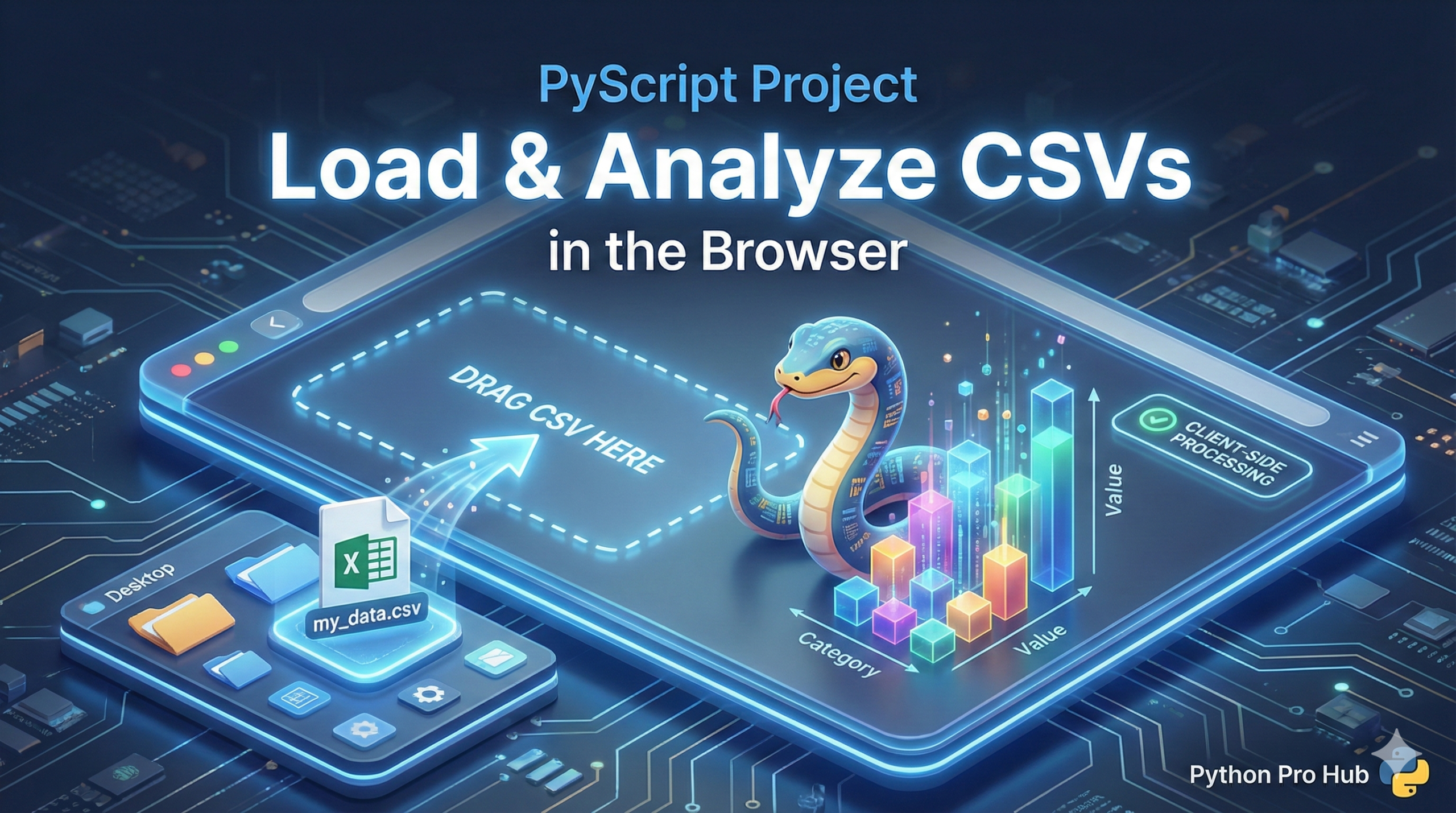
This is the ultimate goal of PyScript for Data Science: building a tool that lets your users analyze their own data, all inside their browser. One exciting feature is the ability to use PyScript to load CSV files for instant analysis and visualisation.
A PyScript app can’t just access a user’s C: drive. The user has to give it permission by selecting a file. We’ll use a standard HTML file input.
Step 1: The HTML Setup
We need to load pandas and create an <input type="file"> tag.
<head>
  <link rel="stylesheet" href="https.pyscript.net/latest/pyscript.css" />
  <script defer src="https.pyscript.net/latest/pyscript.js"></script>

  <py-env>
    - pandas
  </py-env>
</head>
<body>
  <h2>Upload Your CSV for Analysis</h2>
  <input type="file" id="file-input" />

  <h3>DataFrame Head:</h3>
  <div id="output">Upload a file to see its first 5 rows.</div>
</body>
Step 2: The py-script (Event Handling)
We need to write a Python function that runs when the user selects a file.
<py-script>
  import asyncio
  import pandas as pd
  import io
  from pyscript import document

  async def on_file_upload(event):
      output_div = document.getElementById("output")
      output_div.innerText = "Loading..."

      try:
          # 1. Get the file object from the input element
          file_input = document.getElementById("file-input")
          file = file_input.files[0]

          # 2. Await the file content (as a string)
          file_content = await file.string()

          # 3. Use io.StringIO to make Pandas read the string as a file
          data_io = io.StringIO(file_content)
          df = pd.read_csv(data_io)

          # 4. Display the head() of the DataFrame as HTML
          output_div.innerHTML = df.head().to_html()

      except Exception as e:
          output_div.innerText = f"Error: {e}"

  # 1. Get the input element
  file_input_element = document.getElementById("file-input")
  # 2. Add an event listener to call our function on "change"
  file_input_element.addEventListener("change", asyncio.ensure_future(on_file_upload))
</py-script>
Now, when a user selects a CSV from their computer, your PyScript app will load it into Pandas, analyze it, and display the result!
Key Takeaways
- The ultimate goal of PyScript for Data Science is to create a tool for users to analyse their own data in the browser.
- Users must give permission to access their files by selecting them through an HTML file input.
- Step 1 involves setting up HTML to load pandas and create an tag.
- Step 2 requires writing a Python function that runs when the user selects a file.
- When a CSV is selected, the PyScript app loads it into Pandas, analyses it, and displays the result.