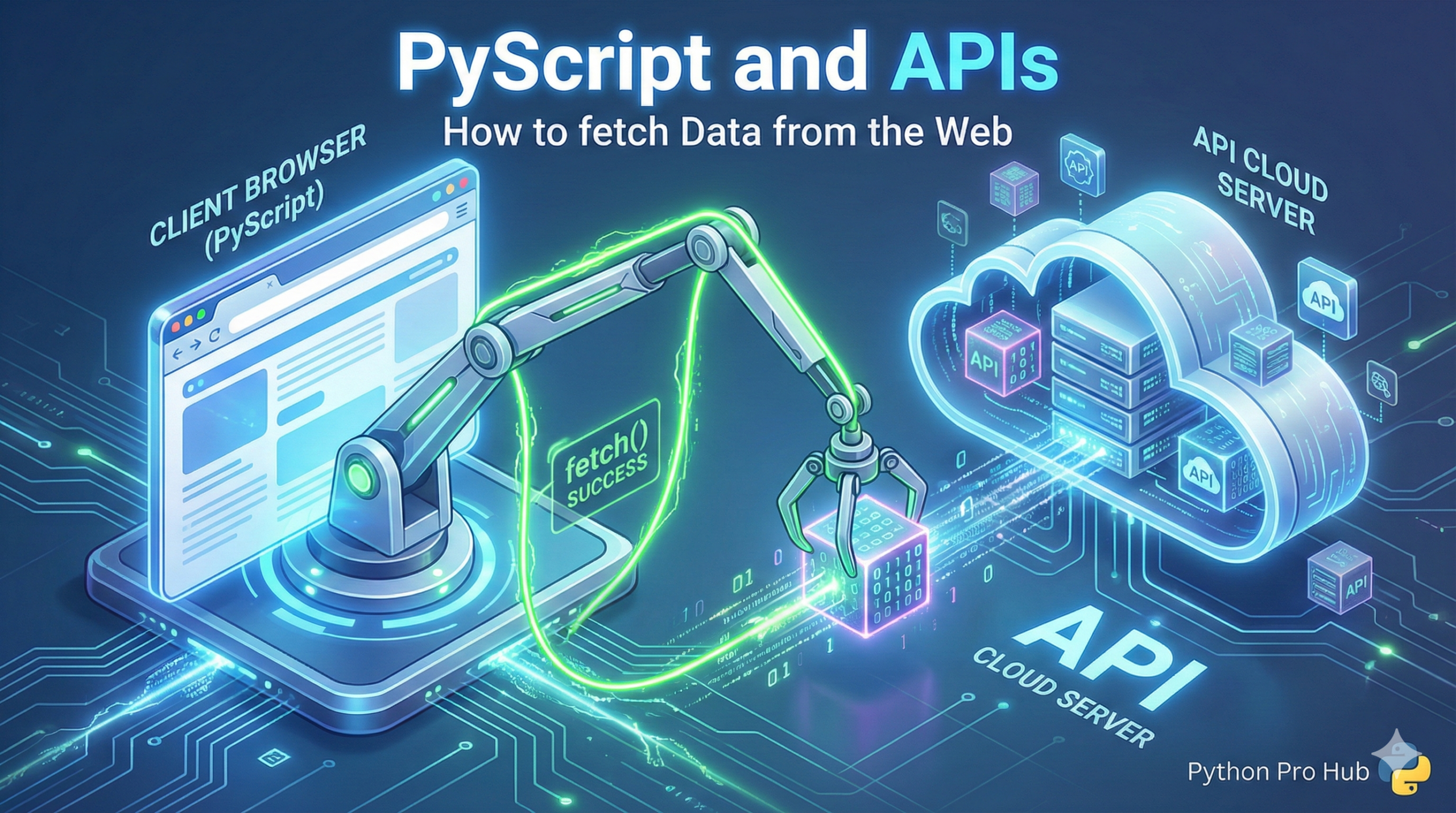
A PyScript app is great, but it’s isolated. To build a real dashboard (like a weather app or a crypto tracker), you need to get live data from an API.
You cannot use the standard <a href="https://pypi.org/project/requests/" type="link" id="https://pypi.org/project/requests/">requests</a> library because you are in a browser, not a server. Instead, you must use the browser’s built-in fetch function.
The Keywords: async and await
Because fetching data from a URL takes time, PyScript forces you to use asyncio (async/await). This stops the webpage from freezing while it waits for the data.
Step 1: The HTML Setup
<head>
  <link rel="stylesheet" href="https.pyscript.net/latest/pyscript.css" />
  <script defer src="https.pyscript.net/latest/pyscript.js"></script>
  <py-env>
    - pandas
  </py-env>
</head>
<body>
  <h2>Bitcoin Price (Live from API)</h2>
  <div id="output">Loading...</div>
</body>
Step 2: The py-script (with fetch)
We will use PyScript’s built-in wrapper for fetch, which is pyodide.http.pyfetch.
<py-script>
  import asyncio
  from pyodide.http import pyfetch
  import pandas as pd
  import json

  async def main():
      url = "https://api.coindesk.com/v1/bpi/currentprice.json"

      try:
          # 1. Await the fetch call
          response = await pyfetch(url)

          # 2. Await the JSON conversion
          data = await response.json()

          # 3. Use Pandas (just like before!)
          bpi_data = data['bpi']
          df = pd.DataFrame(bpi_data).transpose()

          # 4. Write to the page
          document.getElementById("output").innerHTML = df.to_html()

      except Exception as e:
          document.getElementById("output").innerText = f"Error: {e}"

  # This is how you run an async function in PyScript
  asyncio.ensure_future(main())
</py-script>
You now have a live dashboard that calls a real-world API and analyzes the data with Pandas, all 100% in the browser.