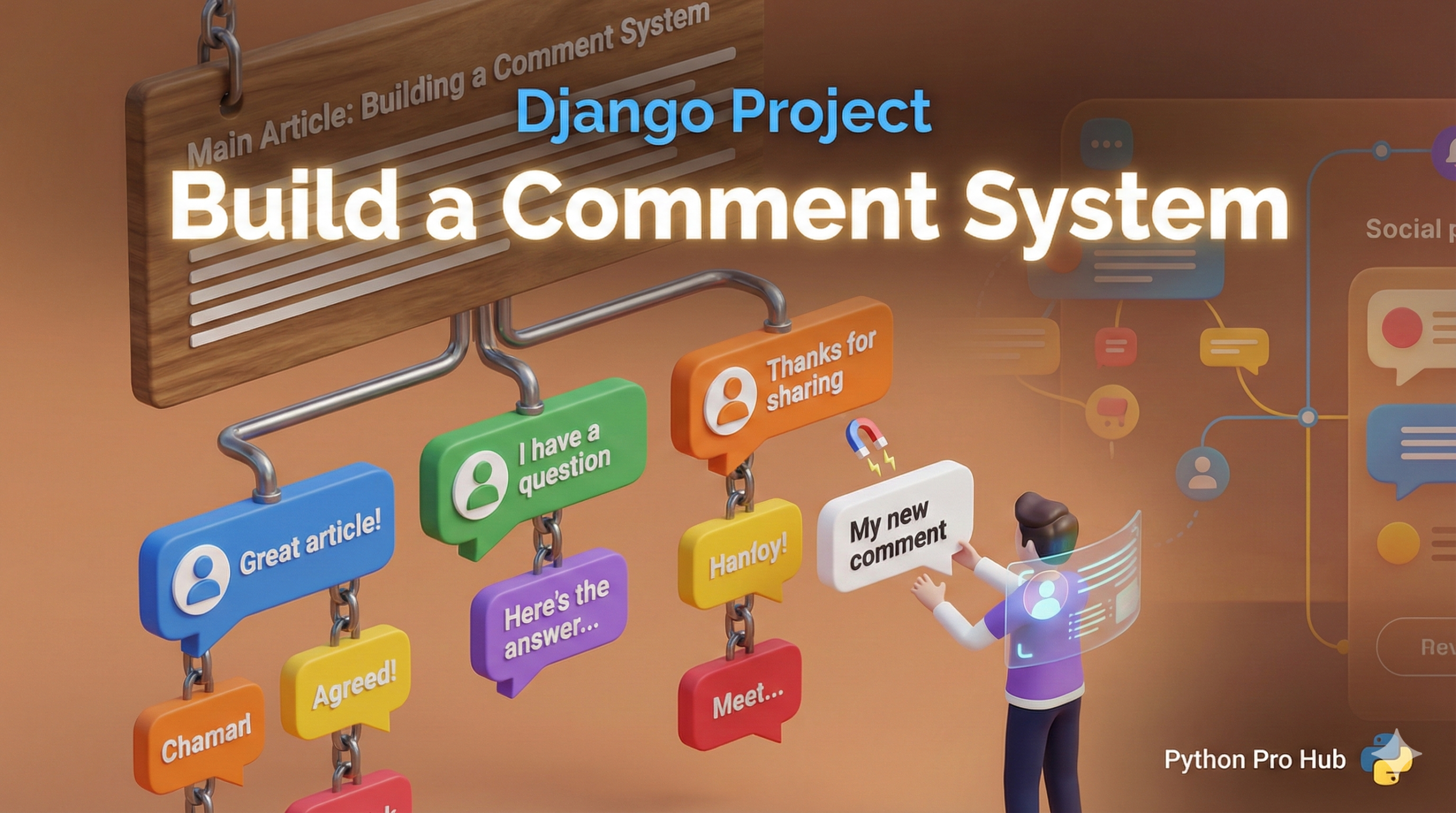
A blog isn’t complete until users can comment. This project will teach you one of Django’s most important concepts: database relationships (ForeignKeys). Building a Django Comment System is a practical way to understand these relationships.
Step 1: The Comment Model
We need a new model that is “linked” to our Post model. Open pages/models.py.
from django.db import models
from django.conf import settings

# ... your Post model ...

class Comment(models.Model):
    # This is the magic!
    # It links each Comment to one Post.
    # 'related_name' lets us do post.comments.all()
    post = models.ForeignKey(Post, on_delete=models.CASCADE, related_name='comments')

    author = models.ForeignKey(settings.AUTH_USER_MODEL, on_delete=models.CASCADE)
    text = models.TextField()
    created_at = models.DateTimeField(auto_now_add=True)

    def __str__(self):
        return self.text[:50]
Run makemigrations and migrate!
Step 2: The CommentForm
We need a form so users can write a comment. Create pages/forms.py.
# pages/forms.py
from django import forms
from .models import Comment

class CommentForm(forms.ModelForm):
    class Meta:
        model = Comment
        fields = ['text']
        widgets = {
            'text': forms.Textarea(attrs={'rows': 3, 'placeholder': 'Add your comment...'})
        }
Step 3: Update The PostDetailView
Your post_detail.html page must now do two things:
- Display existing comments.
- Show a form to add a new comment (and handle the
POSTrequest).
This is now too complex for a generic DetailView. Let’s use a function-based view in pages/views.py.
# pages/views.py
from django.shortcuts import render, get_object_or_404, redirect
from .models import Post
from .forms import CommentForm
from django.contrib.auth.decorators import login_required

def post_detail(request, pk):
    post = get_object_or_404(Post, pk=pk)
    comments = post.comments.all()

    if request.method == 'POST':
        # This part only runs if the form was submitted
        form = CommentForm(request.POST)
        if form.is_valid():
            new_comment = form.save(commit=False) # Create object, but don't save yet
            new_comment.post = post               # Link it to the post
            new_comment.author = request.user     # Link it to the user
            new_comment.save()                    # Save to database
            return redirect('post_detail', pk=post.pk)
    else:
        # This part runs on a normal GET request
        form = CommentForm()

    return render(request, 'pages/post_detail.html', {
        'post': post,
        'comments': comments,
        'form': form,
    })
(Don’t forget to update your pages/urls.py to use this new function view!)
Step 4: Update The Template
In post_detail.html, add the form and the loop.
<h3>Add a Comment</h3>
<form method="post">
  {% csrf_token %}
  {{ form.as_p }}
  <button type="submit">Submit</button>
</form>

<h3>Comments</h3>
{% for comment in comments %}
  <p><strong>{{ comment.author }}</strong> on {{ comment.created_at|date:"N j, Y" }}</p>
  <p>{{ comment.text }}</p>
  <hr>
{% empty %}
  <p>No comments yet.</p>
{% endfor %}
Key Takeaways
- how to create a Django Comment System for user comments on blog posts.
- First, create a Comment model linked to the Post model in pages/models.py.
- Next, implement a CommentForm in pages/forms.py for users to write comments.
- Update PostDetailView to display existing comments and show a form for new comments, using a function-based view.
- Finally, modify post_detail.html to include the comment form and display comments in a loop.